01. Edit your form online
Type text, add images, blackout confidential details, add comments, highlights and more.

Type text, add images, blackout confidential details, add comments, highlights and more.

Draw your signature, type it, upload its image, or use your mobile device as a signature pad.

Send it via email, link, or fax. You can also download it, export it or print it out.
In the modern digital age, "form online" refers to the process of creating, filling out, managing, and submitting various forms over the internet. This could include forms for legal, tax, application, or information-gathering purposes. Online forms are typically hosted on digital platforms like DocHub, which allow users to interact with and complete forms without the need for physical paperwork. This method provides streamlined and accessible ways for individuals and businesses to handle required documentation efficiently, anytime and anywhere.
Accessing the Form: Start by logging into a digital platform that hosts the desired form, such as DocHub. Access may require creating an account or logging in with existing credentials.
Selecting the Form: Find the specific form you need from a library or collection of templates. Many platforms allow you to import forms or start with a blank template.
Filling Out the Form: Use the platform's tools to fill out the necessary fields. This may include inputting text, checking boxes, or selecting options from dropdown menus.
Reviewing the Information: After completing the form, review all entries for accuracy and completeness. Many online form tools allow you to preview the completed document.
Submitting the Form: Once satisfied, submit the form according to the platform's instructions, which can include emailing it directly, downloading a copy for printing, or storing it in a cloud service.
Confirmation and Tracking: Look for confirmation of submission, which some platforms provide through tracking notifications or emails. This ensures that your form has been successfully received or processed.
Form Fields: Online forms contain various fields, such as text boxes, checkboxes, and signature areas. These fields are used to gather specific information structured around the form’s purpose.
Interactive Features: Advanced platforms like DocHub offer interactive features such as automatic field suggestions, real-time collaboration, and the ability to save and continue later.
Security: Online forms are often protected by SSL encryption and require authentication methods like OAuth 2.0 to ensure the safety and privacy of user data.
Accessibility: These forms are accessible from different devices, whether desktop or mobile, allowing users to complete them at their convenience from any location.
Forming online offers numerous advantages:
Efficiency: Speeds up the process of form creation, completion, and submission, reducing the time spent on documentation.
Accuracy: Online forms often have built-in validation to ensure that all necessary fields are completed correctly before submission.
Environmentally Friendly: Reduces the reliance on paper, contributing to environmental conservation efforts.
Cost-Effective: Lowers costs associated with printing, mailing, and storing physical forms.
Taxes: Taxpayers can fill out and submit forms like the W-9 or 1040 online, utilizing tax software for e-filing and compliance.
Applications: Colleges and employers often require online applications, where users can upload resumes and other documents directly.
Surveys: Businesses collect consumer feedback via online surveys, which streamline data collection and analysis.
Legal Documents: Legal agreements, such as non-disclosure agreements or leases, can be executed online with electronic signatures.
Online forms are designed to comply with legal requirements:
Electronic Signatures: Governed by the ESIGN Act, electronic signatures obtained through platforms like DocHub are legally valid and binding.
Data Retention: Platforms often provide an audit trail, ensuring that documents are stored and can be reviewed for legal purposes.
Privacy Measures: Compliance with data protection laws such as GDPR or CCPA is a priority, ensuring user data is handled properly.
Different states may have unique regulations concerning forms completed online:
Tax Forms: States like California may have additional requirements or supplementary forms that must be completed in conjunction with federal tax documentation.
Business Registration: State-specific forms for business registration, such as LLCs or corporations, may have distinct online submission processes.
Qualifications: Forms for professional licenses or certifications may vary, necessitating adherence to state-specific guidelines for online completion.
Online forms often integrate with various software platforms to enhance user experience:
Google Workspace: DocHub allows seamless integration with Google services, enabling users to import files from Google Drive or edit documents accessed via Gmail.
Accounting Software: Tools like QuickBooks or TurboTax can be used in conjunction with online forms to simplify the tax filing process or financial documentation.
Cloud Storage: Compatibility with cloud storage services such as OneDrive or Dropbox allows for easy file management and sharing across platforms.
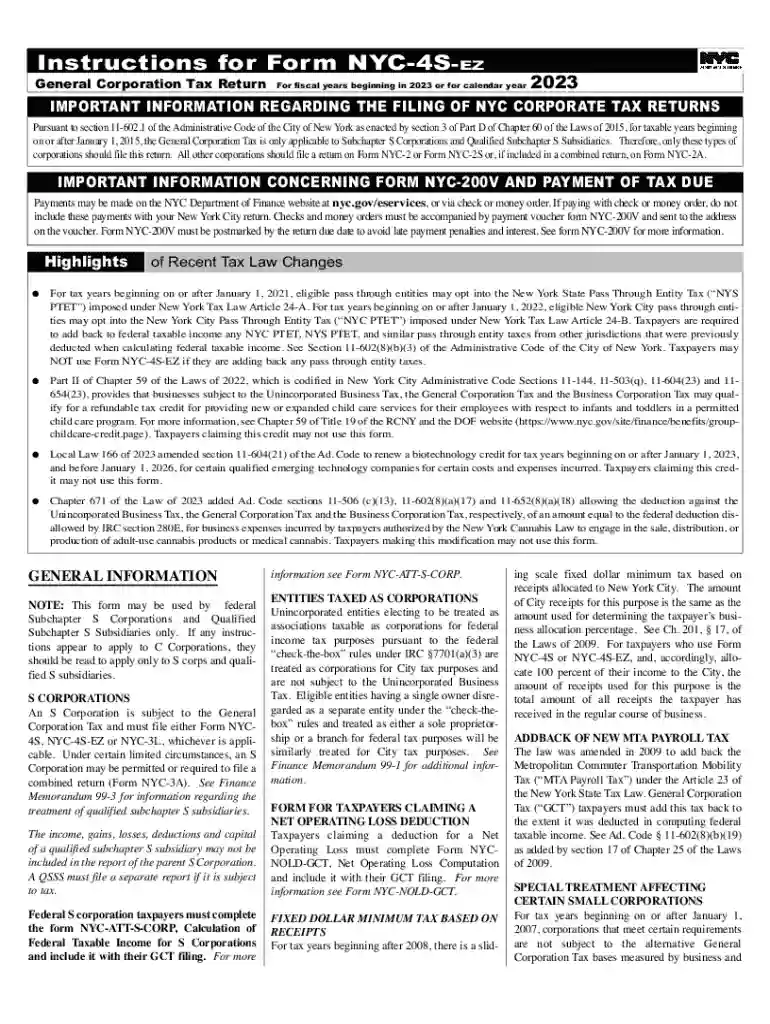
We've got more versions of the NYC-4S-EZ General Corporation Tax Return form. Select the right NYC-4S-EZ General Corporation Tax Return version from the list and start editing it straight away!
| Versions | Form popularity | Fillable & printable |
|---|---|---|
| 2024 | 4.9 Satisfied (25 Votes) | |
| 2023 | 4.2 Satisfied (41 Votes) | |
| 2022 | 4.8 Satisfied (30 Votes) | |
| 2021 | 4.8 Satisfied (60 Votes) | |
| 2020 | 4.3 Satisfied (198 Votes) | |
| 2019 | 4.3 Satisfied (29 Votes) | |
| 2018 | 4.2 Satisfied (117 Votes) | |
| 2018 | 4 Satisfied (54 Votes) | |
| 2017 | 4.2 Satisfied (121 Votes) | |
| 2016 | 4.3 Satisfied (238 Votes) | |
| 2015 | 4.3 Satisfied (326 Votes) | |
| 2012 | 4.4 Satisfied (161 Votes) |
At DocHub, your data security is our priority. We follow HIPAA, SOC2, GDPR, and other standards, so you can work on your documents with confidence.