




01. Edit your form skin questionnaire online
Type text, add images, blackout confidential details, add comments, highlights and more.

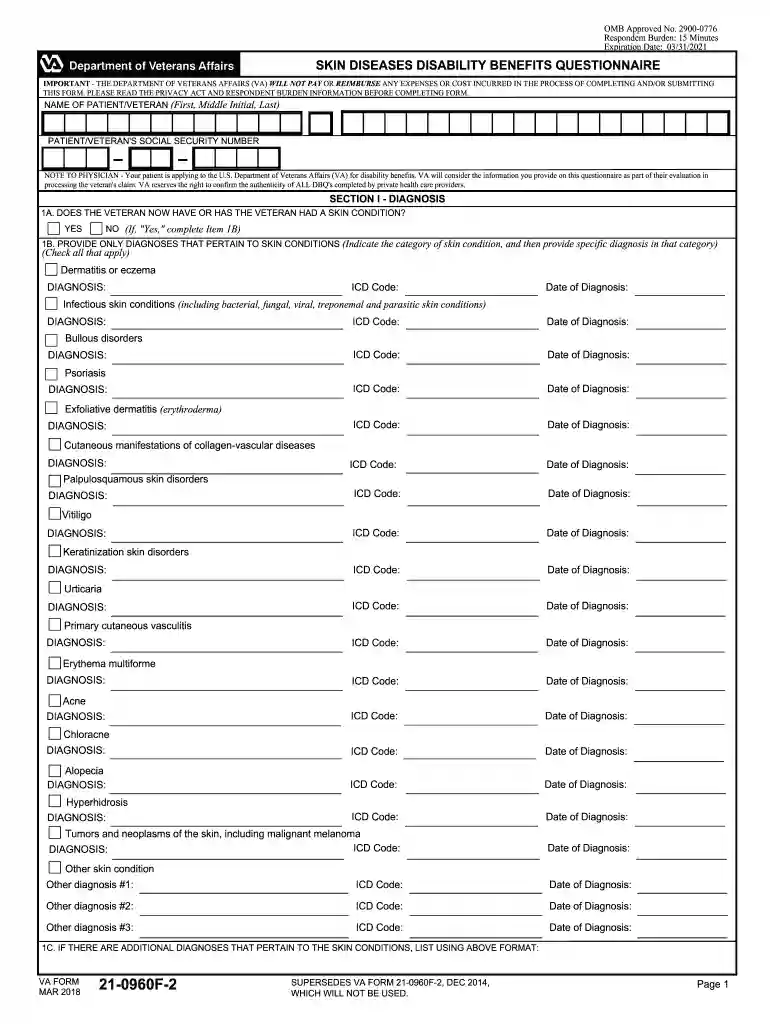
Type text, add images, blackout confidential details, add comments, highlights and more.

Draw your signature, type it, upload its image, or use your mobile device as a signature pad.

Send disability questions via email, link, or fax. You can also download it, export it or print it out.

Start using our platform today for free to streamline your form completion process!
We've got more versions of the form skin questionnaire form. Select the right form skin questionnaire version from the list and start editing it straight away!
Yes, you can utilize DocHub for signing any business and personal paperwork, including your va skin diseases. All electronic signatures you create with our tool are legally binding and court-admissible, as DocHub complies with criteria required by ESIGN and UETA. Save your completed paperwork with a detailed Audit Trail if needed.
In addition to an extensive toolset for editing PDFs on mobile devices, DocHub allows you to sign your severe pain along the way. Open our editor in your internet browser, make changes using DocHub’s toolset, and finish your editing by eSigning the completed form.
At DocHub, your data security is our priority. We follow HIPAA, SOC2, GDPR, and other standards, so you can work on your documents with confidence.
It is important to note that a learning disability is not indicative of an intellectual deficiency. Disorders such as dyslexia, dysgraphia, and dyscalculia ...
Disability Evaluation Under Social Security Listing of Impairments - Adult Listings (Part A) ; 7.00. Hematological Disorders · 8.00. Skin Disorders · 9.00
For the learning disability of written expression, see Dysgraphia. Agraphia is an acquired neurological disorder causing a loss in the ability to communicate ... either due to some form of motor dysfunction or an inability to spell.


