
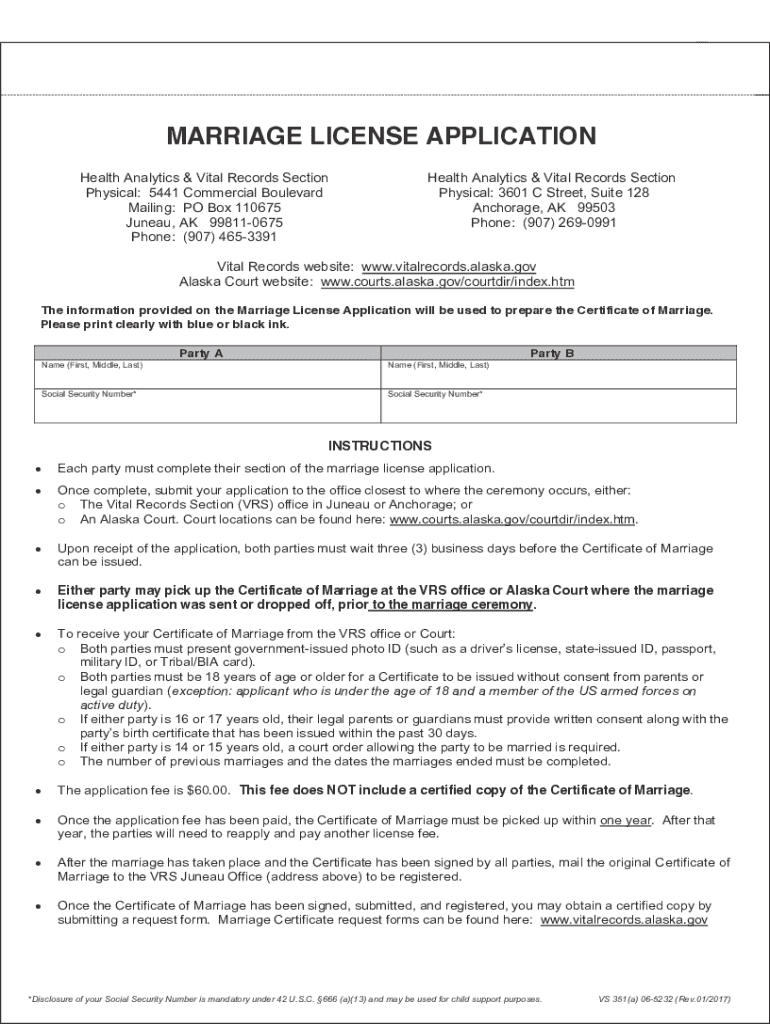







Definition and Meaning
The term "form online" refers to any digital form that can be accessed, completed, and submitted over the internet. These forms are designed to collect information efficiently and can include various types such as application forms, registration forms, or feedback surveys. They offer a convenient alternative to paper forms, enabling users to fill them out electronically from any device with internet access. Online forms simplify data entry processes for individuals and organizations by integrating directly into digital workflows.
Types of Online Forms
- Application Forms: Used for jobs, educational programs, or services.
- Registration Forms: For events, courses, or accounts.
- Feedback Forms: To gather customer opinions or employee insights.
- Order Forms: For purchasing products or services.
- Survey Forms: To conduct research or gather opinions.
Understanding the specific purpose of a form online helps in utilizing it effectively within various contexts.
How to Use the Form Online
Using a form online involves understanding and following specific steps to ensure data is accurately captured and submitted. Here's a general guide:
- Access the Form: Locate the form through a website or a link provided via email or another communication channel.
- Review Instructions: Before filling out the form, read any instructions or guidelines provided to ensure comprehension of what is required.
- Input Information: Carefully enter data into each field, paying attention to required fields and correct formats for entries like dates and email addresses.
- Review Entries: Double-check all entered information for accuracy and completeness.
- Submit the Form: Follow the instructions to submit the form electronically, which may include clicking a submit button or completing a verification process.
Additional Tips
- Save Progress: Use save functions if available, especially for lengthy forms, to avoid losing information.
- Browser Compatibility: Ensure your browser supports the form, as some may require specific settings or plugins.
Steps to Complete the Form Online
Completing a form online typically follows a structured path:
- Identify Necessary Documents: Gather any documents or information you may need to reference while filling out the form.
- Open the Form: Click on the form link or button provided, ensuring your browser is up to date to avoid compatibility issues.
- Fill in Personal Details: Start by entering personal information such as your name, contact details, and address.
- Complete Specific Sections: Detail the required information accurately, such as employment history for a job application, or qualifications for an educational application.
- Upload Documents: If the form requires document uploads, ensure files are in the correct format and size.
- Confirm and Submit: Review all entered information for errors before submitting the form. Keep an acknowledgment or receipt of submission for your records.
Why Should You Use Forms Online
Utilizing forms online offers several advantages, enhancing efficiency and accessibility.
- Convenience: Fill out and submit forms from any location, removing geographical restrictions.
- Time Efficiency: Faster than traditional methods as online forms can be processed immediately without postal delays.
- Environmental Impact: Reduces paper usage, supporting eco-friendly practices.
- Data Accuracy: Minimizes human error through validation checks and pre-filled fields.
- Integration with Systems: Easily integrates with other online services and tools, streamlining processes like customer relationship management.
Who Typically Uses Forms Online
Forms online are utilized by a diverse range of users depending on their goal:
- Individuals: For personal applications, surveys, and purchases.
- Businesses: To streamline employee onboarding, customer feedback, and service requests.
- Educational Institutions: Managing applications, enrollments, and feedback.
- Government Agencies: For tax purposes, census data, and benefit applications.
Key Elements of the Form Online
An effective online form contains several critical elements designed to simplify its use:
- Intuitive Design: A clean, uncluttered layout with logical flow between sections.
- Clear Labeling: Well-defined labels for each field to guide the user.
- Responsive Fields: Dynamic fields that adapt based on prior user input.
- Validation Rules: Constraints and checks to verify data accuracy.
- Submission Confirmation: Immediate acknowledgment upon successful form submission.
Legal Use of the Form Online
Legal considerations are vital when dealing with forms online, especially for compliance with relevant laws and regulations.
Regulatory Compliance
- Data Protection: Online forms must comply with privacy laws such as GDPR or CCPA, ensuring safe handling of personal data.
- ESIGN Act: Electronic signatures collected through forms online must comply with U.S. law to be considered legally binding.
- Disclosure Requirements: Properly inform users about data usage and consent for form submission and digital transactions.
Examples of Using Forms Online
The practical application of forms online spans various real-world scenarios:
- Customer Surveys: Businesses gather feedback online to improve services.
- Job Applications: Candidates submit applications electronically, streamlining recruitment.
- Event Registrations: Attendees register online for events, enabling smooth data collection and management.
- Permit Applications: Government agencies allow online submission of permits, reducing bureaucratic delays.
By embracing forms online, both individuals and organizations achieve improved efficiencies and enhanced user experiences.




