




Here's how it works
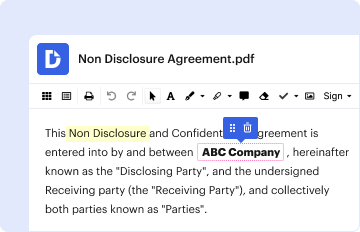
01. Edit your tennessee resale certificate online
Type text, add images, blackout confidential details, add comments, highlights and more.
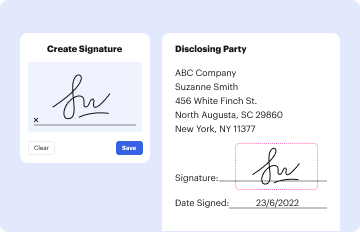
02. Sign it in a few clicks
Draw your signature, type it, upload its image, or use your mobile device as a signature pad.

03. Share your form with others
Send tn resale certificate via email, link, or fax. You can also download it, export it or print it out.
How to use or fill out tennessee resale certificate pdf with our platform

- Click ‘Get Form’ to open the Tennessee Resale Certificate PDF in the editor.
- Begin by entering the Vendor’s Name and Address at the top of the form. This information is crucial for identifying the seller.
- In the section where you certify your reason for purchase, select one of the options provided. You can check multiple boxes if applicable, such as 'Resale as tangible personal property' or 'Rental or leasing of tangible personal property.'
- Fill in your Business Name and Sales Tax Registration Number. This verifies your eligibility for tax exemption.
- Next, provide your name as the Authorized Purchaser and add your signature to validate the certificate.
- Finally, enter the Effective Date of Registration and your Address. Ensure all fields are completed accurately before saving.
Start using our platform today to fill out your Tennessee Resale Certificate PDF easily and for free!
Fill out tennessee resale certificate pdf online
It's free
It's free
Security and compliance
At DocHub, your data security is our priority. We follow HIPAA, SOC2, GDPR, and other standards, so you can work on your documents with confidence.
Learn more


Related forms

Law society complaint form pdf
The document is a complaint form for individuals wishing to lodge a grievance against an attorney. It requires personal ...

Lexington excess flood application
The document is an Excess Flood Insurance Application for Lexington Insurance Company, requiring detailed information fr ...
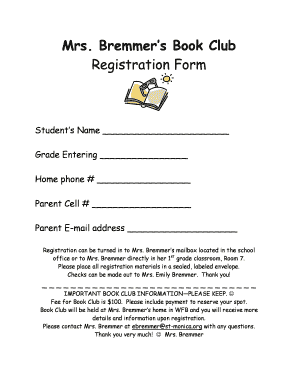
Book club registration form
The document is a registration form for Mrs. Bremmer's Book Clubs, which cater to students entering grades SK through 8. ...

Souvenir Journal Ad Form - Wix
The document is a Souvenir Journal Ad Form for the Phoenix AKARAMA Foundation's 2012 Fashionetta Scholarship Breakfast a ...
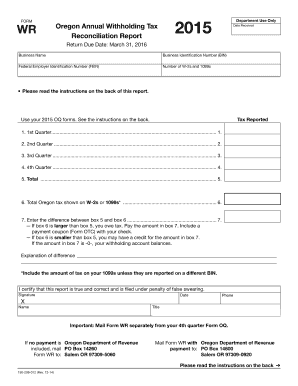
Form wr oregon 2015
The document is the Oregon Annual Withholding Tax Reconciliation Report for 2015, which employers must file by March 31, ...

Ultrasonic testing report format
The document is a lab report form used for evaluating welds in structures, specifically under the guidelines of the AWS ...

Act 153 volunteer affidavit
The document is an ACT 153 Volunteer Affidavit for the Commonwealth of Pennsylvania, which serves as a declaration by an ...

ROCKY FORD SCHOOL DISTRICT Emergency Crisis - rockyford k12 co
The Rocky Ford School District Emergency/Crisis Management Plan outlines procedures for responding to various emergencie ...