




01. Edit your form online
Type text, add images, blackout confidential details, add comments, highlights and more.

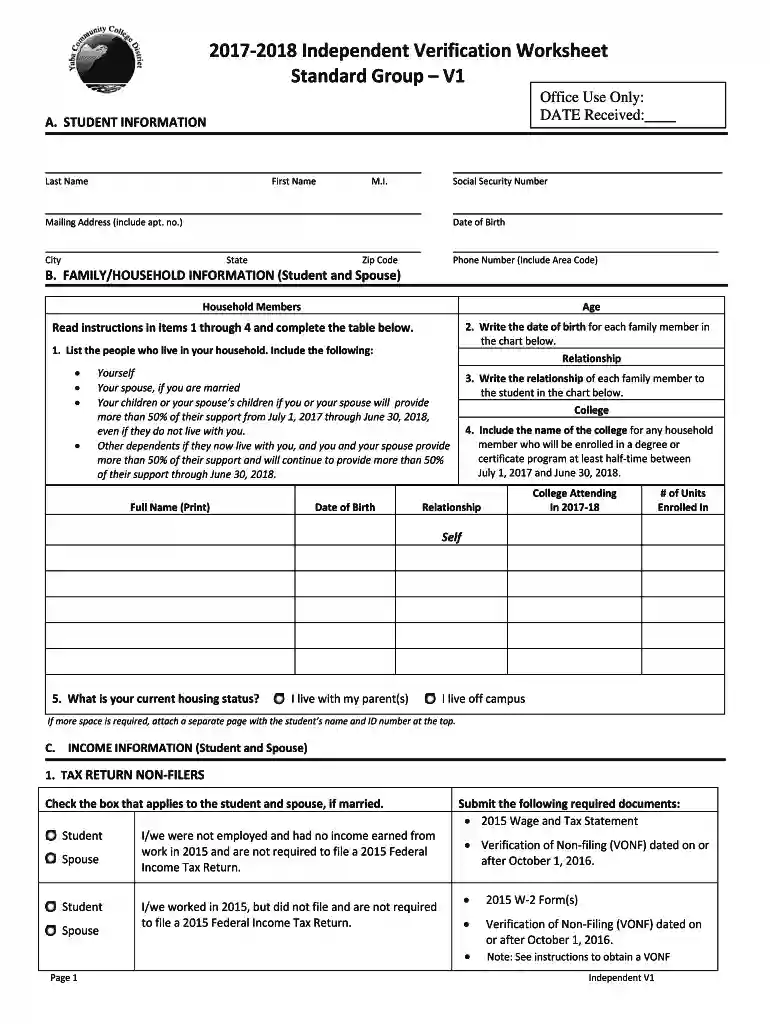
Type text, add images, blackout confidential details, add comments, highlights and more.

Draw your signature, type it, upload its image, or use your mobile device as a signature pad.

Send it via email, link, or fax. You can also download it, export it or print it out.
The "Directions and Campus Map - Welcome to Yuba College" serves as a navigational guide for students, faculty, and visitors within the Yuba College campus. This document provides detailed instructions on accessing various parts of the campus, ensuring newcomers and regular users can find their way efficiently. It is crucial for orientation, helping students and visitors identify key buildings, parking areas, and important services. This map aids in familiarizing oneself with the campus layout, thus minimizing confusion during initial visits.
To maximize the benefits of the campus map, users should identify their location upon arrival and follow the map’s instructions to their desired destination. Important landmarks and building labels are typically highlighted for easy recognition. For example, if new students have their first class in the library, they can trace the route from their current location to the library using the directional arrows and building labels on the map. Additionally, the color-coded sections can help in quickly identifying specific departments or facilities.
Identify Your Starting Point: Locate where you are currently situated on the campus map.
Locate Your Destination: Find the building or area you need to access. This could include classrooms, administrative offices, or recreational facilities.
Follow the Route: Use the highlighted paths or directional arrows that lead from your starting point to your destination. Pay attention to landmarks and signs along the way.
Check for Additional Information: Look for notes or symbols indicating accessibility features, restrooms, and emergency exits.
Reconfirm Your Route: If you feel unsure, consider checking with available campus staff or referencing map legends to ensure your route is correct.
The map is primarily utilized by students and faculty members, especially those new to Yuba College. Visiting scholars, prospective students, and other guests such as event participants would find it beneficial. Campus security and administrative staff can also rely on the map for logistical planning and emergency response drills. Orientation leaders and tour guides use it extensively during campus visits to provide accurate guidance to newcomers.


Building Names and Numbers: Each facility is clearly labeled, reducing the confusion of finding specific locations.
Pathways and Roads: Marked pathways indicate pedestrian routes and roads for vehicular access.
Parking Zones: Designated areas for student, faculty, and visitor parking are highlighted.
Emergency Exits and Services: Locations for emergency facilities and service desks are clearly indicated.
Recreation and Dining Areas: These facilities are distinctly marked to aid in locating social and recreational spots.
Consider a scenario where a student attending an orientation session needs to access the lecture halls in the Main Building. By using the campus map, the student can identify the nearest parking area, locate the Main Building, and walk a direct path. Similarly, a visiting lecturer might need to find the faculty lounge—using the map helps streamline the campus navigation process for efficiency and confidence.
Legend: A guide explaining symbols and color codes on the map, essential for accurate interpretation.
Compass Rose: Indicates the cardinal directions for better orientation on the map.
Facilities Index: A list correlating the names with their positions on the map.
While the primary map is provided for general navigation, digital versions might be available through Yuba College’s official website or mobile applications offering real-time navigation and updates. Virtual tours may also serve as supplemental resources for prospective students and remote users wishing to familiarize themselves before visiting in person.
Digital versions of the campus map offer several advantages, including live updates on campus events, traffic alerts, and new construction areas, which may not be reflected on paper maps. These interactive maps also allow users to zoom in for more detail and access multimedia information on specific locations. Meanwhile, paper maps are compact, do not require an internet connection, and can be utilized as a quick reference during on-campus activities.
The campus map is often available as a downloadable PDF, ensuring compatibility with most devices and document management software such as Adobe Reader and DocHub’s editing tools. This versatility supports accessibility and convenience for users who prefer digital documentation, either on desktop or mobile devices.
We've got more versions of the Directions and Campus Map - Welcome to Yuba College form. Select the right Directions and Campus Map - Welcome to Yuba College version from the list and start editing it straight away!
At DocHub, your data security is our priority. We follow HIPAA, SOC2, GDPR, and other standards, so you can work on your documents with confidence.


