




01. Edit your form online
Type text, add images, blackout confidential details, add comments, highlights and more.

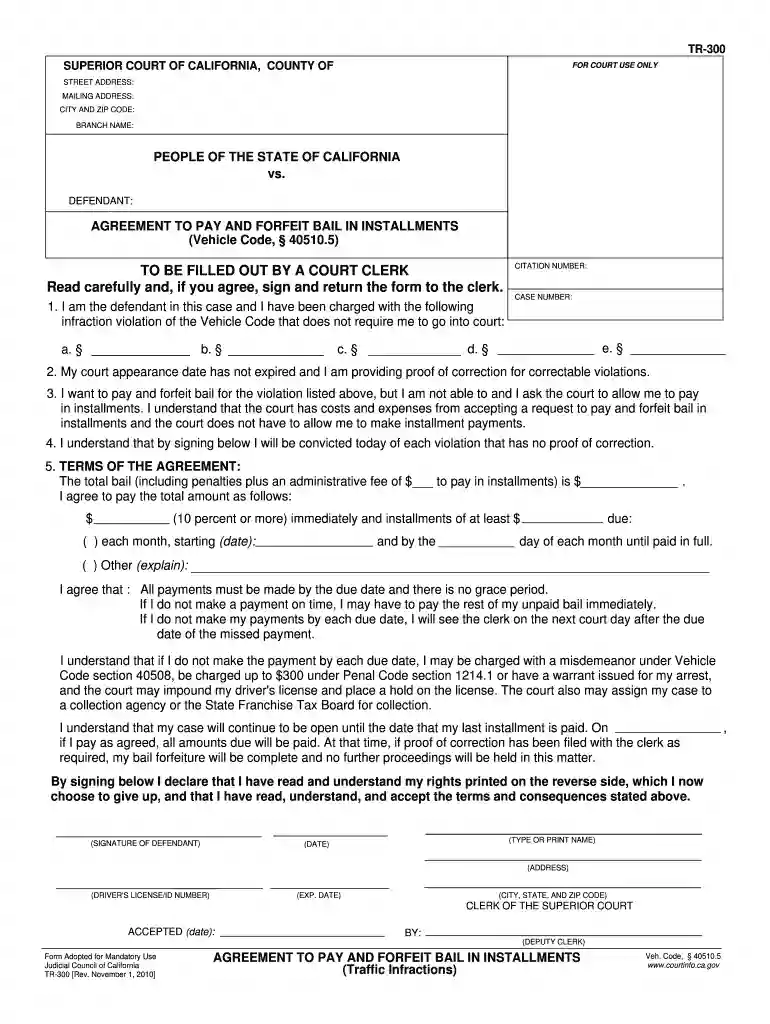
Type text, add images, blackout confidential details, add comments, highlights and more.

Draw your signature, type it, upload its image, or use your mobile device as a signature pad.

Send it via email, link, or fax. You can also download it, export it or print it out.
The "typeable and printable birth certificate 2010 form" refers to a digitized version of a birth certificate document designed for easy customization and printing. It offers a user-friendly interface for individuals needing a physical copy of a birth certificate, often used for a variety of legal and personal identification purposes. The form is adaptable for completion using digital typing tools, enhancing accuracy and legibility compared to handwritten forms. Birth certificates are critical documents, serving as official proof of identity, age, and nationality, often required for enrolling in schools, obtaining passports, or registering for governmental programs.
Using the form involves several straightforward steps to ensure accurate completion:
Access the Form: Obtain a copy of the form, typically available through online government portals or specialized document handling services like DocHub.
Input Information: Enter required personal details such as the individual's full name, date of birth, place of birth, and parents’ names. Ensure accuracy to avoid delays in processing.
Review and Adjust: Verify all input information for completeness and correctness. Use the digital features to adjust spacing or styling if necessary.
Print the Document: Once finalized, print the form on high-quality paper to ensure durability and readability.
Submit for Verification: Depending on the state or governing body's requirements, the printed form may need to be submitted in person or sent via mail for official approval and issuance of a certified birth certificate.
Completing the form requires attention to detail and adhering to the following steps:
Gather Necessary Information:
Fill Out the Form Electronically:
Sign the Document:
Attach Required Documentation:
Follow Submission Instructions:
Choosing a typeable and printable form offers numerous advantages:
Understanding key terms facilitates proper use of the form:
The form serves several legitimate functions within the U.S. legal context:
Different U.S. states may implement unique rules regarding the birth certificate form:
Consider real-world scenarios where this form might be used:
Several components are indispensable within the form:
By ensuring comprehensive understanding and adherence to the outlined procedures, users can maximize the utility and accuracy of the "typeable and printable birth certificate 2010 form," offering a streamlined approach to document handling in critical identity-related processes.
We've got more versions of the typeable and printable birth certificate 2010 form form. Select the right typeable and printable birth certificate 2010 form version from the list and start editing it straight away!
At DocHub, your data security is our priority. We follow HIPAA, SOC2, GDPR, and other standards, so you can work on your documents with confidence.
CDPH 9126 (PDF) - Application for Requesting a Sealed Record ; VS 12, 13 E (PDF) - Application for Certified Copy of Fetal Death Record or Still Birth Record.
Jul 15, 2025 birth certificate issued on or after July 1, 2010. Birth Certificate. Image of a sample United States birth certificate. 4. Native American
User Guide to the 2014 Natality Public Use File. Introduction. United States birth data available in this file represent all births registered in the 50.


