




01. Edit your how to get unmarried certificate online
Type text, add images, blackout confidential details, add comments, highlights and more.

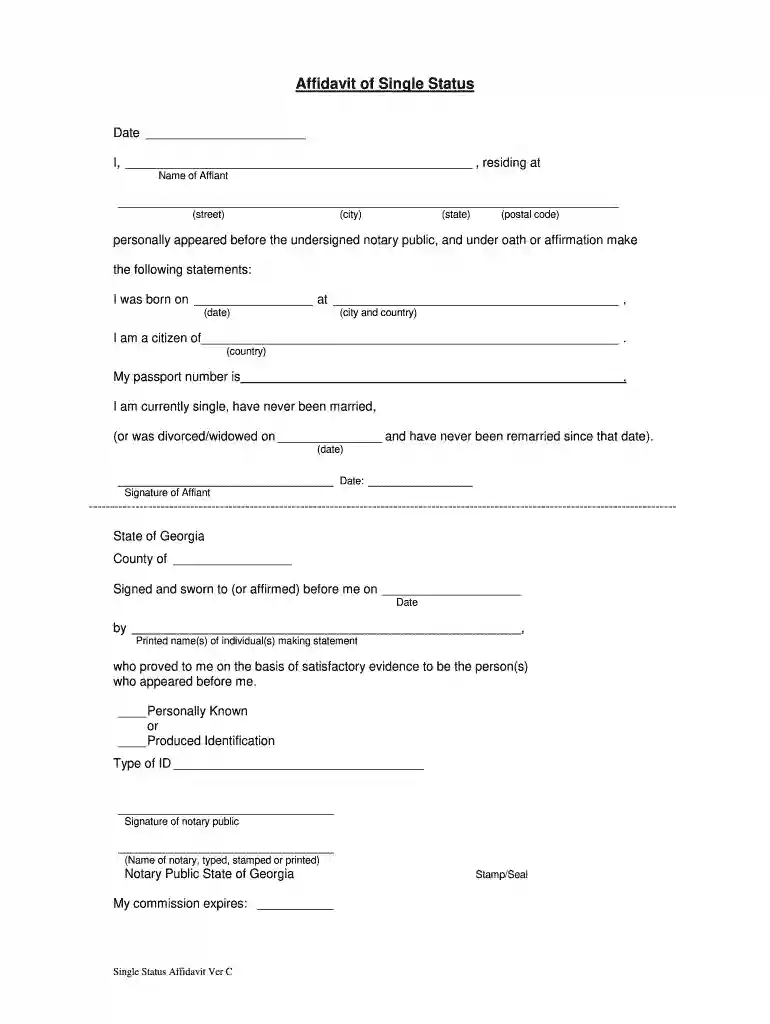
Type text, add images, blackout confidential details, add comments, highlights and more.

Draw your signature, type it, upload its image, or use your mobile device as a signature pad.

Send unmarried certificate online via email, link, or fax. You can also download it, export it or print it out.

Start using our platform today to easily fill out your unmarried certificate for free!
At DocHub, your data security is our priority. We follow HIPAA, SOC2, GDPR, and other standards, so you can work on your documents with confidence.

General Eligibility Requirements for. Naturalization. Be at least 18 years old at the time of filing. Be a permanent resident (have a green.Read more
(Name of person you wish to marry according to his/her passport or identification) Copy of my birth certificate is not attached. The U. S. Embassy KualaRead more
To obtain this certificate, individuals must fill out a request form and submit it along with necessary documents to the relevant consulate, which will thenRead more


