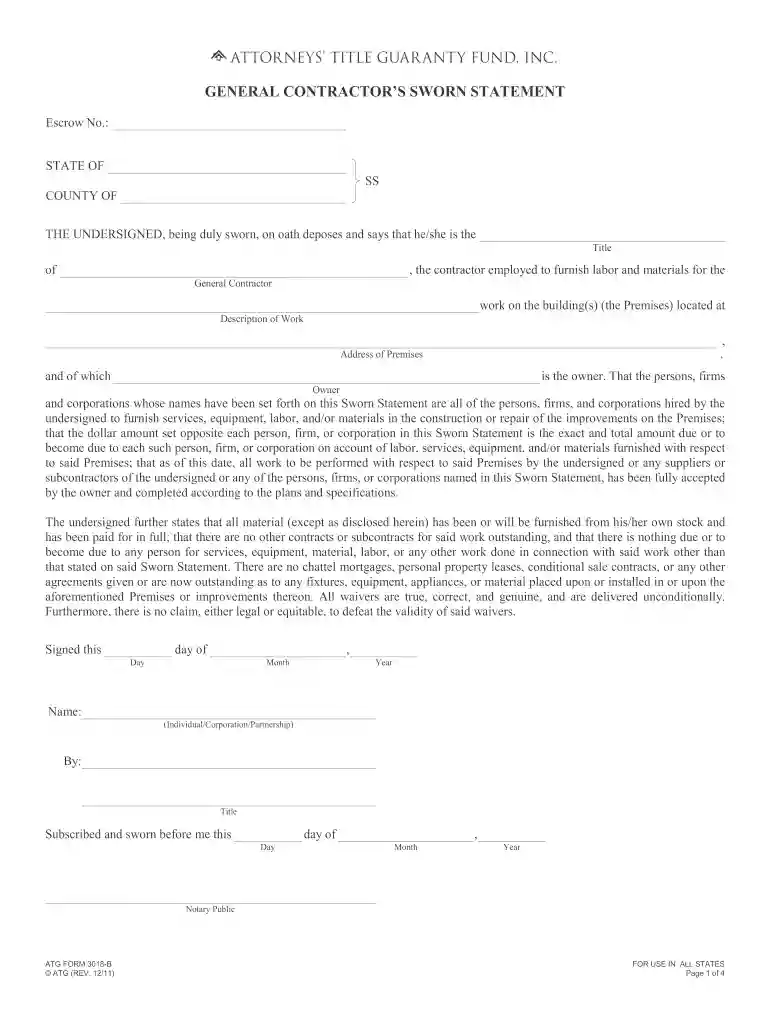
contractor's sworn statement illinois Preview on Page 1

How to contractor statement 2026

Here's how it works

  • 01. Edit your contractor's sworn statement illinois online

    Type text, add images, blackout confidential details, add comments, highlights and more.

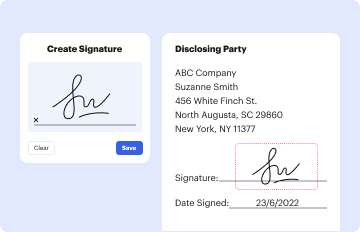
  • 02. Sign it in a few clicks

    Draw your signature, type it, upload its image, or use your mobile device as a signature pad.
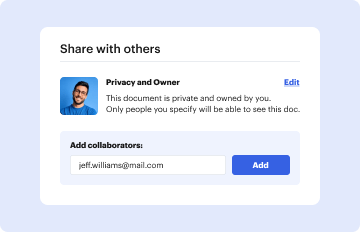
  • 03. Share your form with others

    Send owners sworn statement via email, link, or fax. You can also download it, export it or print it out.

How to use or fill out the Contractor Statement with our platform

Form edit decoration
9.5
Ease of Setup
DocHub User Ratings on G2
9.0
Ease of Use
DocHub User Ratings on G2
  1. Click ‘Get Form’ to open the Contractor Statement in the editor.
  2. Begin by filling in the 'Escrow No.' and 'State' fields at the top of the form. This information is crucial for identifying your project.
  3. In the section labeled 'THE UNDERSIGNED,' enter your name and title as the contractor, along with the owner's name and address of the premises where work was performed.
  4. List all persons, firms, and corporations hired for labor and materials in the designated table. Ensure you accurately input amounts due next to each entry.
  5. Complete the recap section at the end of the form by calculating totals for contract amounts, retainage, and balance due. Double-check your calculations for accuracy.
  6. Finally, sign and date the document where indicated, ensuring that it is notarized if required.

Start using our platform today to streamline your document editing and signing process for free!

See more contractor's sworn statement illinois versions

We've got more versions of the contractor's sworn statement illinois form. Select the right contractor's sworn statement illinois version from the list and start editing it straight away!

VersionsForm popularityFillable & printable
20234.8 Satisfied (45 Votes)
20114.9 Satisfied (242 Votes)

be ready to get more

Complete this form in 5 minutes or less

Security and compliance

At DocHub, your data security is our priority. We follow HIPAA, SOC2, GDPR, and other standards, so you can work on your documents with confidence.
be ready to get more

Complete this form in 5 minutes or less

general contractor sworn statement

Instructions For Completing Davis-Bacon and Related Acts

Form WH-347 provides fields for contractors and subcontractors to document all wages paid to each worker, whether paid entirely as cash wages or by aRead more

Learn more
Contractor Agreement

Contractor shall submit an itemized statement of Contractors expenses. Client shall pay the Contractor within 30 days after receipt of each statement.Read more

Learn more
If you believe that this page should be taken down, please follow our DMCA take down process here