




Here's how it works

01. Edit your dochub com fillable form online
Type text, add images, blackout confidential details, add comments, highlights and more.

02. Sign it in a few clicks
Draw your signature, type it, upload its image, or use your mobile device as a signature pad.

03. Share your form with others
Send dog vaccination record printable pdf free via email, link, or fax. You can also download it, export it or print it out.
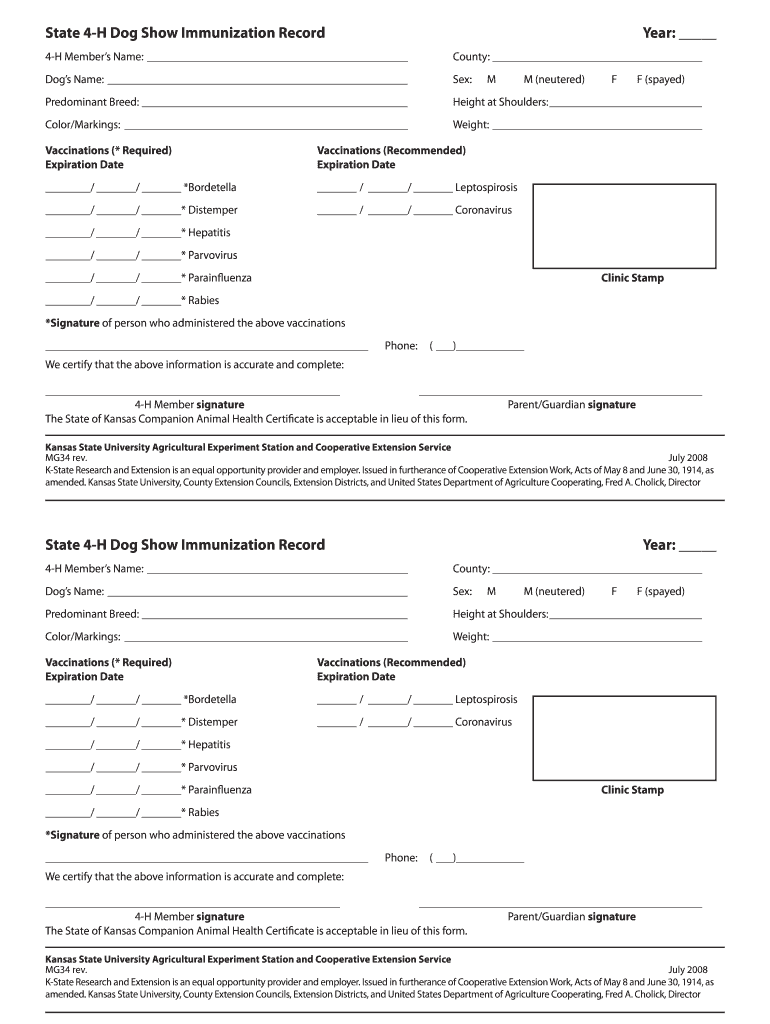
How to use or fill out dog vaccination card with our platform

- Click ‘Get Form’ to open the dog vaccination card in the editor.
- Begin by entering the 'Year' at the top of the form. This helps track the vaccination records for that specific year.
- Fill in the '4-H Member’s Name' and 'County' fields to identify who is responsible for the dog’s vaccinations.
- Provide your dog's name, sex, predominant breed, height at shoulders, color/markings, and weight in their respective fields.
- In the 'Vaccinations (* Required)' section, enter the expiration dates for each required vaccination such as Leptospirosis and Distemper.
- For recommended vaccinations, fill in expiration dates for Bordetella, Coronavirus, Hepatitis, Parvovirus, Parainfluenza, and Rabies.
- Ensure to include a signature from the person who administered the vaccinations along with their phone number.
- Finally, both the 4-H member and parent/guardian should sign to certify that all information is accurate and complete.
Start using our platform today to easily fill out your dog vaccination card online for free!
Fill out dog vaccination card online
It's free
Security and compliance
At DocHub, your data security is our priority. We follow HIPAA, SOC2, GDPR, and other standards, so you can work on your documents with confidence.
Learn more


Related forms

UNCONDITIONAL WAIVER AND RELEASE ON FINAL PAYMENT
This document is an Unconditional Waiver and Release on Final Payment for the IDEA Bluff Springs New Campus project. It ...
DOCUMENTATION OF VERBAL DISCIPLINARY ACTION
The document is a template for recording verbal disciplinary actions taken against an employee, including details such a ...

Notice of revised estimated selling price
The document outlines the procedure for real estate agents in New South Wales to revise and communicate the estimated se ...
Tennessee Real Estate Residential Property Disclosure Form
The Tennessee Residential Property Condition Disclosure document outlines the requirements for sellers to disclose the c ...
Ordering PSA Consular ROM and ROB - Page 3 - Philippines
The document outlines the requirements and procedures for registering a birth at the Philippine Consulate General in Chi ...
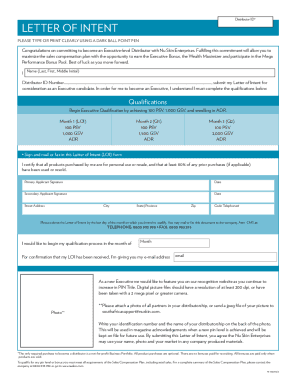
UWG4 AWG4: Missing Changing the Distributor IDFix It
The document is a Letter of Intent for individuals committing to become Executive-level Distributors with Nu Skin Enterp ...

Modelo de Contrato de Alianza Estratgica Internacional Modelo de Contrato de Alianza Estratgica Inte
Modelo de Contrato de Alianza Estratgica Internacional Modelo de Contrato de Alianza Estratgica Inte
El documento es un modelo de contrato para establecer una Alianza Estratégica Internacional entre dos empresas de difere ...
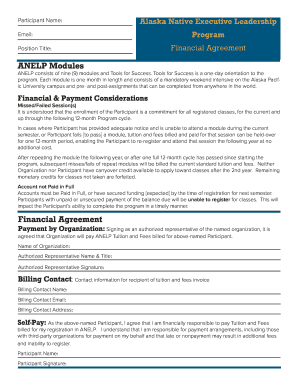
Moving life ahead with Alaska Pacific University
The document is a Financial Agreement for the Alaska Native Executive Leadership Program (ANELP), detailing the financia ...