
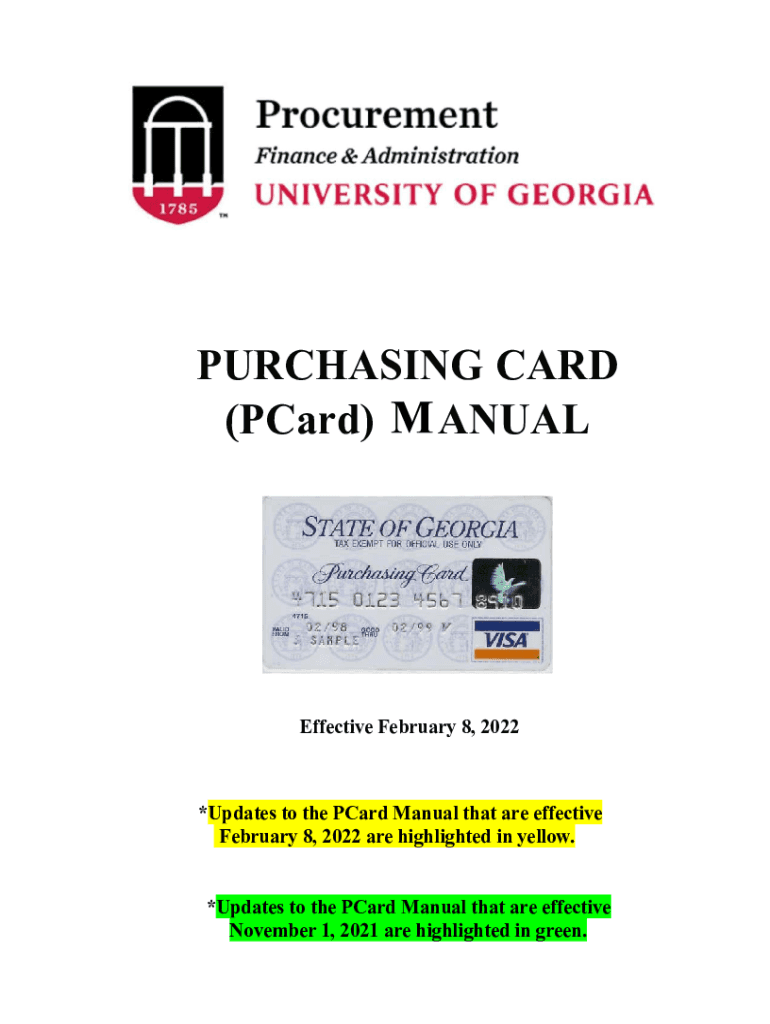




Here's how it works

01. Edit your pcard manual online
Type text, add images, blackout confidential details, add comments, highlights and more.

02. Sign it in a few clicks
Draw your signature, type it, upload its image, or use your mobile device as a signature pad.

03. Share your form with others
Send purchasing card manual via email, link, or fax. You can also download it, export it or print it out.
How to use or fill out pcard manual with our platform

- Click 'Get Form' to open the pcard manual in the editor.
- Begin by reviewing the Overview section, which outlines the purpose and guidelines for using the purchasing card (PCard). Familiarize yourself with key terms and definitions provided in Appendix C.
- Proceed to Section 2, 'What is a Purchasing Card?', to understand its functionalities and limitations. This will help you determine when and how to use the PCard effectively.
- Fill out the New PCard Request Form as detailed in Section 4. Ensure all required signatures are obtained before submission.
- Review allowable purchases in Section 6. This section provides clarity on what can be purchased with a PCard, ensuring compliance with university policies.
- Utilize the transaction log template provided in Appendix D to maintain records of your purchases, ensuring all documentation is accurate and complete.
Start editing your pcard manual today for free on our platform!
Fill out pcard manual online
It's free
It's free
Got questions?
We have answers to the most popular questions from our customers. If you can't find an answer to your question, please contact us.
Contact us
What is a pcard in procurement?
P-cards, or purchase cards, are company cards that employees can use to make business purchases without going through the traditional purchase request and approval process. Also known as procurement cards, P-cards allow your employees to spend company money when they need to.
Is a P-card better than a credit card?
Biweekly Reconciliation Schedule Once a PCard purchase is made, it will feed into Concur two business days after it has posted to the U.S. Bank system. Monthly U.S. Bank statement cycles are split into two Concur reportsone report for the first half of the cycle and one report for the second half.
What is a P-card and how does it work?
Purchasing cards and credit cards are both for making business purchases, and neither is inherently better. They each offer benefits: With a purchasing card, you have greater control over spending; with a credit card, you can roll over your balance.
How does pcard work?
A P-Card is a purchasing tool that functions as a credit card. Unlike personal credit cards, there are only a few categories of goods that can be purchased with a P-Card. Additionally, the P-Card cannot be used to pay for purchase services. It is exclusively used to purchase permissible goods.
Is pcard free?
With the Pcard+, you automatically benefit from the best rates, such as reductions of up to 30% or evening flat-rates in participating car parks. The Pcard+ is free and you are charged only on the basis of what you actually use.
Security and compliance
At DocHub, your data security is our priority. We follow HIPAA, SOC2, GDPR, and other standards, so you can work on your documents with confidence.
Learn more


People also ask
How do P-card purchases get reconciled?
P-Card risks Conflicts of interest, including those between the requester, cardholder, approver and receiver of a purchase. Splitting transactions (i.e., charging a purchase in two or more parts to avoid single transaction limits, approval requirements and/or receipt thresholds to disguise fraudulent transactions)


