




01. Edit your business occupation activities online
Type text, add images, blackout confidential details, add comments, highlights and more.

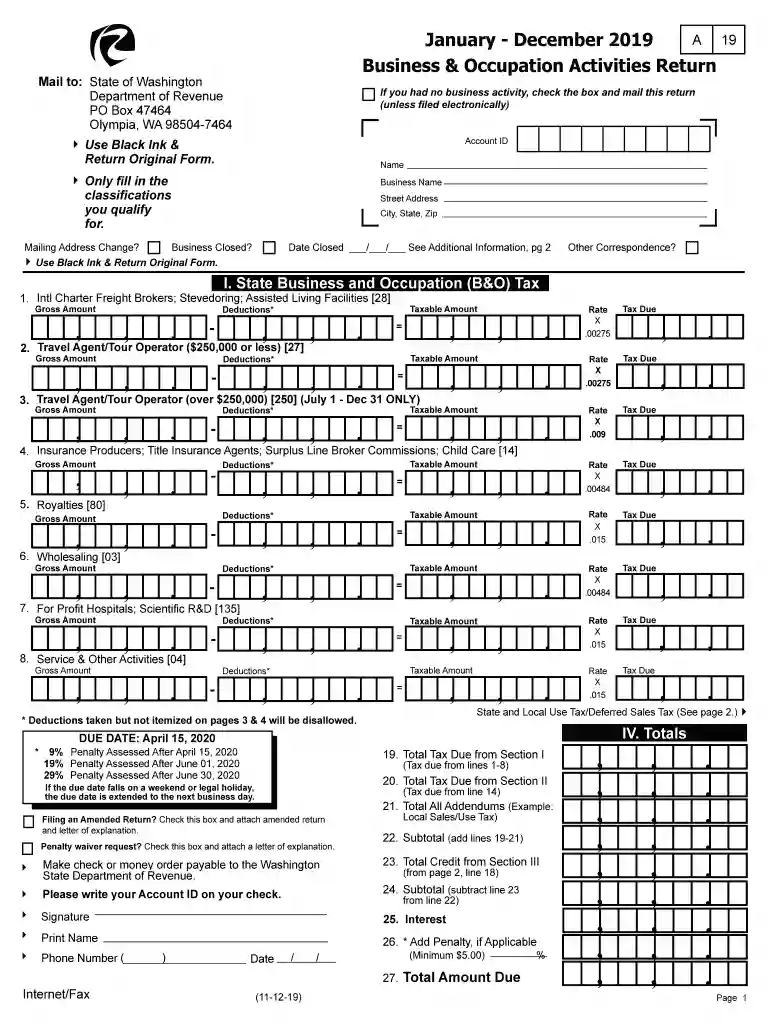
Type text, add images, blackout confidential details, add comments, highlights and more.

Draw your signature, type it, upload its image, or use your mobile device as a signature pad.

Send business occupation activities via email, link, or fax. You can also download it, export it or print it out.

Start using our platform today to streamline your document editing and filing process for free!
We've got more versions of the business occupation activities form. Select the right business occupation activities version from the list and start editing it straight away!
At DocHub, your data security is our priority. We follow HIPAA, SOC2, GDPR, and other standards, so you can work on your documents with confidence.
Feb 2, 2026 You could position yourself for a career in accounting, human resources, marketing, operations or a variety of other options by choosing aRead more
Find Washington State BO tax classification definitions to help determine how to report your business income under the correct excise tax categories.
Professional Activities allow players with Top-Tier Professions more gameplay opportunities to explore their chosen identity by taking additional work-for-hire.Read more


