




01. Edit your form online
Type text, add images, blackout confidential details, add comments, highlights and more.

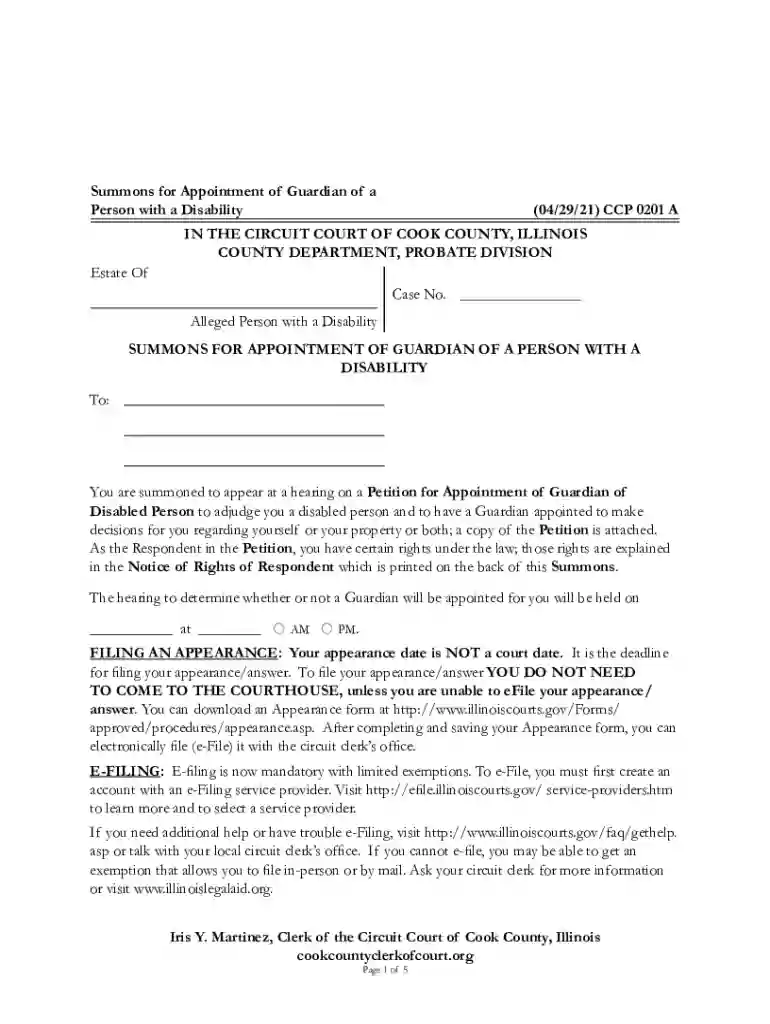
Type text, add images, blackout confidential details, add comments, highlights and more.

Draw your signature, type it, upload its image, or use your mobile device as a signature pad.

Send it via email, link, or fax. You can also download it, export it or print it out.

Start using our platform today to easily fill out and manage your legal documents online, for free!
We've got more versions of the Summons For Appointment Of Guardian For Disabled Person 39D form. Select the right Summons For Appointment Of Guardian For Disabled Person 39D version from the list and start editing it straight away!
Of course, electronically drawing your signature is acceptable, but only if you use a tool that complies with industry regulations and policies. Consider DocHub, which guarantees eSignature validity under ESIGN and UETA requirements. All you need to approve your Summons For Appointment Of Guardian For Disabled Person 39D electronically is an account with DocHub and an internet connection. When you open your file in our editor, click Sign and choose the Draw option.
You can easily edit and complete your Summons For Appointment Of Guardian For Disabled Person 39D on any iOS device. Open an internet browser of your choice, go to the DocHub website, authorize or create a new account, upload your file for editing, and make your desired adjustments. Our service is mobile-friendly, so utilizing its features on your smartphone will be a no-brainer, even on the first try.
At DocHub, your data security is our priority. We follow HIPAA, SOC2, GDPR, and other standards, so you can work on your documents with confidence.
Learn how to file for legal guardianship of an incapacitated adult and find out which forms youll need to file.
by N Karp 2007 Cited by 21 Court-appointed guardians step into the shoes of at-risk elders and dependent adults, making judgments about medical care, property, living arrangements,Read more


