




01. Edit your form online
Type text, add images, blackout confidential details, add comments, highlights and more.

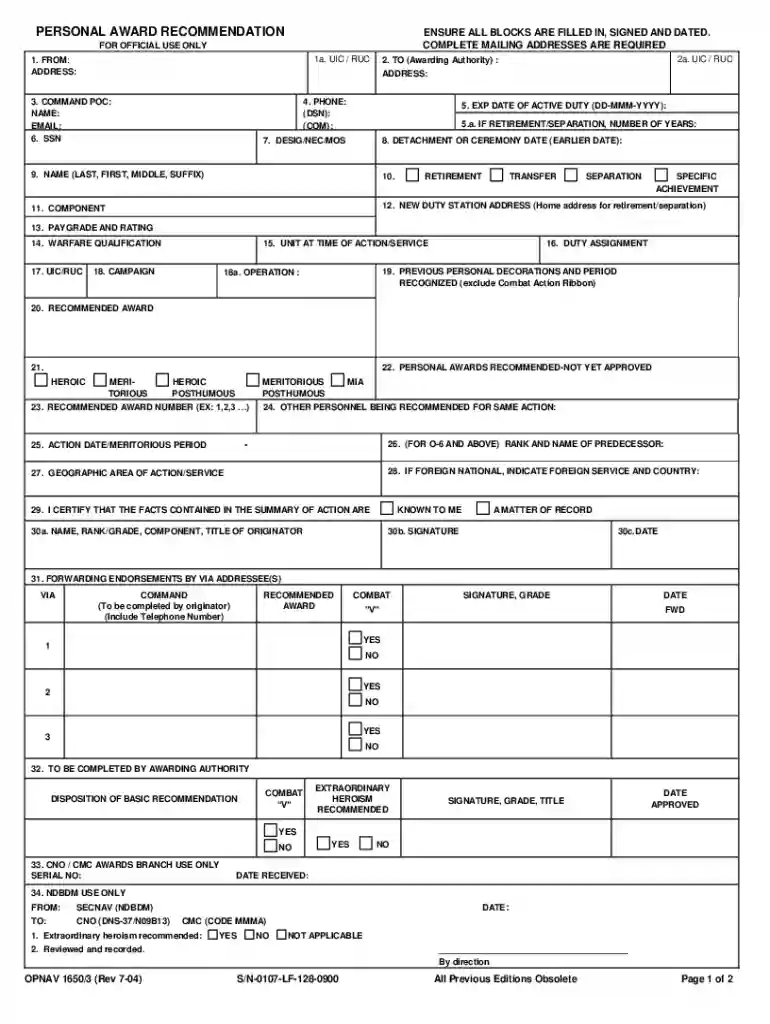
Type text, add images, blackout confidential details, add comments, highlights and more.

Draw your signature, type it, upload its image, or use your mobile device as a signature pad.

Send it via email, link, or fax. You can also download it, export it or print it out.

Start using our editor today for free to streamline your award recommendation process!
We've got more versions of the PERSONAL AWARD RECOMMENDATIONENSURE ALL BLOCKS ARE FILLED IN, SIGNED AND DATED form. Select the right PERSONAL AWARD RECOMMENDATIONENSURE ALL BLOCKS ARE FILLED IN, SIGNED AND DATED version from the list and start editing it straight away!
At DocHub, your data security is our priority. We follow HIPAA, SOC2, GDPR, and other standards, so you can work on your documents with confidence.
Sep 6, 2022 Complete block 27 recommend approval, disapproval, upgrade, or downgrade the award recommendation (one block must be checked). If recommendingRead more
Nov 17, 2015 ENSURE ALL BLOCKS ARE FILLED IN, SIGNED AND DATED. COMPLETE MAILING ADDRESSES ARE REQUIRED. 2. TO (Awarding Authority) : SUPERINTENDENT, USNA.Read more
Mark X in all appropriate blocks(s). Note: Please enter all dates in eight digits as MM/DD/YYYY. Use numeric characters, (e.g. 01/01/2014). Block A. NameRead more


