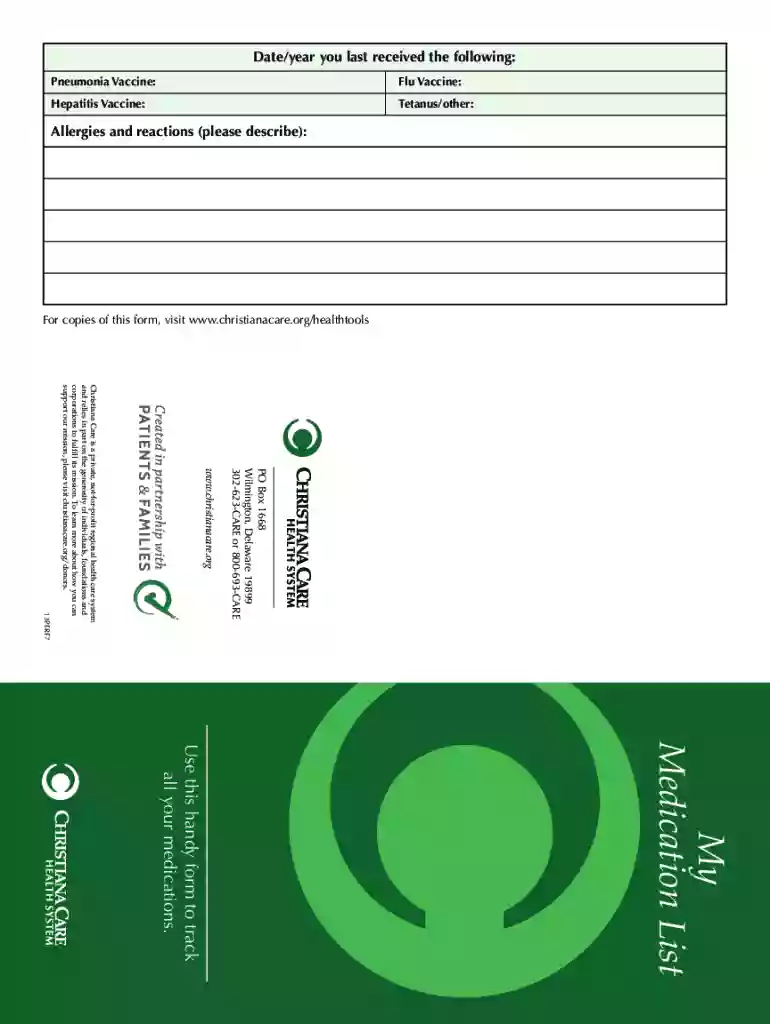
My Medication List - Christiana Care 2026

Get Form
My Medication List - Christiana Care Preview on Page 1

Here's how it works

01. Edit your form online
Type text, add images, blackout confidential details, add comments, highlights and more.

02. Sign it in a few clicks
Draw your signature, type it, upload its image, or use your mobile device as a signature pad.

03. Share your form with others
Send it via email, link, or fax. You can also download it, export it or print it out.

How to use or fill out My Medication List - Christiana Care with our platform

Form edit decoration
9.5
Ease of Setup
DocHub User Ratings on G2
9.0
Ease of Use
DocHub User Ratings on G2
  1. Click ‘Get Form’ to open My Medication List in the editor.
  2. Begin by entering your name at the top of the form. This personalizes your medication list and ensures it is easily identifiable.
  3. Fill in your pharmacy's name and phone number. This information is crucial for healthcare providers who may need to contact your pharmacy regarding prescriptions.
  4. Provide an emergency contact's name and phone number. This ensures that someone can be reached quickly in case of a medical emergency.
  5. List all medications, including prescriptions, over-the-counter drugs, vitamins, and supplements. For each entry, include the medication name, date started, dosage, frequency of intake, reason for taking it, and the prescribing doctor’s name.
  6. Review your entries for accuracy. Keeping this list updated is essential for safe healthcare management.

Start using our platform today to easily manage and update your My Medication List for free!

See more My Medication List - Christiana Care versions

We've got more versions of the My Medication List - Christiana Care form. Select the right My Medication List - Christiana Care version from the list and start editing it straight away!
Versions Form popularity Fillable & printable
2013 4.2 Satisfied (31 Votes)
2008 4.9 Satisfied (54 Votes)
be ready to get more

Complete this form in 5 minutes or less

Get form

Got questions?

We have answers to the most popular questions from our customers. If you can't find an answer to your question, please contact us.
Contact us
As a result, the complaint alleged, ChristianaCares claims to government-funded healthcare programs, including Medicare and Medicaid, for the care it provided to the referred patients during their hospitalization violated the federal Anti-Kickback Statute and the physician self-referral law, also known as the Stark
My Medicines List is a list of all the medicines and supplements you take. Why should I use it? Keeping an up-to-date list can help you know your medicines. It can also help you when discussing your medicines with a healthcare professional.
The numbers, letters, or other text that you see on a pill are its imprint code, a feature that helps you identify it. The FDA requires most OTC and prescription drug tablets and capsules to have an imprint.
The Christiana Care Patient Portal is a free, secure online application that gives patients the ability to access portions of their Christiana Care health records including diagnostic testing results and provider notes.
A medication list is a tool to help you keep track of all the prescription medications, over-the-counter (OTC) drugs, vitamins and supplements that you take. Keeping a medication list helps health care professionals know about your current health and minimize medication errors and adverse drug interactions.

Security and compliance

At DocHub, your data security is our priority. We follow HIPAA, SOC2, GDPR, and other standards, so you can work on your documents with confidence.

Learn more
ccpa2
pci-dss
gdpr-compliance
hipaa
soc-compliance
be ready to get more

Complete this form in 5 minutes or less

Get form

People also ask

The MyMedications List is a way for you to keep track of all prescription medications, over-the-counter (OTC) medications, vitamins, supplements, herbal products, and traditional cultural medicines that you are currently taking.
My Med List. Organize your medications into an easy-to-read format, that provides in-depth drug interaction data, news, and FDA alerts.
The HSE Health App My medicines list provides a secure place for you to record a list of your medicines, which can be useful for pharmacy or hospital visits. It also allows people to see a list of their medicines received through the Drugs Payment Scheme or Medical Card Scheme.

Related links