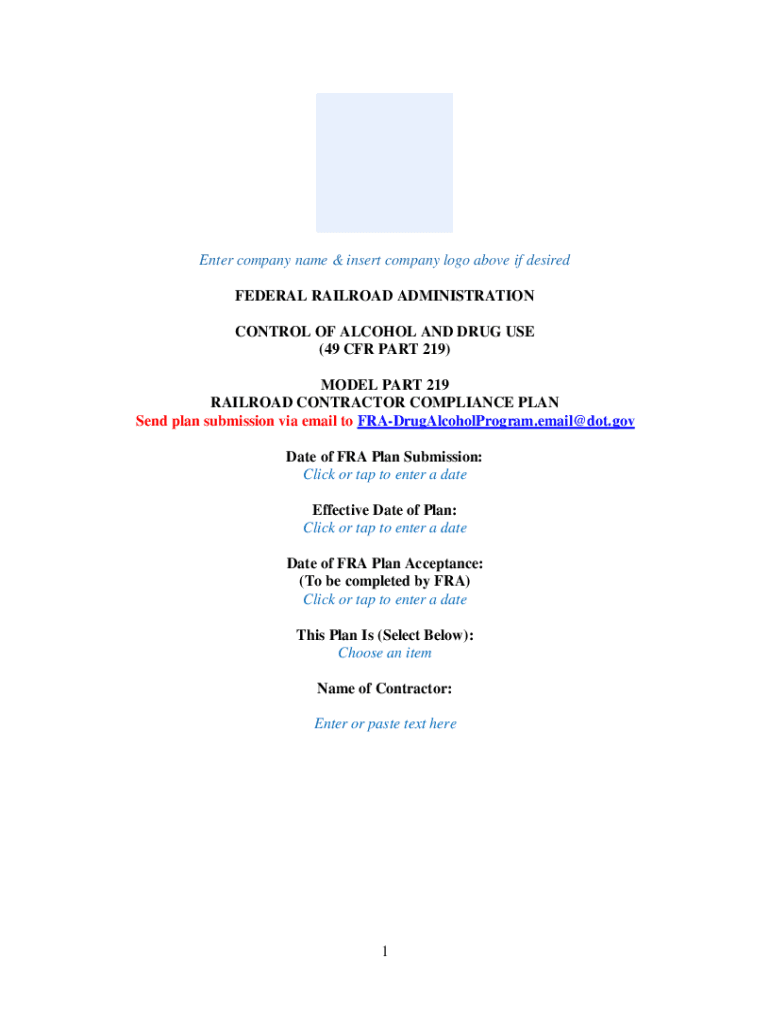
Enter company name & insert company logo above if desired 2026

Get Form
Enter company name & insert company logo above if desired Preview on Page 1

Here's how it works

01. Edit your form online
Type text, add images, blackout confidential details, add comments, highlights and more.
02. Sign it in a few clicks
Draw your signature, type it, upload its image, or use your mobile device as a signature pad.
03. Share your form with others
Send it via email, link, or fax. You can also download it, export it or print it out.

How to use or fill out Enter company name & insert company logo above if desired with our platform

Form edit decoration
9.5
Ease of Setup
DocHub User Ratings on G2
9.0
Ease of Use
DocHub User Ratings on G2
  1. Click ‘Get Form’ to open it in the editor.
  2. In the designated field, enter your company name. This is crucial for identifying your compliance plan.
  3. If desired, insert your company logo above the name by selecting the 'Insert Image' option in the editor. Upload your logo file and adjust its size as needed.
  4. Fill in the date of FRA Plan Submission by clicking on the date field and selecting the appropriate date from the calendar.
  5. Continue filling out all highlighted sections, ensuring that each required field is completed accurately to expedite review by FRA.
  6. Review all entries for accuracy before submitting. Use the 'Preview' feature to see how your document will appear once finalized.

Start using our platform today for free to streamline your document editing and compliance processes!

See more Enter company name & insert company logo above if desired versions

We've got more versions of the Enter company name & insert company logo above if desired form. Select the right Enter company name & insert company logo above if desired version from the list and start editing it straight away!
Versions Form popularity Fillable & printable
2022 4.9 Satisfied (60 Votes)
2019 4.3 Satisfied (46 Votes)
be ready to get more

Complete this form in 5 minutes or less

Get form

Got questions?

We have answers to the most popular questions from our customers. If you can't find an answer to your question, please contact us.
Contact us
The Logo is often on the top because its better to remember, the first thing you see is the first to remember. If the logo is good enough to stand alone, its irrelevant where the name stands. This could be a benefit, if you can place the name everywhere you can change the place for every format.
A good logo follows a few basic guidelines: it should be simple, relevant, unique, versatile, and timeless. Find inspiration and know why you like what you like! Inspiration can come from anywhere look online and offline. Put together a mood board with colors, fonts, and designs you like.
The document outlines four essential rules for effective logo design: it should be captivating, unique, simple, and have a strong color contrast. A memorable logo helps convey the brands emotions and differentiate it from competitors. Simplifying design with limited colors can enhance brand recognition docHubly.
The best practices of logo placement suggests logos should be best placed on the left side. According to a research by Nielson Norman, since majority of human read from left to right, eyes are drawn naturally to the left first. Hence it follows that left placement usually draws user attention the most.
Go to Microsoft 365 Admin Center Org Settings Organization Profile Custom Themes. Upload the logo and save your changes.

Security and compliance

At DocHub, your data security is our priority. We follow HIPAA, SOC2, GDPR, and other standards, so you can work on your documents with confidence.

Learn more
ccpa2
pci-dss
gdpr-compliance
hipaa
soc-compliance
be ready to get more

Complete this form in 5 minutes or less

Get form