




Here's how it works



How to use or fill out Florida Bar Condominium Rider Mortgage with our platform

- Click ‘Get Form’ to open the Florida Bar Condominium Rider Mortgage in the editor.
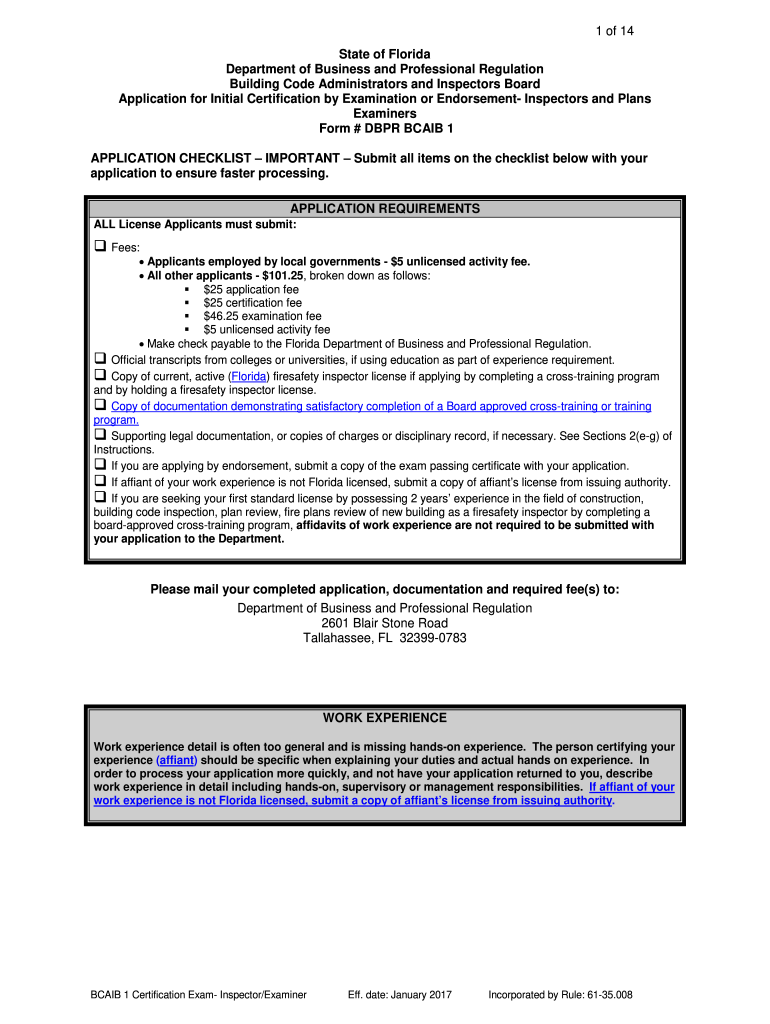
- Begin by filling out Section I, which requires you to select the type of application—either Certification by Exam or Endorsement. Ensure you check only one box.
- In Section II, provide your personal information. Fill in your full legal name as it appears on your Social Security card, along with your mailing address and contact details.
- Proceed to Section III to detail your employment history. Clearly describe each position held, including dates of employment and responsibilities. If more space is needed, attach additional pages.
- In Section IV, list your educational background. If using education for qualification, ensure official transcripts are sent directly from your institution.
- Complete Sections V through VIII by answering background questions and detailing work experience. Be thorough in explanations to avoid delays in processing.
- Finally, sign the Affirmation by Written Declaration in Section IX to certify that all information provided is accurate.
Start using our platform today for free to streamline your document editing and signing process!
It's free
See more florida bar condominium rider mortgage versions
Got questions?
How do I sign my florida bar condominium rider mortgage on iOS?
With DocHub, you can quickly approve your florida bar condominium rider mortgage or any other document on iOS, even without setting up additional applications. You can access your DocHub account from any web-connected browser and complete and sign your form in any way you like with just a few clicks.
Can I sign my florida bar condominium rider mortgage while I edit it?
When you edit your florida bar condominium rider mortgage with DocHub, you will not need to look for other software or services to sign it. An electronic signature is part of DocHub’s comprehensive editing toolset, which enables you to implement changes in your form without switching between websites. Just complete your form, double-check the correctness of your information and place your electronic signature at the end to make it submission-ready quickly.
Security and compliance
At DocHub, your data security is our priority. We follow HIPAA, SOC2, GDPR, and other standards, so you can work on your documents with confidence.
Learn more


