




01. Edit your 4101 army online
Type text, add images, blackout confidential details, add comments, highlights and more.

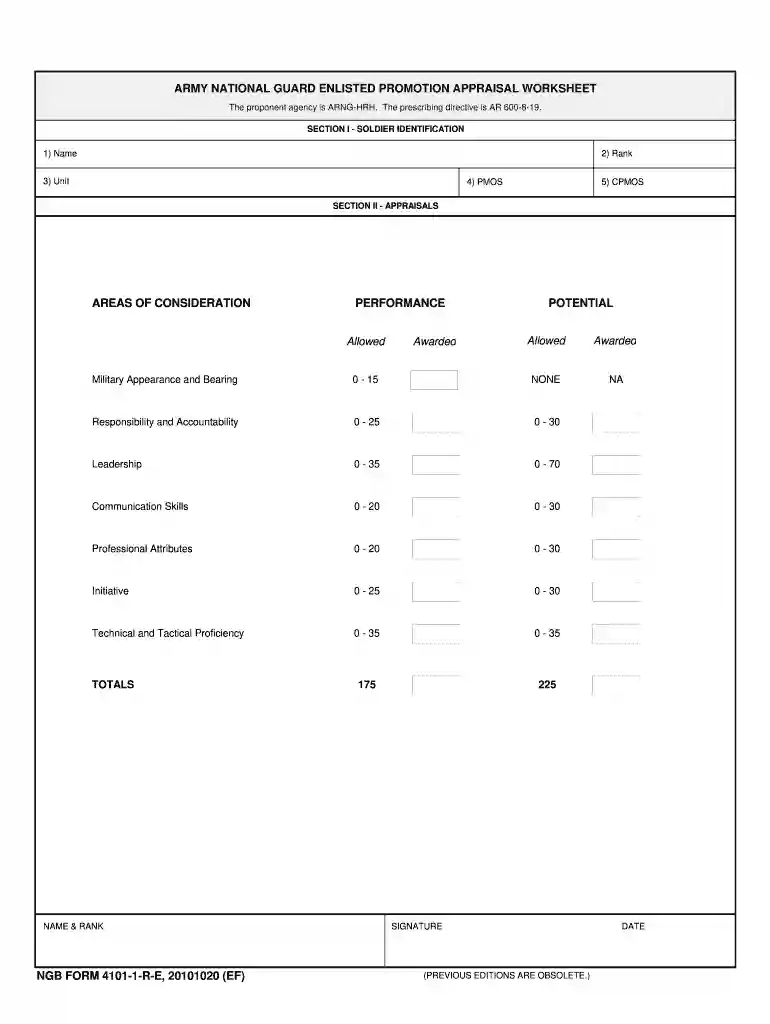
Type text, add images, blackout confidential details, add comments, highlights and more.

Draw your signature, type it, upload its image, or use your mobile device as a signature pad.

Send army 4101 via email, link, or fax. You can also download it, export it or print it out.

Start using our platform today to fill out your ma mp form 4101 easily and for free!
We've got more versions of the 4101 army form. Select the right 4101 army version from the list and start editing it straight away!
At DocHub, your data security is our priority. We follow HIPAA, SOC2, GDPR, and other standards, so you can work on your documents with confidence.
This exam tests your knowledge of the principles of radiation physics underlying the practice of radiation oncology. Included are questions on the generalRead more
TIGHTEN SCREWS TO FORM APPROXIMATELY 2mm BELT SWELL AT BOLTED JOINT.5. ASSEMBLE AS SHOWN. 4. LAY NO-PROFILE BELT ON BELT TO BE REPAIRED AND DRILLRead more
The new Medical Practitioner enrollment application (PE-MP) and checklist (PE-MP-CL) are available from the MassHealth Customer Service Center upon requestRead more


