




01. Edit your tc 569a online
Type text, add images, blackout confidential details, add comments, highlights and more.

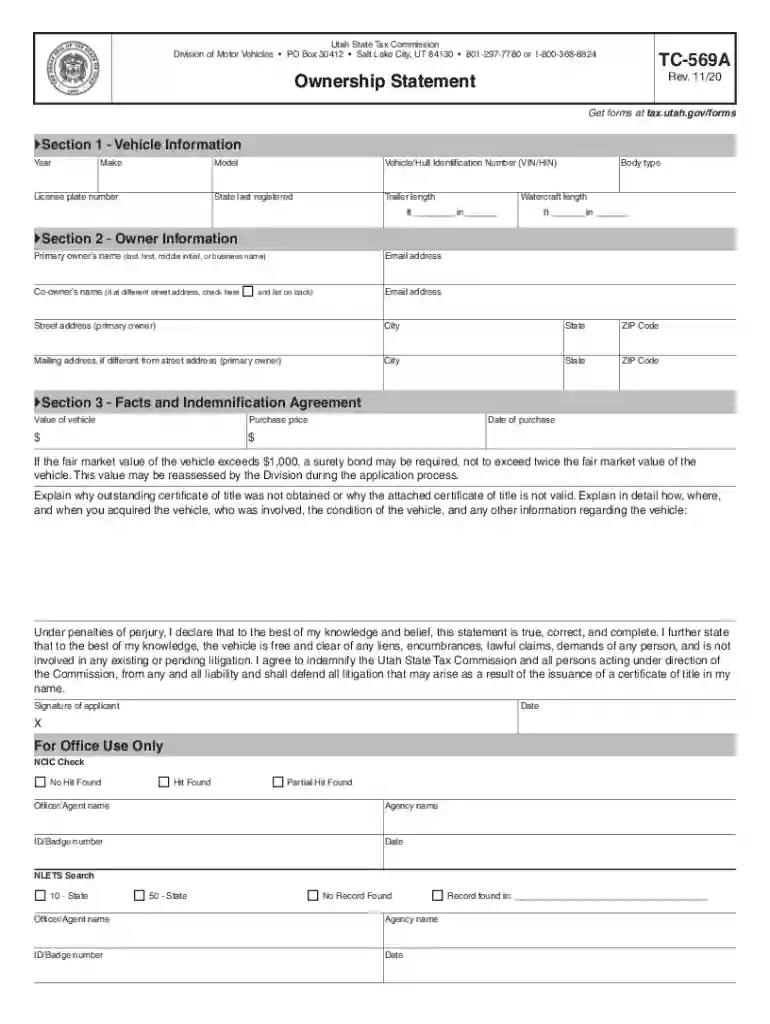
Type text, add images, blackout confidential details, add comments, highlights and more.

Draw your signature, type it, upload its image, or use your mobile device as a signature pad.

Send ownership statement utah via email, link, or fax. You can also download it, export it or print it out.

Start using our platform today to fill out your TC-569A easily and for free!
We've got more versions of the tc 569a form. Select the right tc 569a version from the list and start editing it straight away!
Many software applications are available on the market for document editing and signing. DocHub is one of the most in-demand online solutions that comply with all data protection and compliance requirements and guarantees your electronically signed documentation is legally enforceable. All you need to try it out is to register an account, upload your tc569a, provide the required information, and click Sign. Create your eSignature by typing, drawing it, uploading its image to your form, or scanning a unique QR code.
If you store your documents in Google Drive, there is no need to download your utah ownership statement on your computer and upload it back to our editor. A significantly easier way is to set up a browser extension created by DocHub to simplify this flow. The extension allows editing PDFs right in your browser. Alternatively, you can integrate your DocHub and Gmail accounts for more efficient editing.
At DocHub, your data security is our priority. We follow HIPAA, SOC2, GDPR, and other standards, so you can work on your documents with confidence.
If the fair market value of the vehicle exceeds $3,000, a surety bond may be required, not to exceed twice the fair market value of the vehicle.Read more
TC TO PROVIDE DATA CABLE WIRING FOR CCTV CAMERAS. TERMINATE CCTV CABLES ON PATCH. PANEL DEDICATED TO WAPS CCTV. REFER TO ELECTRICAL DRAWINGS FOR SECURITY.Read more


