




Here's how it works

01. Edit your delta lost and found online
Type text, add images, blackout confidential details, add comments, highlights and more.

02. Sign it in a few clicks
Draw your signature, type it, upload its image, or use your mobile device as a signature pad.

03. Share your form with others
Send delta airlines lost and found via email, link, or fax. You can also download it, export it or print it out.
How to use or fill out delta lost and found with our platform

- Click ‘Get Form’ to open the delta lost and found form in the editor.
- Begin by entering your personal information, including your name, contact details, and address. Ensure all fields are filled accurately to avoid delays.
- Provide your flight details in the 'YOUR COMPLETE ITINERARY' section. Include the departure and arrival locations, airline, flight number, and date of travel.
- In the 'DESCRIPTION OF LUGGAGE' section, specify the type, brand, color, and material of your luggage. Be as detailed as possible to assist in recovery.
- List all contents of your luggage in the 'DESCRIPTION OF CONTENTS' area. Include quantity, article description, size, color, and original cost for each item.
- Review all entered information for accuracy before submitting. Once complete, save your form and submit it along with any required documentation.
Start using our platform today to easily fill out your delta lost and found form for free!
Fill out delta lost and found online
It's free
See more delta lost and found versions
We've got more versions of the delta lost and found form. Select the right delta lost and found version from the list and start editing it straight away!
| Versions | Form popularity | Fillable & printable |
|---|---|---|
| 2009 | 4.8 Satisfied (46 Votes) |
Security and compliance
At DocHub, your data security is our priority. We follow HIPAA, SOC2, GDPR, and other standards, so you can work on your documents with confidence.
Learn more


Related forms
Building activities documentation form to accompany mmd invoice #1
The document is a Building Activities Documentation Form for Missouri Model Districts (MMD) used by the Missouri Departm ...
Valhalla Blvd, STE 106, Sioux Falls, 57106
The document provides detailed instructions for applying for various licenses related to wholesale and other drug distri ...
Application for Apple Health (Medicaid) health care ... - Wa
The Washington Apple Health Application is designed for individuals who are aged, blind, disabled, or in need of long-te ...
Application Response Form F32
The document is a legal application response form (FORM F32) used in the Supreme Court of British Columbia. It outlines ...
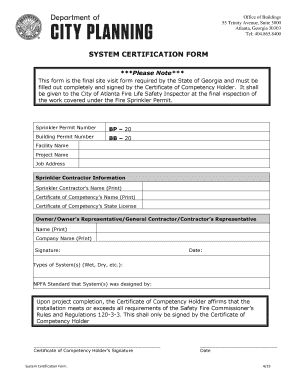
This form is the final site visit form required by the State of Georgia and must be
The document is a System Certification Form required by the State of Georgia for final site visits related to fire sprin ...
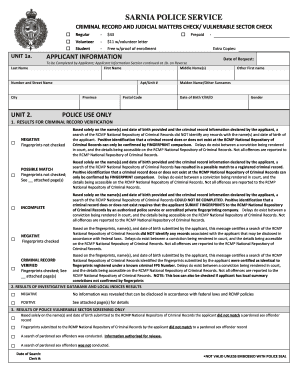
CRIMINAL RECORD AND JUDICIAL MATTERS CHECK/ VULNERABLE SECTOR CHECK
The document outlines the procedures and requirements for obtaining a Criminal Record and Judicial Matters Check, includ ...
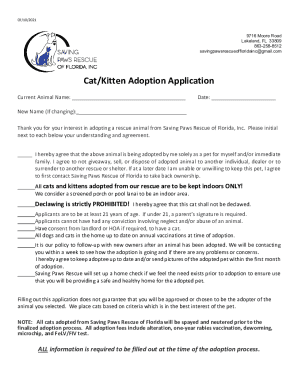
PDF Cat/Kitten Adoption Application - Saving Paws Rescue of Florida
The document is an adoption application for cats and kittens from Saving Paws Rescue of Florida, Inc. It outlines the re ...
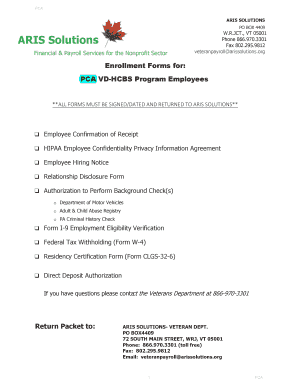
Universal Time Sheet - ARIS Solutions
The document outlines the procedures and requirements for new employees of ARIS Solutions under the Veteran Directed Hom ...