




01. Edit your personal fitness plan online
Type text, add images, blackout confidential details, add comments, highlights and more.

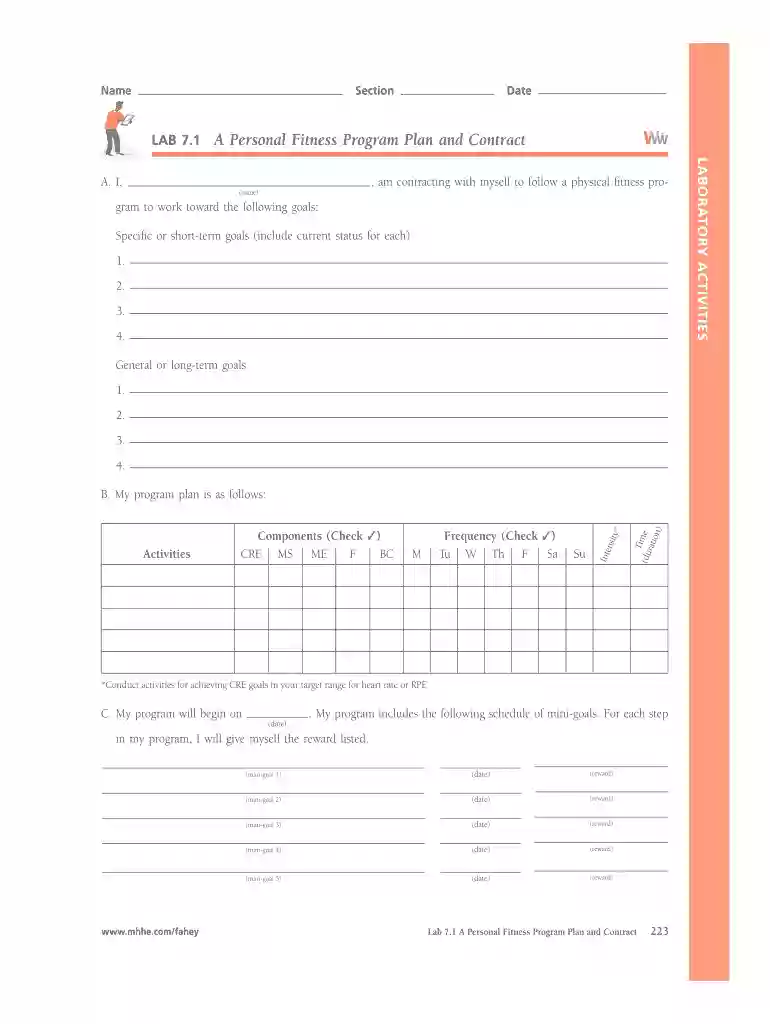
Type text, add images, blackout confidential details, add comments, highlights and more.

Draw your signature, type it, upload its image, or use your mobile device as a signature pad.

Send lab 7 1 a personal fitness program via email, link, or fax. You can also download it, export it or print it out.

Start using our platform today for free to create and manage your personal fitness program effortlessly!
We've got more versions of the personal fitness plan form. Select the right personal fitness plan version from the list and start editing it straight away!
Yes, you can use DocHub for signing any business and personal paperwork, including your lab 7 1 a personal fitness program plan and agreement. All electronic signatures you generate with our tool are legally binding and court-admissible, as DocHub complies with standards required by ESIGN and UETA. Save your accomplished document with a detailed Audit Trail if necessary.
If you use Chrome, there are two simple ways to edit your personal fitness program online. First, go to the DocHub website, add your document, and edit it using our toolbar. You can also set up our Chrome extension and edit any document by dragging and dropping it in your browser tab.
At DocHub, your data security is our priority. We follow HIPAA, SOC2, GDPR, and other standards, so you can work on your documents with confidence.
Name: Lab 17. Planning your exercise program. Web Based Directions - you may use CUT and PASTE method or RETYPE method. 1. CUT and PASTE:.Read more
Measurement in soil synthetic biology experiments, compared to laboratory experiments in a flask or tube, faces many challenges in accuracy and quantitation.Read more
Movement Preparation Workout. 1 Mile Run; Max pull ups. Set of 6 rounds. Push-ups: 10 reps; Squat Thrusts: 10 reps; Sit-ups: 10 reps; Mountain Climbers: 10Read more


