




01. Edit your free editable bracket online
Type text, add images, blackout confidential details, add comments, highlights and more.

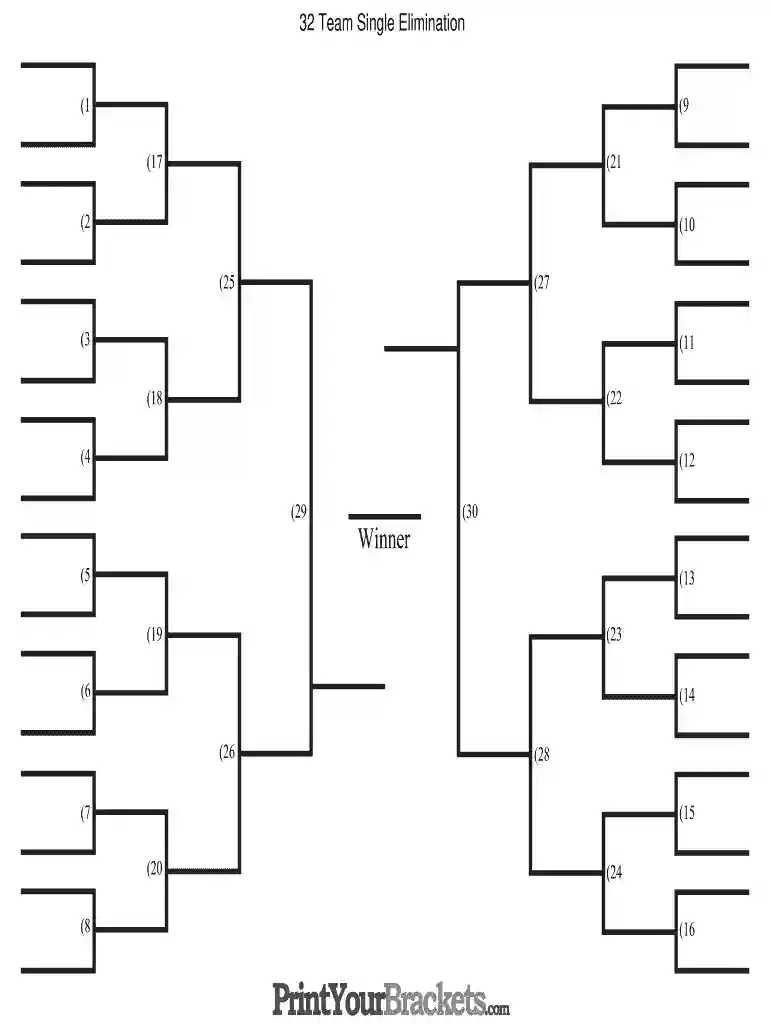
Type text, add images, blackout confidential details, add comments, highlights and more.

Draw your signature, type it, upload its image, or use your mobile device as a signature pad.

Send editable bracket via email, link, or fax. You can also download it, export it or print it out.

Start using our platform today to create and manage your 32 team bracket for free!
With DocHub, you can rapidly approve your free bracket generator or any other paperwork on iOS, even without setting up extra programs. You can access your DocHub account from any web-connected browser and complete and sign your document in any preferred method with just a couple of clicks.
In addition to a comprehensive toolset for editing PDFs on mobile devices, DocHub allows you to sign your editable tourney brackets along the way. Open our editor in your internet browser, make modifications using DocHub’s toolset, and complete your editing by eSigning the finished form.
At DocHub, your data security is our priority. We follow HIPAA, SOC2, GDPR, and other standards, so you can work on your documents with confidence.





32 Team Single Elimination. Winner. Brackets.com. PrintYour. Sports Movie Bracket. Moneyball. Bull Durham. Major League. Little Giants. We Are Marshall.Read more
Join Community Recreational Services for two exciting days of chair volleyball featuring 32 teams competing for fun, teamwork, and friendly competition. AprilRead more
32-Team bracket templates. Navigation menu. Personal tools. English; Create account Log in. Namespaces. Template Discussion. English. Views. Read View


