



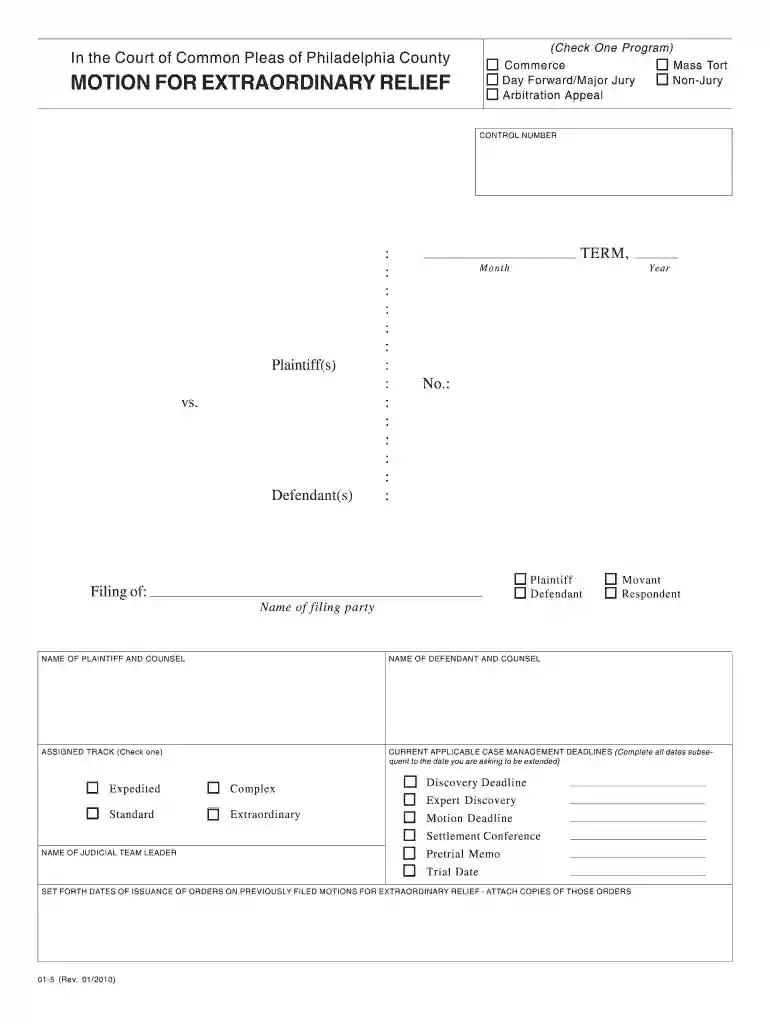
01. Edit your motion for extraordinary relief philadelphia online
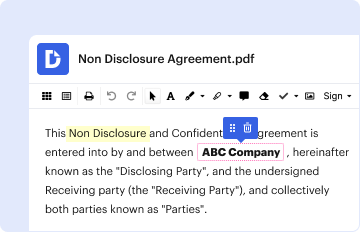
Type text, add images, blackout confidential details, add comments, highlights and more.

Type text, add images, blackout confidential details, add comments, highlights and more.
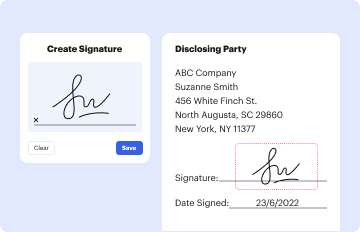
Draw your signature, type it, upload its image, or use your mobile device as a signature pad.

Send philadelphia motion for extraordinary relief via email, link, or fax. You can also download it, export it or print it out.

Start using our platform today to streamline your document editing and submission process for free!
We've got more versions of the motion for extraordinary relief philadelphia form. Select the right motion for extraordinary relief philadelphia version from the list and start editing it straight away!
Most eSignature solutions require users to have a paid subscription. With DocHub, there are two ways for you to add an electronic signature to your extraordinary relief without being charged:
The second option, however, has limitations on the number of signatures, sign requests, emails, and forms for editing available per month. You can check for full details here.
In addition to a comprehensive toolset for editing PDFs on mobile devices, DocHub allows you to sign your motion for extraordinary relief along the way. Open our editor in your internet browser, make modifications using DocHub’s toolset, and finish your editing by eSigning the completed form.
At DocHub, your data security is our priority. We follow HIPAA, SOC2, GDPR, and other standards, so you can work on your documents with confidence.
by CANN CARTER Extraordinary Relief in this Court captioned Carter, et al. v. Degraffenreid, et al.,. Case No. 141 MM 2021 (First Application). In theRead more
Feb 9, 2013 Generally, the bill seems akin to a postcomplaint motion for pro duction of documents under rule 34 of the Federal Rules of Civil. Procedure. ItRead more
Set forth the efforts made to comply with the applicable deadlines; specify what needs to be done; set forth all relevant activity.Read more


