




01. Edit your cbp 4457 online
Type text, add images, blackout confidential details, add comments, highlights and more.

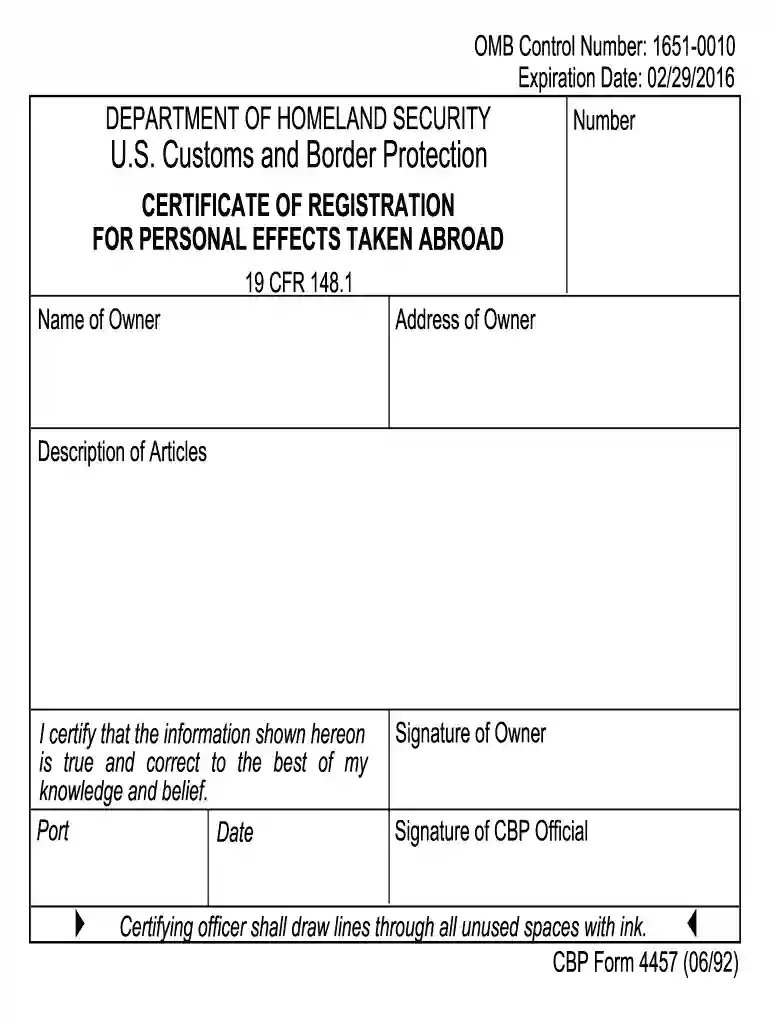
Type text, add images, blackout confidential details, add comments, highlights and more.

Draw your signature, type it, upload its image, or use your mobile device as a signature pad.

Send cbp 4457 form via email, link, or fax. You can also download it, export it or print it out.

Start using our platform today to easily complete and manage your CBP Form 4457 for free!
We've got more versions of the cbp 4457 form. Select the right cbp 4457 version from the list and start editing it straight away!
At DocHub, your data security is our priority. We follow HIPAA, SOC2, GDPR, and other standards, so you can work on your documents with confidence.
1. Complete the Original only. 2. Prior to Departure, present the described articles and the completed form to a CBP Officer for comparison and signing ofRead more
Jan 26, 2026 For more information visit: CBP Form 4457 for personal articles or CBP Form 4455 for UCSD owned articles. Pro forma or commercial invoiceRead more
Dear Customer: Enclosed is your Prompt-48 high speed upgrade kit. Installation of this kit will upgrade your Prompt-48 from 3MHZ clocking rate to 6MHZ.Read more


