
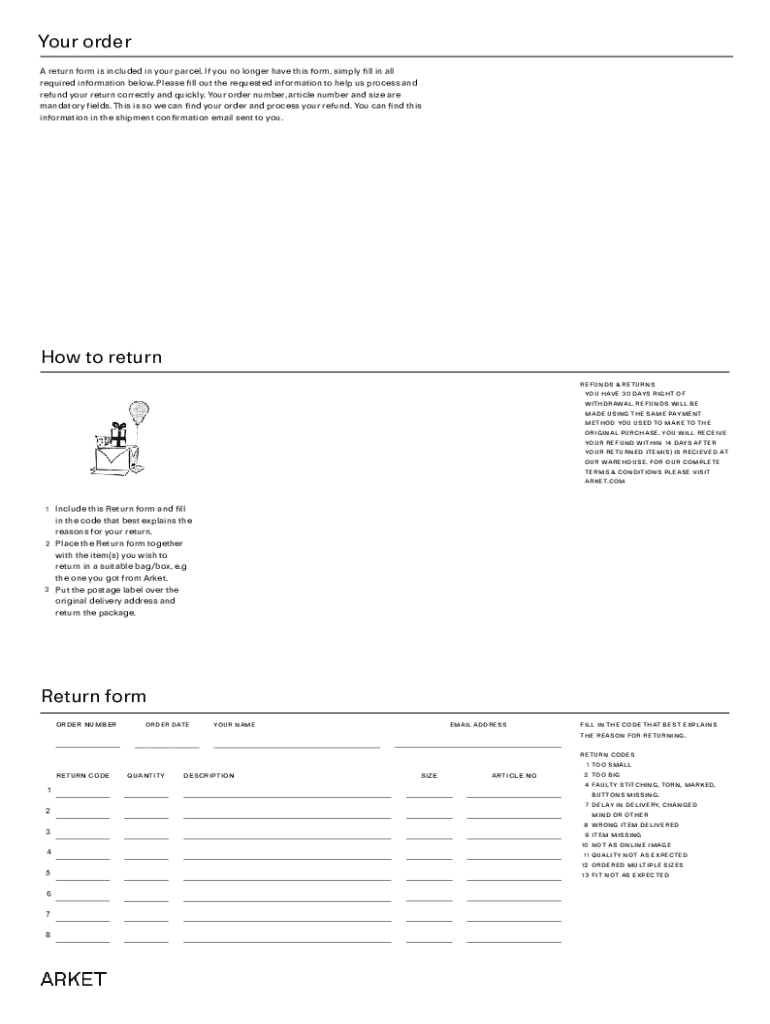







Definition & Meaning of Online Forms
Online forms are digital tools that allow users to gather, submit, and process data directly via the internet. These forms serve a multitude of purposes, ranging from business transactions to legal filings and customer feedback collections. They provide a user-friendly interface where individuals and organizations can input required data without the need for paper documentation. This data is then securely stored and can be easily accessed or analyzed for future use.
Online forms typically comprise fields such as text boxes, dropdown menus, checkboxes, and radio buttons, allowing for varied data types to be collected efficiently. These forms are designed to guide users through the data entry process, potentially reducing errors and facilitating the seamless collection and analysis of submitted information.
How to Use the Form Online
Utilizing an online form involves a sequence of straightforward steps designed to ensure accuracy and completeness. First, any relevant documents or information should be gathered, as this will streamline the form completion process. Users should then access the form through the designated online platform. This could be directly through a website or via a link received in an email or other communication method.
Once accessed, users should carefully read the form instructions and fill out each field accurately, following any guidelines provided to ensure all required information is included. If the form allows for attachments, necessary documents can be uploaded at this stage. After reviewing the completed form for accuracy, users can submit it directly through the platform. Many systems will send a confirmation email or page to indicate successful submission.
Steps to Complete the Form Online
-
Gather Necessary Information
- Identify all the information and documents required to complete the form.
- Organize these resources, making it easy to input data where needed.
-
Access the Online Form
- Navigate to the appropriate website or platform using a verified link.
- Ensure you have a stable internet connection to prevent disruptions during completion.
-
Fill Out the Form Fields
- Follow instructions carefully, inserting data into each field.
- Use dropdown menus and checkboxes where applicable.
-
Review and Confirm Information
- Go through all entered details to rectify any mistakes.
- Ensure that all mandatory fields are completed to avoid submission errors.
-
Submit the Form Online
- Click the submit button to finalize the process.
- Wait for a confirmation message to verify successful submission.
Key Elements of Online Forms
Online forms typically include several key components that facilitate their functionality and enhance the user experience. These might encompass:
- Form Fields: Various inputs such as text boxes, radio buttons, and dropdown lists that allow varied data entry.
- Validation: Ensures data accuracy by checking for errors or omissions before enabling submission.
- Instructions and Guidance: Provides users with clear directions on how to complete the form.
- Submit Button: Allows users to send their completed form for processing.
- Progress Bar: Often used in multi-step forms, guiding users through different stages.
Legal Use of Online Forms
The legal application of online forms varies depending on their purpose. Such forms can be legally binding if they comply with applicable electronic signature laws like the ESIGN Act, which ensures that digital submissions are recognized similarly to physical documents. Users must consent to the terms outlined in a form to validate its binding nature.
Organizations should implement security measures to authenticate data and protect sensitive information, ensuring the form's integrity and legal compliance. This might involve SSL encryption and secure user authentication processes.
State-Specific Rules for Online Forms
Different states in the U.S. might have specific mandates for using and processing online forms, particularly regarding legal documents. Some states may require additional disclosures or advisories to ensure participants fully understand their rights and obligations when interacting with digital forms.
Certain forms, like those relating to tax filings or business registrations, may also necessitate compliance with particular state laws or formats. Understanding these requirements can prevent errors and enhance the efficiency of form processing.
Examples of Using Online Forms
Use cases for online forms span a wide array of applications. Businesses regularly employ them for customer feedback, job applications, and appointment scheduling. Legal offices use online forms for client intakes and document signings, while educational institutions utilize them for student enrollment and survey collection.
One scenario could involve a small business owner using an online form to collect payments from customers. A healthcare provider might implement digital forms for new patient registrations, ensuring each patient's information is processed securely and efficiently.
Required Documents for Online Forms
Depending on the type of online form, users may need to gather specific documents beforehand. These could include identification proof (e.g., driver's license or passport), financial records (e.g., bank statements or payslips), and relevant certificates or prior documentation pertinent to the form's purpose.
Ensuring that all necessary documents are available and legible can significantly speed up the form-completion process, reducing the potential for delays or rejections. In scenarios involving multiple stakeholders, documents might be shared digitally, ensuring that every party has access to essential information before proceeding with the form.




