
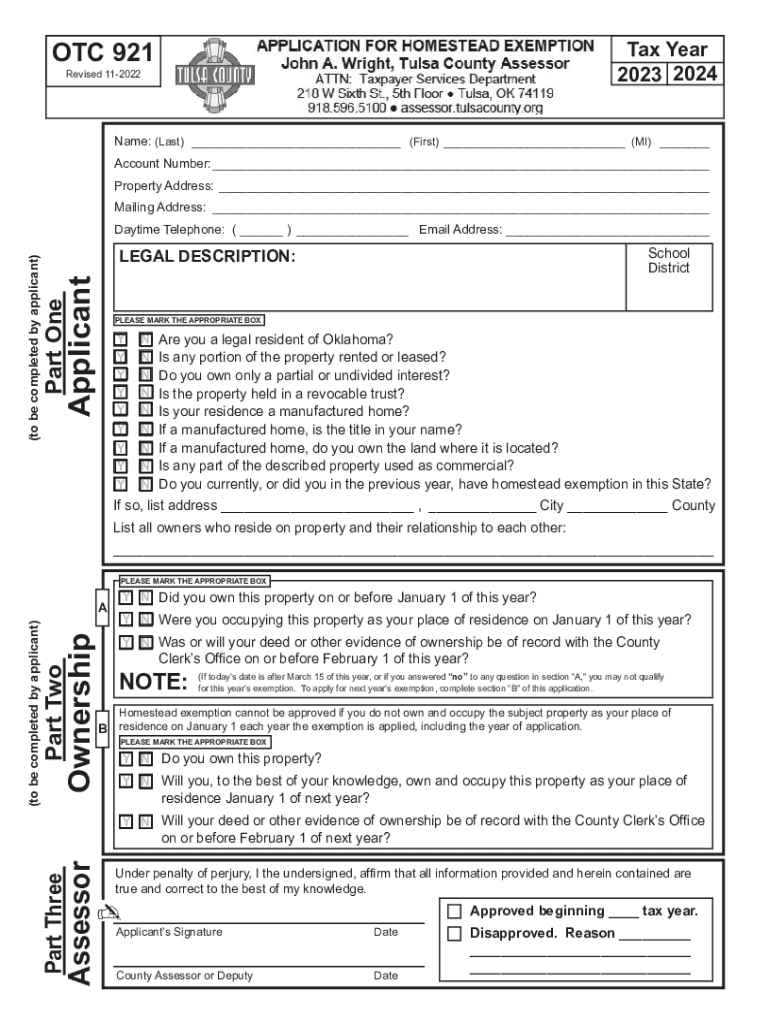







Definition & Meaning of Online Forms
Online forms are digital documents that allow users to input, edit, and submit data through an internet-connected device. These forms replace traditional paper-based forms, enhancing accessibility and efficiency. Online forms can be found across various domains such as tax filings, legal applications, and informational surveys, offering a streamlined method for data collection and processing.
- Characteristics: Online forms are typically dynamic, allowing for real-time data validation and error-checking. This means if a user inputs incorrect information, the form provides immediate feedback, reducing the chance of submission errors.
- Benefits: Transitioning to online forms provides substantial benefits by saving time on manual data entry, enhancing data accuracy through automated validation, and allowing easy access to form submissions for both users and administrators.
- Common Uses: In contexts such as tax filing, application processes, or customer feedback surveys, online forms facilitate swift and secure data handling.
How to Use the Form Online
Using an online form involves a few straightforward steps, ensuring a smooth process for users.
- Access the Form: Begin by navigating to the website hosting the form, such as a government site for tax forms or a business site for service applications.
- Fill Out the Form: Carefully enter all required information. Many forms will guide you through required fields and may use drop-down lists or checkboxes to simplify data entry.
- Review Entries: Before submission, check all entries for accuracy. Online forms often allow users to save progress and return later, preventing data loss.
- Submit the Form: Once reviewed, submit the form electronically. Most platforms provide confirmation of submission, either through a confirmation screen or via email.
- Follow-Up: After submission, track the form's progress if applicable. Some platforms provide updates or require additional actions, which are communicated through email or the platform's dashboard.
Practical Tips for Effective Use
- Use Secure Connections: Always ensure you are accessing the form through a secure internet connection to protect sensitive data.
- Enable Notifications: Opt-in for notifications when available, which can inform you of changes to form status or additional actions required.
- Save Copies: Download or print a copy of the completed form and submission confirmation for your records.
Steps to Complete the Form Online
Completing an online form can vary based on the type and complexity of the form; however, a generic process applies to most forms.
- Gather Necessary Information: Before starting, collect all required documents and information to complete the form without interruptions.
- Log In (if necessary): If the form requires login, enter your credentials or create an account.
- Fill in Sections: Begin with personal information, moving through the form sequentially. Ensure compliance with any given instructions or field format requirements.
- Attach Necessary Documents: If the form requires documentation, make sure digital copies (PDF, JPG) are ready to upload.
- Validate Data: Use the form’s in-built validation tools to check for completion and correctness.
- Submit the Form: After filling in all fields and attaching necessary files, click submit. Watch for confirmation messages.
- Track Submission: Use the tracking feature to check the status of your form submission, when applicable.
Important Considerations
- Deadline Awareness: Be aware of submission deadlines to ensure your form is processed on time.
- Revisions: Some forms allow for post-submission revisions; check if this applies if errors are found after submission.
Legal Use of Online Forms
Legal compliance is crucial when using online forms, especially for contractual agreements or legal submissions.
- Validity and Binding Nature: Ensure that forms requiring electronic signatures comply with local e-signature laws such as the ESIGN Act in the U.S., which confirms the legal validity of digital contracts.
- Privacy and Data Protection: Forms collecting personal information should adhere to laws such as the General Data Protection Regulation (GDPR) in the EU or the California Consumer Privacy Act (CCPA) in the U.S., ensuring users' data rights are protected.
- Third-Party Applications: When using third-party platforms to complete forms, verify their compliance with data protection standards and legal requirements.
Scenario Examples
- Business Contracts: Online contracts require all parties to use legally recognized electronic signatures, ensuring binding agreements.
- Government Submissions: Filing taxes using online forms demands adherence to submission protocols and deadlines outlined by governing bodies.
Key Elements of the Form Online
Understanding the structure of online forms aids in efficient completion and submission.
- Mandatory Fields: Typically marked with an asterisk (*), these fields must be completed for successful submission.
- Conditional Sections: Some forms have fields that appear based on previous answers, designed to customize user experience and data collection.
- Verification Protocols: Many online forms require verification steps, such as email confirmation or two-step authentication, to enhance security and confirm authenticity.
Examples of Form Elements
- Text Fields: For entering letters and numbers; widely used for names, addresses, etc.
- Dropdown Menus: Provide a list of options for selection, reducing entry error.
- Checkboxes: Allow for multiple selections where applicable, often used for terms agreements.
Eligibility Criteria
Eligibility often dictates who can fill out specific online forms, especially in governmental or specialized applications.
- Personal Eligibility: Pertains to age, residency, or employment status. For example, some forms may only be available to U.S. citizens, or individuals within a certain age range.
- Business Requirements: For business-related forms, specific criteria regarding company size, type (LLC, Corporation), or industry may apply.


Ensuring Eligibility
- Check Requirements: Always review eligibility criteria detailed in the form guidelines before committing time to completing the form.
- Seek Clarifications: If eligibility is uncertain, contact form support teams for verification.
Required Documents
Documents needed for online form completion vary widely and depend on the form type and purpose.
- Identification Proof: Commonly required forms of ID include a driver’s license, passport, or state-issued ID card.
- Financial Statements: Necessary for tax filings or loan applications to verify income and financial stability.
- Supporting Documents: For specific circumstances, such as medical forms or business licenses, additional paperwork may be required to substantiate claims or applications.
Document Preparation
- Digitization: Ensure all required documents are scanned and saved in accepted digital formats like PDF or JPEG.
- Accuracy and Validity: Double-check document details for accuracy and ensure they are up-to-date.
Form Submission Methods
Online forms offer a variety of submission avenues designed for convenience:
- Direct Online Submission: Most forms allow immediate submission upon completion, often providing instant confirmation of receipt.
- Email Submission: For some forms, email attachment submissions are permitted, requiring users to send completed forms to designated addresses.
- In-Person Options: While less common for digital forms, some applications provide the choice of printing the form for manual submission at physical locations.
Factors Influencing Method Choice
- Ease of Access: Choose the method that suits your resources best, such as online submission for immediate confirmation.
- Backup Guarantees: For essential submissions, using multiple submission methods can provide a safety net against potential technical issues.
This comprehensive coverage of online forms aims to facilitate understanding and effectively make use of digital form tools to enhance productivity and ensure compliance with technical and legal standards.




