




01. Edit your byui graduation planner online
Type text, add images, blackout confidential details, add comments, highlights and more.

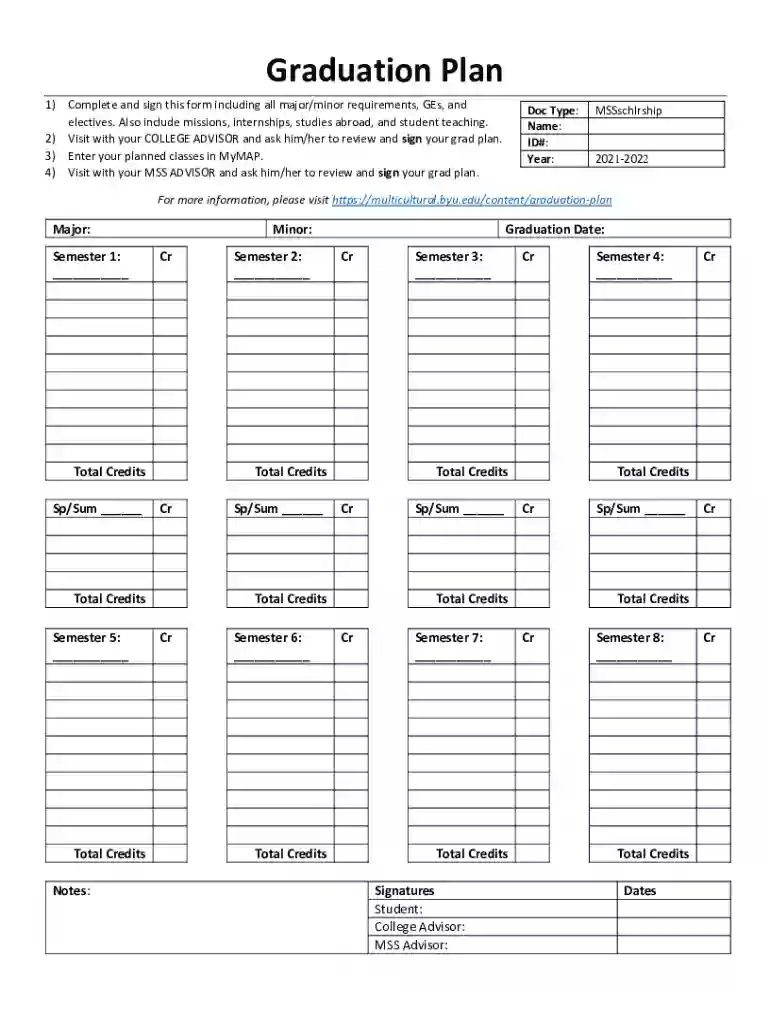
Type text, add images, blackout confidential details, add comments, highlights and more.

Draw your signature, type it, upload its image, or use your mobile device as a signature pad.

Send it via email, link, or fax. You can also download it, export it or print it out.

Start using our platform today to easily complete and manage your Graduation Plan!
We've got more versions of the byui graduation planner form. Select the right byui graduation planner version from the list and start editing it straight away!
At DocHub, your data security is our priority. We follow HIPAA, SOC2, GDPR, and other standards, so you can work on your documents with confidence.
The program is designed to assist students in their development of skills to work with racially and culturally diverse populations.Read more
Mar 30, 2026 Human ecology education is a transformative program that focuses on the interplay between humans and our human ecosystem.Read more
Multicultural Student Services (MSS) promotes leadership development and intercultural awareness, providing holistic support inside and outside the


