




Here's how it works
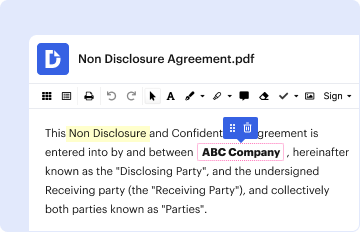
How to use or fill out unum long term care form with our platform

- Click ‘Get Form’ to open the unum long term care form in the editor.
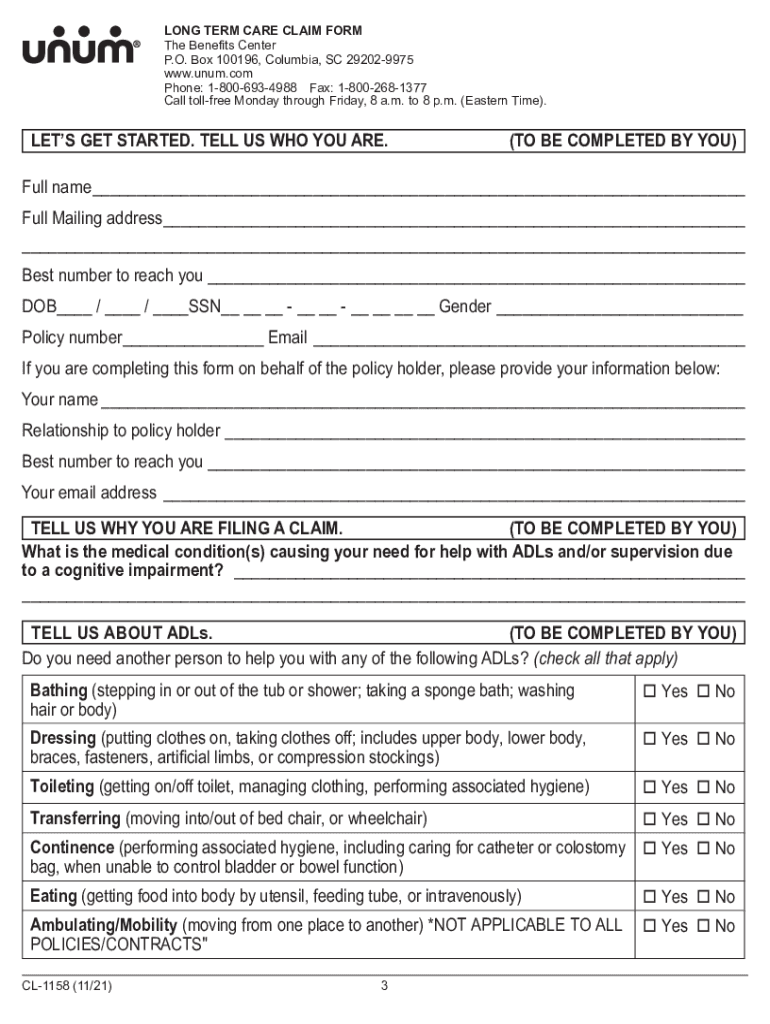
- Begin by filling out your personal information in the 'Tell Us Who You Are' section. Include your full name, mailing address, contact number, date of birth, and policy number.
- In the 'Tell Us Why You Are Filing a Claim' section, clearly describe the medical condition(s) that necessitate assistance with Activities of Daily Living (ADLs) or supervision due to cognitive impairment.
- Proceed to the 'Tell Us About ADLs' section. Check all applicable ADLs where you require assistance, such as bathing, dressing, toileting, transferring, continence, eating, and ambulating/mobility.
- Complete the 'Tell Us About Your Need for Supervision' section by indicating if you have experienced a loss in intellectual capacity and specify why supervision is needed.
- Fill out your current living situation under 'Tell Us Where You Are Currently Living', providing details if you reside in a care facility or other location.
- Identify any additional care providers involved in your treatment in the relevant sections and ensure all required signatures are completed before submission.
Start using our platform today to easily fill out your unum long term care form online for free!
It's free
See more unum long term care form versions
Got questions?
How do I sign my unum long term care form for free?
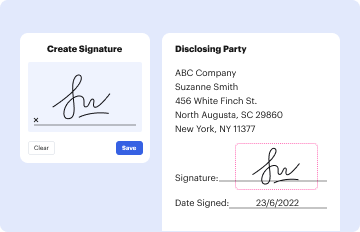
Most eSignature services require users to have a paid subscription. With DocHub, there are two options for you to add an electronic signature to your unum long term care form at no cost:
- You can do it during a 7-day trial period;
- You can sign up for a free plan.
The second option, though, has limitations on the number of signatures, sign requests, emails, and forms for adjusting available per month. You can check for full details here.
How do you edit unum long term care form in Chrome?
If you use Chrome, there are two straightforward ways to modify your unum long term care form online. First, go to the DocHub site, add your file, and modify it using our toolbar. You can also install our Chrome extension and modify any document by dragging and dropping it in your web browser window.
Security and compliance
At DocHub, your data security is our priority. We follow HIPAA, SOC2, GDPR, and other standards, so you can work on your documents with confidence.
Learn more


