






Understanding the "Form Online" Concept
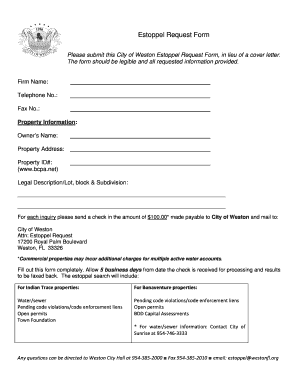
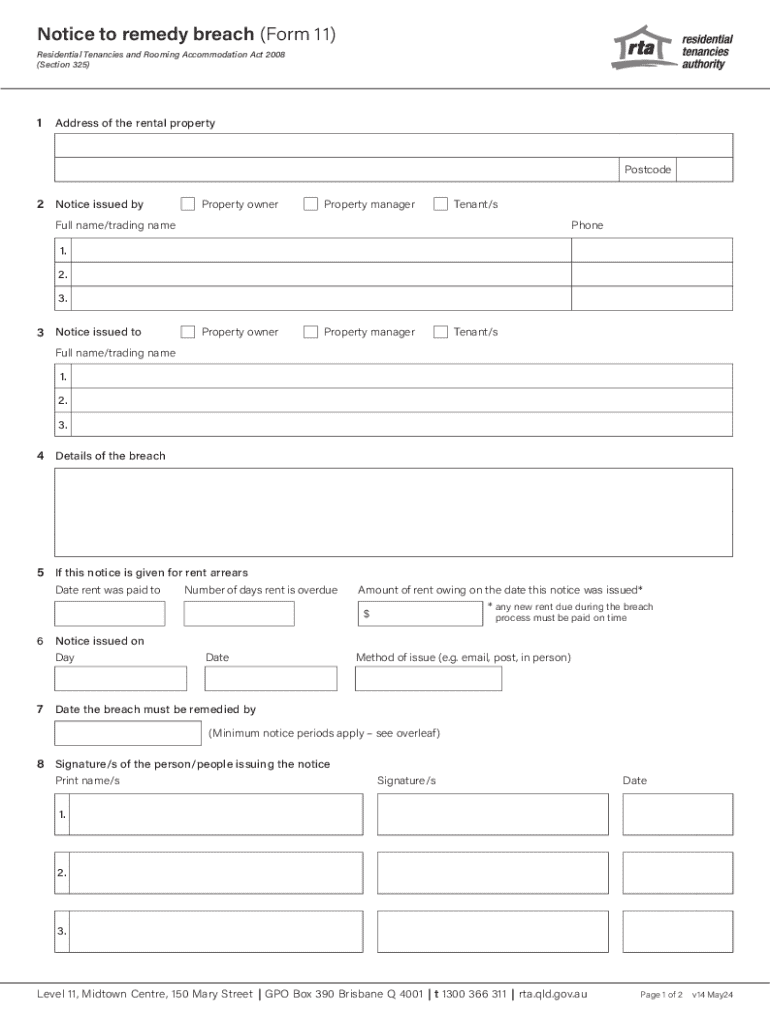
Form online refers to the digital version of traditional paper forms that can be filled out and submitted over the internet. This methodology is a popular choice due to its convenience and efficiency, allowing users to complete necessary documentation without the hassle of paper handling. Adopting online forms reduces the likelihood of errors associated with manual data entry and offers an eco-friendly alternative to paper forms.
Steps to Complete Forms Online
-
Access the Form: Start by navigating to the official website where the online form is hosted. A platform like DocHub allows you to start with a blank document or import an existing one.
-
Fill in Required Fields: Use the Form Fields manager to enter data into the text boxes, checkboxes, and dropdown menus provided within the form. Be mindful of any mandatory fields, which are typically marked with an asterisk.
-
Review the Information: Double-check all entered data for accuracy. Ensure that all necessary fields are filled to avoid submission errors.
-
Attach Required Documents: If the form requires additional documentation, upload the necessary files. Platforms like DocHub offer integration with cloud services, making it easy to attach files directly from Google Drive or Dropbox.
-
Submit the Form: Once satisfied with all information and attachments, use the submit button to send the form to the appropriate recipient or authority.
-
Confirmation Receipt: After submission, you will typically receive a confirmation indicating successful form submission.
Advantages of Using Forms Online
-
Efficiency: Online forms streamline the data collection process, allowing for quicker submission and processing compared to traditional paper forms.
-
Accessibility: Users can access online forms from any device with internet connectivity, making it convenient to complete forms on-the-go.
-
Cost-Effectiveness: Reduces the need for physical storage and paper costs. It also minimizes the overhead associated with manual form processing.
-
Data Accuracy: Digital forms with required fields and validation checks decrease the risk of errors, improving the reliability of collected data.
-
Environmental Impact: Utilizing digital forms reduces paper usage and waste, aligning with sustainable and environmentally friendly practices.
Key Elements of Online Form Design
-
User-Friendly Interface: A well-designed online form has a clear and intuitive layout, making it simple for users to input information without unnecessary confusion or complexity.
-
Responsive Design: Forms should be mobile-friendly, ensuring they display correctly on different devices and screen sizes.
-
Security Features: Incorporating SSL encryption and secure authentication methods like OAuth 2.0 is essential to protect users' information during form submission.
-
Customization Options: The ability to tailor forms to suit specific needs by adding or removing fields based on the required data collection makes online forms versatile.
-
Integration Capabilities: Seamless connection with tools and services, such as cloud storage and email platforms, enhances workflow efficiency.
Legal Use and Compliance
Online forms are often subject to compliance with various laws and regulations, such as the Electronic Signatures in Global and National Commerce Act (ESIGN Act) in the U.S., which guarantees the legality and enforceability of electronic signatures. This ensures that forms filled and signed online are as legally binding as their paper counterparts, provided they comply with prescribed standards.
Software Compatibility and Integration
DocHub and similar platforms are designed to work across multiple operating systems and devices, including both desktop and mobile web browsers. Compatibility with software applications like TurboTax or QuickBooks can further streamline operations for businesses that rely on these tools for financial management.
Examples of Common Online Forms
- Tax Filing Forms: Such as the IRS Form W-9, an essential document for collecting tax identification information from freelancers or independent contractors.
- Rental Agreements: Forms facilitating legally binding contracts between landlords and tenants.
- Employment Applications: Used by HR departments to gather candidate information quickly and efficiently.
- Event Registrations: Designed for attendees to sign up and pay for events directly through an online platform.
Penalties for Non-Compliance
Failing to submit required forms online or not adhering to stipulated deadlines can lead to penalties. For example, IRS tax forms not submitted by their due dates can result in fines and interest charges on overdue taxes. Similarly, legal documentation submitted after deadlines may lose validity or incur other penalties as specified by relevant laws.
Variants and Alternatives to Online Forms
Some forms exist in both digital and paper versions, and users might choose one over the other based on convenience, access, or legal requirements. Alternative platforms and methods, such as in-person submissions or mailed forms, still exist but are becoming less common with the growing shift toward digital solutions.