




01. Edit your 3885 online
Type text, add images, blackout confidential details, add comments, highlights and more.

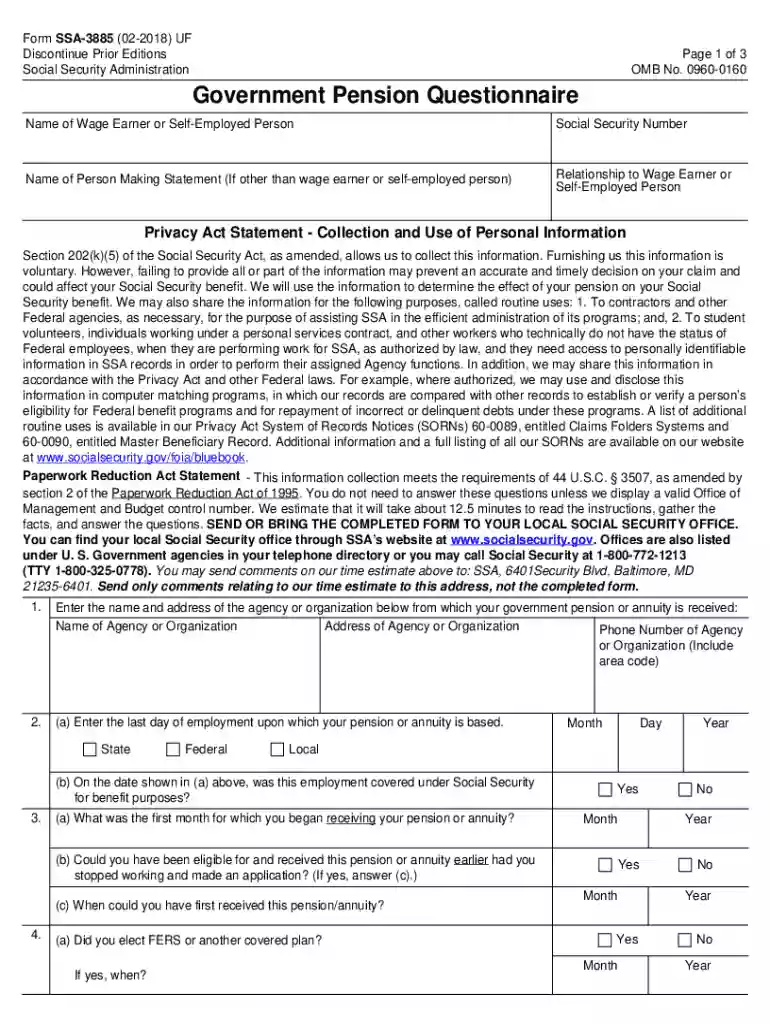
Type text, add images, blackout confidential details, add comments, highlights and more.

Draw your signature, type it, upload its image, or use your mobile device as a signature pad.

Send ssa 3885 via email, link, or fax. You can also download it, export it or print it out.

Start using our platform today to fill out your SSI appointment form easily and for free!
We've got more versions of the 3885 form. Select the right 3885 version from the list and start editing it straight away!
Electronic document signing demands a software solution that complies with data security and eSignature standards. DocHub is a perfect tool for that, since it meets all the aforementioned requirements. Whatever method you prefer to sign your pension form government in DocHub, your eSignature will be legally binding and court-admissible.
Using a swift editing system like DocHub, you do not need anything but a web browser and internet connection to edit your form ssa 3885 on the internet swiftly. Add your document or get the appropriate form in DocHub’s catalog, open our editor with one click, and complete it electronically. To revise your forms at any time, register a free account with DocHub.
At DocHub, your data security is our priority. We follow HIPAA, SOC2, GDPR, and other standards, so you can work on your documents with confidence.
We will schedule an appointment for you, if necessary, to serve you by phone or in person. If you cannot use our website, call our. National 800 Number. (1-800-
After you complete the online process, a Social Security representative schedules an appointment to help you apply for benefits.
appointment. To find the closest SSA office, phone 1-(800) 772-1213. Disability Determination: . After completing the SSDI application, the paper work is


