




01. Edit your court form online
Type text, add images, blackout confidential details, add comments, highlights and more.

Type text, add images, blackout confidential details, add comments, highlights and more.

Draw your signature, type it, upload its image, or use your mobile device as a signature pad.

Send dv court via email, link, or fax. You can also download it, export it or print it out.

Start filling out your DV-101 form online for free today!
We've got more versions of the court form form. Select the right court form version from the list and start editing it straight away!
At DocHub, your data security is our priority. We follow HIPAA, SOC2, GDPR, and other standards, so you can work on your documents with confidence.
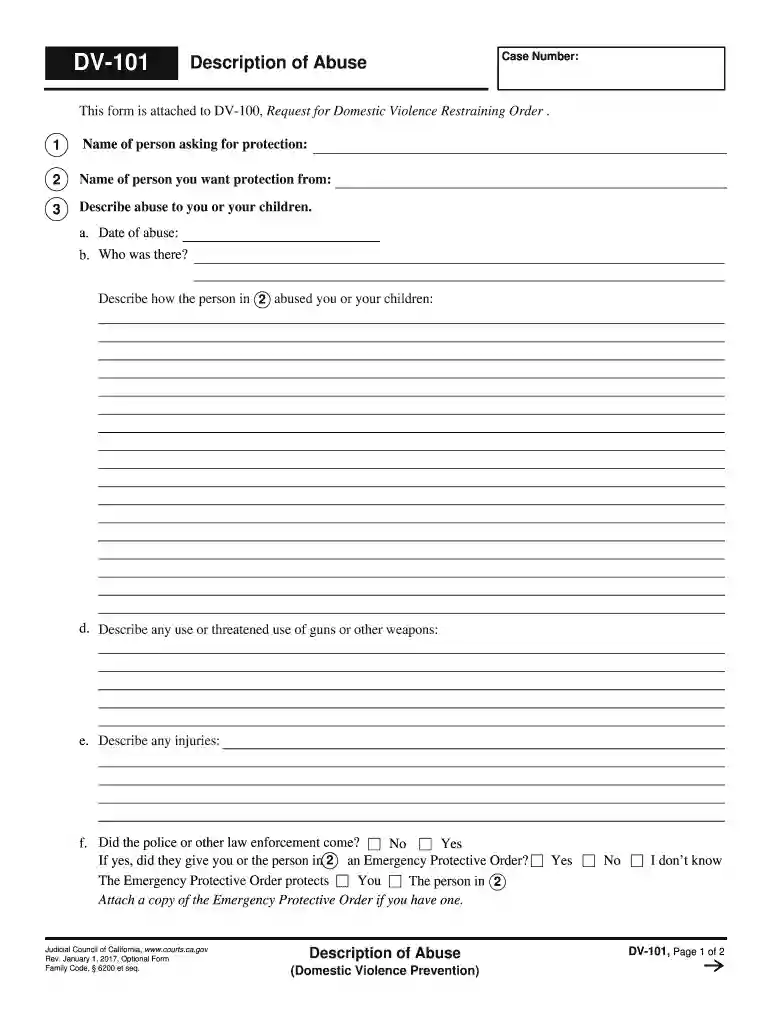
Description of Abuse (DV-101) Gives you more space to tell the judge about the abuse and why you need a restraining order.Read more
The Clery Handbook recommends institutions DocHub out to [local] organizations that assist victims of dating violence, domestic violence, sexual assault and.Read more
The DV-RA1000HD can provide more than 60 hours of recording to hard drive and burn these files to CD or DVD, making it ideal for event recording, archival, andRead more


