




Here's how it works

01. Edit your list six actions you should take if a patient refuses treatment online
Type text, add images, blackout confidential details, add comments, highlights and more.

02. Sign it in a few clicks
Draw your signature, type it, upload its image, or use your mobile device as a signature pad.

03. Share your form with others
Send patient refusal of treatment form via email, link, or fax. You can also download it, export it or print it out.
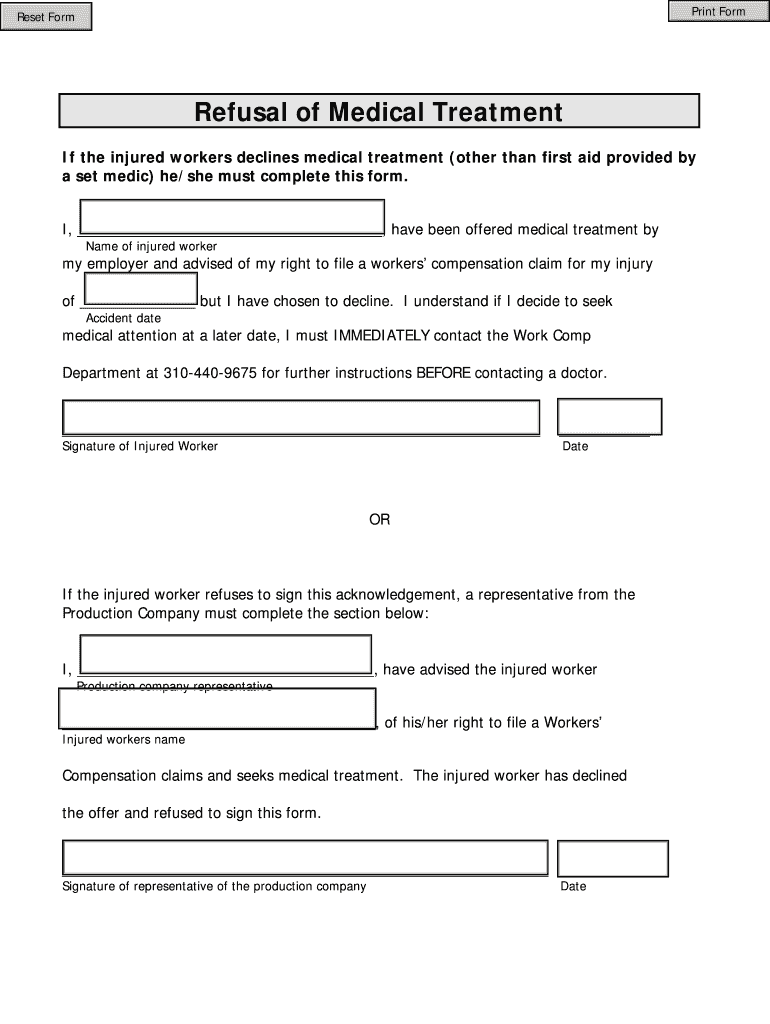
How to use or fill out Refusal of Medical Treatment with our platform

- Click ‘Get Form’ to open the Refusal of Medical Treatment document in the editor.
- In the first field, enter the name of the injured worker who is declining medical treatment.
- Next, fill in the date of the accident in the designated section to provide context for your refusal.
- Sign the form in the signature field to acknowledge your decision to decline medical treatment.
- Enter the date next to your signature to confirm when you completed this form.
- If applicable, a representative from the production company should complete their section by entering their name and signing below.
- Ensure all fields are filled out correctly before saving or exporting your completed form for submission.
Start using our platform today for free to streamline your document editing and signing process!
Fill out Refusal of Medical Treatment online
It's free
It's free
See more Refusal of Medical Treatment versions
We've got more versions of the Refusal of Medical Treatment form. Select the right Refusal of Medical Treatment version from the list and start editing it straight away!
Security and compliance
At DocHub, your data security is our priority. We follow HIPAA, SOC2, GDPR, and other standards, so you can work on your documents with confidence.
Learn more


Related forms
Graduate Readmission Application - Barry University - barry
The document is a Graduate Readmission Application form for Barry University, intended for graduate students who have be ...
Southern Thoracic Surgical Association
The document is an application form for active membership in the Southern Thoracic Surgical Association (STSA). It outli ...
Petition For Redemption of Property Tax Exemption Waiver -
The document is a petition form for reviewing proposed corrections to personal property assessments, specifically for ta ...
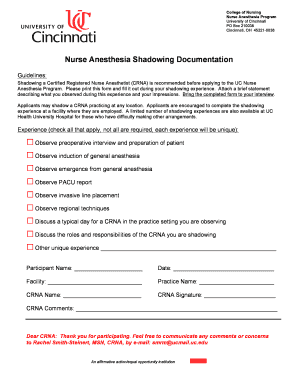
Crna shadowing form
The document outlines the guidelines for shadowing a Certified Registered Nurse Anesthetist (CRNA) as part of the applic ...
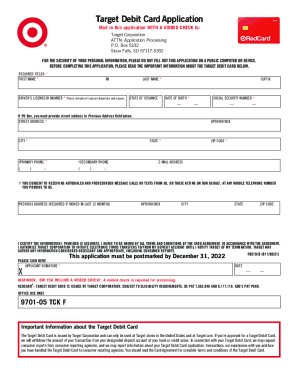
DocHub form-library117971-targetTarget Application Pdf - Fill and Sign Printable Template Online
DocHub form-library117971-targetTarget Application Pdf - Fill and Sign Printable Template Online
The document is an application form for the Target Debit Card, which must be mailed to Target Corporation along with a v ...

Ummc doctors excuse
The document is an information form for ordering note cards from University Physicians. It requires users to fill in the ...
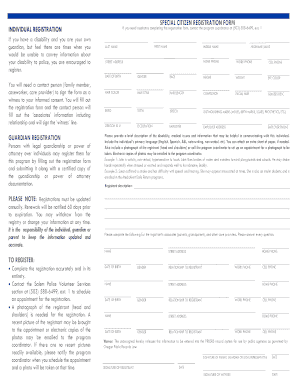
SPECIAL CITIZEN REGISTRY - City of Salem Oregon - cityofsalem
The Salem Police Department offers a voluntary registry for individuals with mental health or developmental disabilities ...
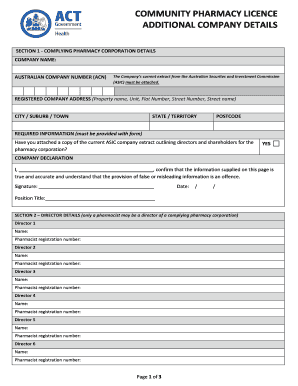
Community pharmacy blicenceb additional company details - ACT Health
The document outlines the requirements for obtaining a Community Pharmacy Licence, including details about the pharmacy ...