




01. Edit your form online
Type text, add images, blackout confidential details, add comments, highlights and more.

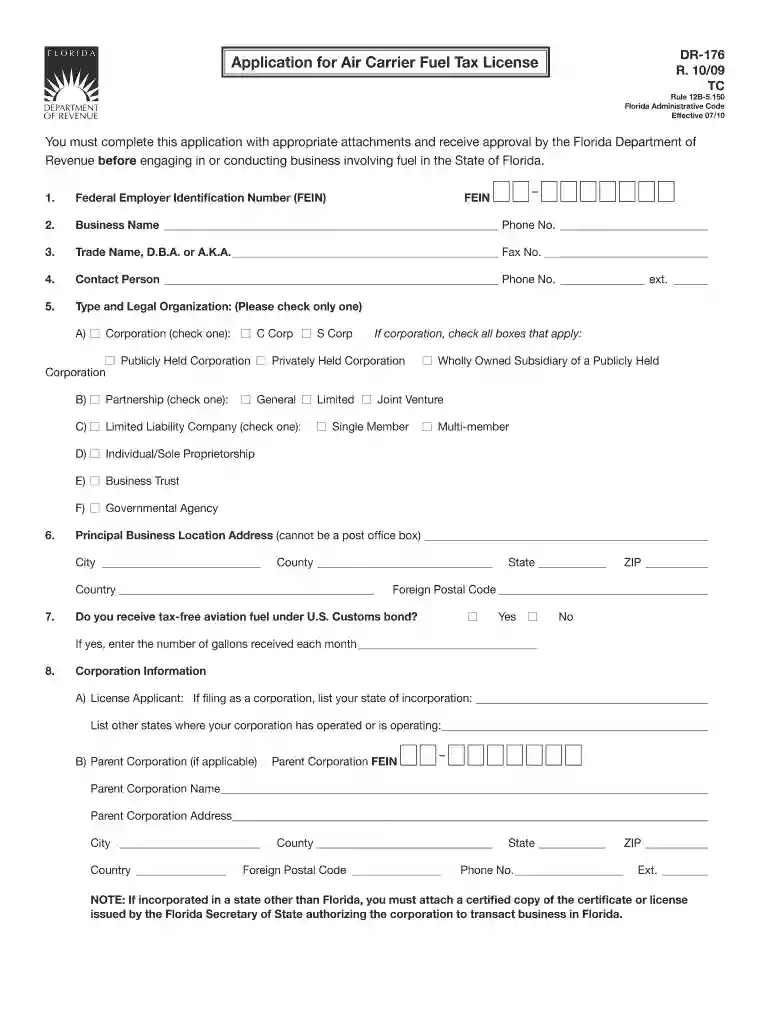
Type text, add images, blackout confidential details, add comments, highlights and more.

Draw your signature, type it, upload its image, or use your mobile device as a signature pad.

Send it via email, link, or fax. You can also download it, export it or print it out.

Start using our platform today to streamline your fl air carrier license application process for free!
We've got more versions of the fl air carrier license form. Select the right fl air carrier license version from the list and start editing it straight away!
Sign in to your DocHub account and import your fl air carrier license to our editor using one of its upload options - from your device, cloud storage, protected URL, or your DocHub folders if you have already processed your document before. Open our editor, click the Sign button in the upper toolbar, and decide on your signing method. You can use an image of your handwritten signature, draw it, type in your name, or use a QR code as an alternative.
When you edit your fl air carrier license with DocHub, you will not need to look for other applications or services to eSign it. An electronic signature is part of DocHub’s extensive editing toolset, which enables you to apply changes in your form without jumping between websites. Simply complete your form, double-check the correctness of your data and put your electronic signature at the end to make it submission-ready within minutes.
At DocHub, your data security is our priority. We follow HIPAA, SOC2, GDPR, and other standards, so you can work on your documents with confidence.
1. Any person who transports aviation fuel or undyed kerosene within this State must hold a valid license as a carrier. See Rule 12B-5.040, F.A.C..Read more
ANNOUNCEMENT. The FAA Flight Standards Service (FS) is making key improvements to application processing by combining elements of the certification process.Read more


