




01. Edit your demande de visa visiteur canada online
Type text, add images, blackout confidential details, add comments, highlights and more.

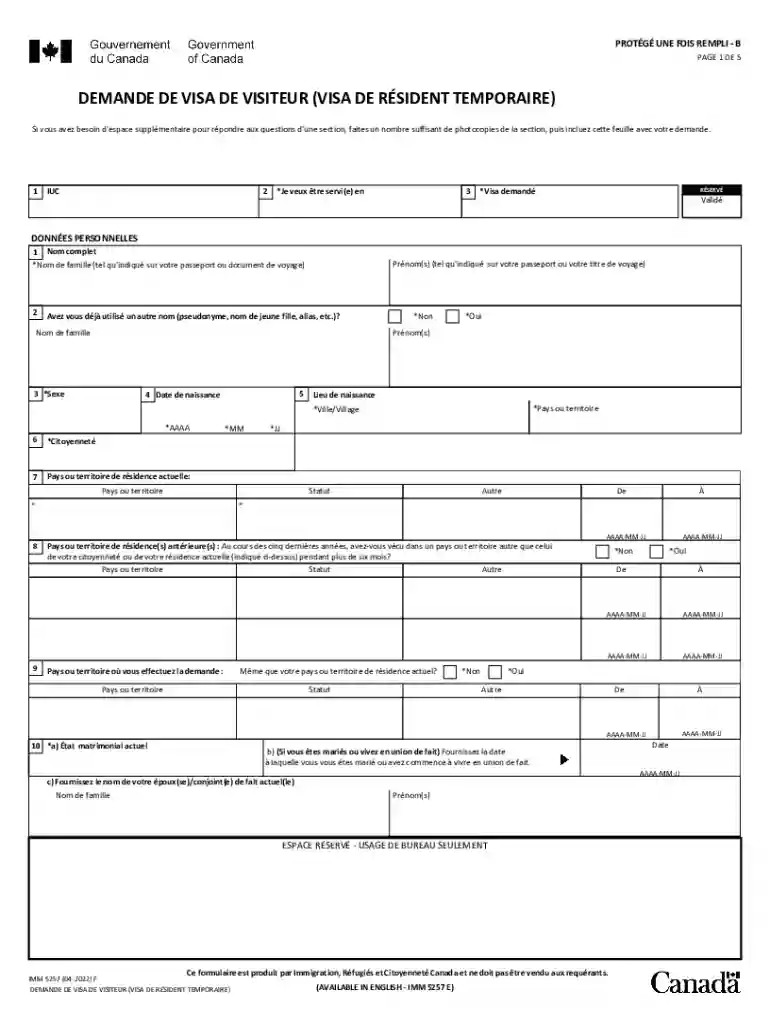
Type text, add images, blackout confidential details, add comments, highlights and more.

Draw your signature, type it, upload its image, or use your mobile device as a signature pad.

Send formulaire demande visa visiteur canada via email, link, or fax. You can also download it, export it or print it out.

Start using our platform today to simplify filling out your visa application for free!
We've got more versions of the demande de visa visiteur canada form. Select the right demande de visa visiteur canada version from the list and start editing it straight away!
You should use only trustworthy software solutions with strong security compliance to approve your paperwork electronically. DocHub is just the type of service you need! It stores data on Amazon Web Servers and complies with all essential security standards and eSignature regulations, so it’s a trustworthy way to eSign your demande de visa canada or other documents using this tool.
When you edit your imm 5257 demande de visa visiteur with DocHub, you simply will not need to look for other applications or solutions to eSign it. An electronic signature is part of DocHub’s comprehensive editing toolset, which enables you to apply changes in your form without jumping between websites. Simply complete your form, double-check the correctness of your data and put your electronic signature at the end to make it submission-ready quickly.
At DocHub, your data security is our priority. We follow HIPAA, SOC2, GDPR, and other standards, so you can work on your documents with confidence.
Visa Long sjour temporaire. (VLS-T) tudiant. Pas de titre de sjour Visiteur ou visa C Concours . Acte de naissance (et ceux des membresRead more
Pour les sjours de courte dure aux tats-Unis (tourisme, affaires, tudes, etc.), veuillez remplir directement une demande en ligne (formulaire DS-160 ). PourRead more


