




01. Edit your ps form 61 online
Type text, add images, blackout confidential details, add comments, highlights and more.

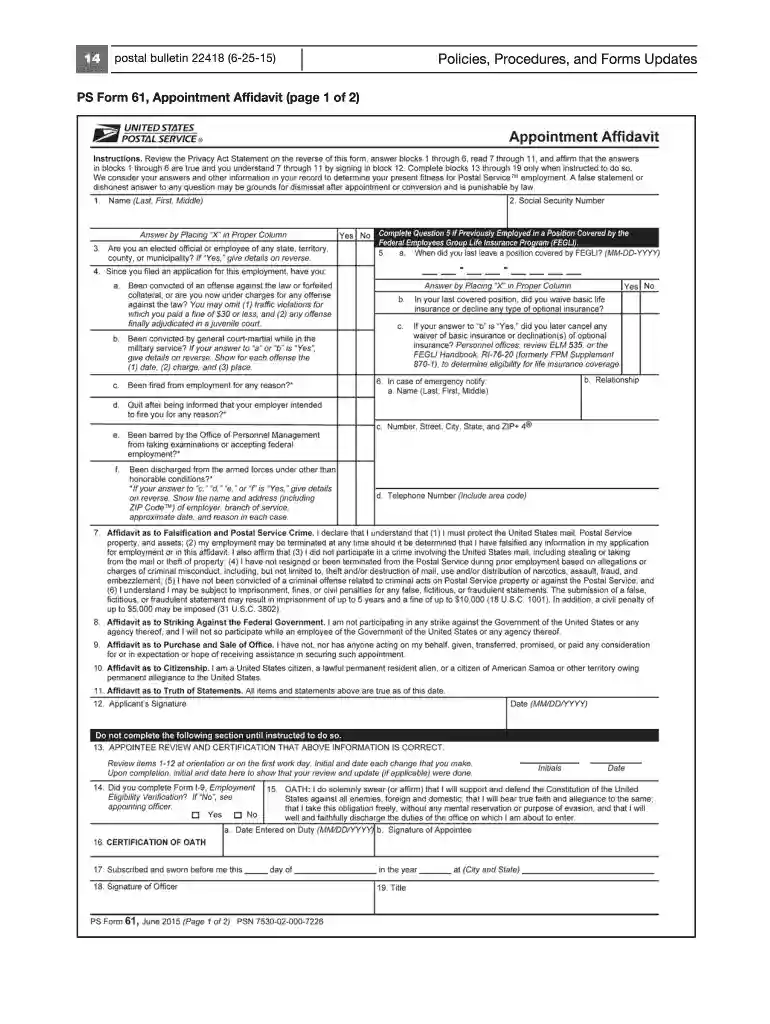
Type text, add images, blackout confidential details, add comments, highlights and more.

Draw your signature, type it, upload its image, or use your mobile device as a signature pad.

Send ps61 form via email, link, or fax. You can also download it, export it or print it out.

Start using our platform today to fill out your PS Form 61 easily and for free!
We've got more versions of the ps form 61 form. Select the right ps form 61 version from the list and start editing it straight away!
At DocHub, your data security is our priority. We follow HIPAA, SOC2, GDPR, and other standards, so you can work on your documents with confidence.
The Compensation section of Human Resource Management provides technical advice to departments for staffing and reorganization.Read more
Please contact your agencys legal counsel for advice. Standard Form 61. Revised August 2002. Previous editions not usable. U.S. Office of Personnel Management.Read more
PS61 (scanner HP) was turned on, it stops. This position is the exposure position for ADF copy operation. Then, ADF copy operation is performed. AfterRead more


