




01. Edit your 12 angry jurors script online
Type text, add images, blackout confidential details, add comments, highlights and more.

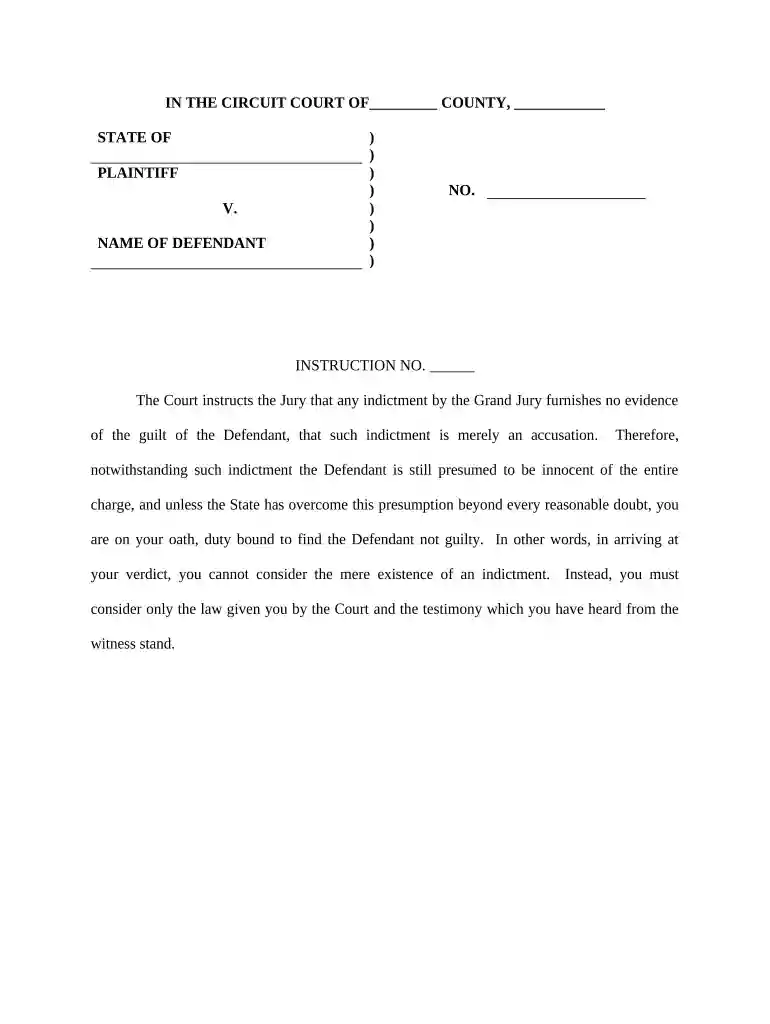
Type text, add images, blackout confidential details, add comments, highlights and more.

Draw your signature, type it, upload its image, or use your mobile device as a signature pad.

Send 12 angry men script via email, link, or fax. You can also download it, export it or print it out.

Start using our platform today for free to streamline your document editing and form completion!
At DocHub, your data security is our priority. We follow HIPAA, SOC2, GDPR, and other standards, so you can work on your documents with confidence.




The Wisconsin Jury Instructions are created as models, checklists, or minimum standards. It may be necessary to modify instructions to accommodate the facts ofRead more
North Carolina Pattern Jury Instructions are sample jury instructions organized by legal topic. Trial judges use them for particular cases based on theRead more


