




01. Edit your form online
Type text, add images, blackout confidential details, add comments, highlights and more.

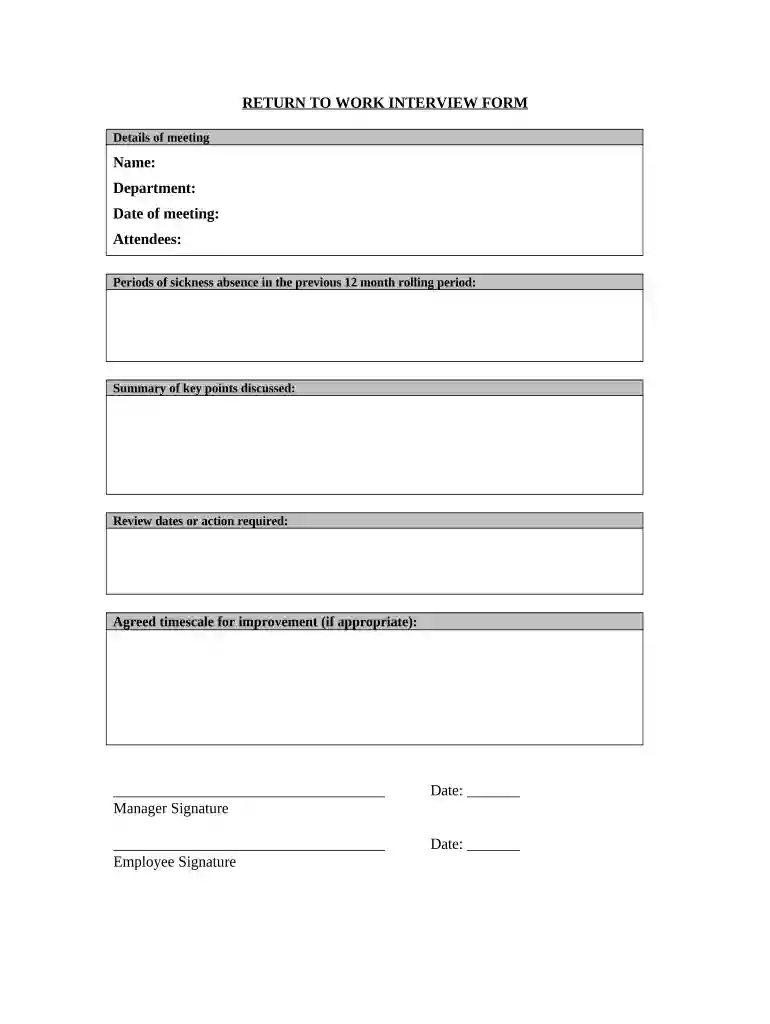
Type text, add images, blackout confidential details, add comments, highlights and more.

Draw your signature, type it, upload its image, or use your mobile device as a signature pad.

Send it via email, link, or fax. You can also download it, export it or print it out.

Start using our platform today to streamline your document editing and ensure a smooth return process!
At DocHub, your data security is our priority. We follow HIPAA, SOC2, GDPR, and other standards, so you can work on your documents with confidence.


The Return to Work program supports employees returning from both occupational (work-related) and non-occupational (not work-related) injuries and illnesses.Read more
There is much left to be done and so little time with which to do it. Redirects to: Ice Winds and Blasts From Hell.
View resources for workers, employers and insurers related to helping injured workers return to work following a workplace injury or illness.Read more


