



Here's how it works



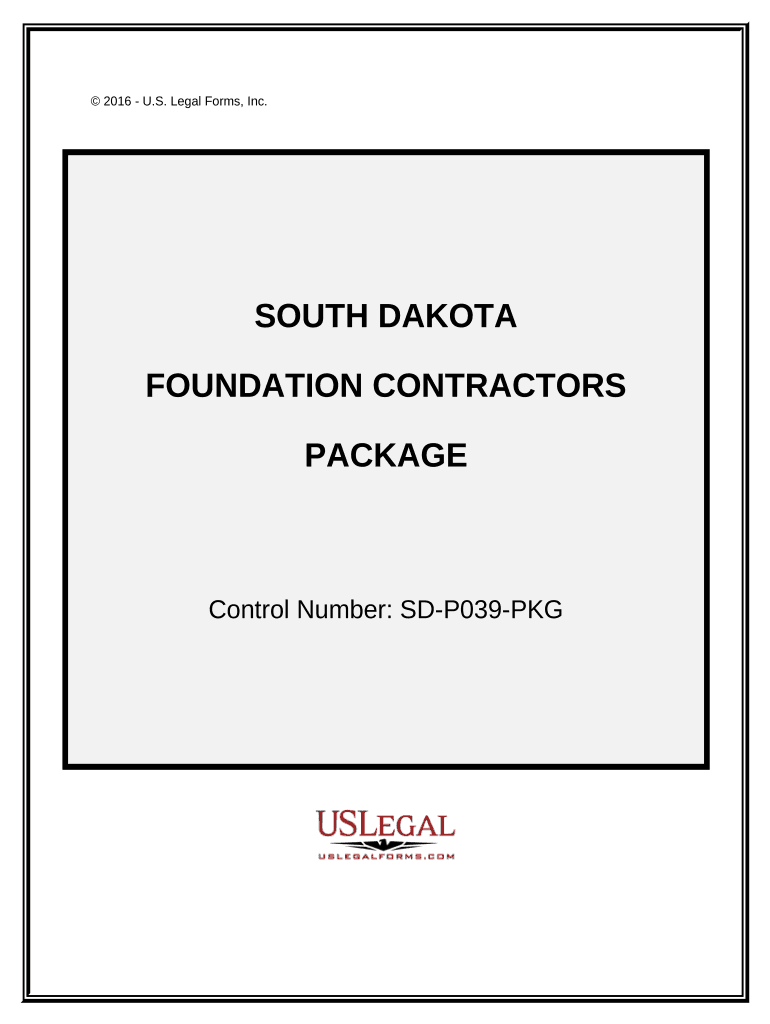
How to use or fill out Foundation Contractor Package - South Dakota

- Click ‘Get Form’ to open the Foundation Contractor Package in our editor.
- Begin with the 'Foundation Contract - Cost Plus or Fixed Fee' form. Fill in the contractor's details, project scope, and insurance information as required.
- Next, complete the 'Construction Project Information Sheet' by entering all relevant parties involved, including their contact information and project commencement date.
- Use the 'Change Order Sheet' to document any amendments to the original contract. Ensure both parties sign off on changes for clarity.
- Fill out the 'Certificate of Completion' once all work is finished, certifying that everything meets project specifications.
- Complete the 'Final Project Punch List' by listing any remaining tasks and allowing property owners to initial upon completion.
- Utilize the 'Worker Safety and Health Plan' to outline safety protocols for your team, ensuring compliance with OSHA standards.
- Document any incidents using the 'Accident Report Form', capturing all necessary details for future reference.
- After project completion, distribute the 'Customer Satisfaction Survey' to gather feedback from clients about their experience.
- Maintain a record of bids using the 'Bid Log', tracking due dates and statuses effectively.
Start filling out your Foundation Contractor Package today for free using our platform!
It's free
Got questions?
Can I sign my Foundation Contractor Package - South Dakota in electronic format?
According to eSignature laws, documents approved electronically have the same validity as traditionally approved ones. You can electronically sign almost any business and personal documentation. Four types of paperwork still require handwritten signatures only - wills and testamentary trusts, court orders and other court papers, state statutes governing divorce, adoption, or other family law, and notice of cancellation of utility services. If you follow the regulations and utilize a secure and compliant software solution, like DocHub, you can eSign your Foundation Contractor Package - South Dakota without printing it.
How do you edit Foundation Contractor Package - South Dakota in Chrome?
If you use Chrome, there are two easy ways to modify your Foundation Contractor Package - South Dakota online. First, visit the DocHub website, add your file, and modify it using our toolbar. You can also set up our Chrome extension and modify any document by dragging and dropping it in your browser window.
Security and compliance
At DocHub, your data security is our priority. We follow HIPAA, SOC2, GDPR, and other standards, so you can work on your documents with confidence.
Learn more