




01. Edit your cg 1258 online
Type text, add images, blackout confidential details, add comments, highlights and more.

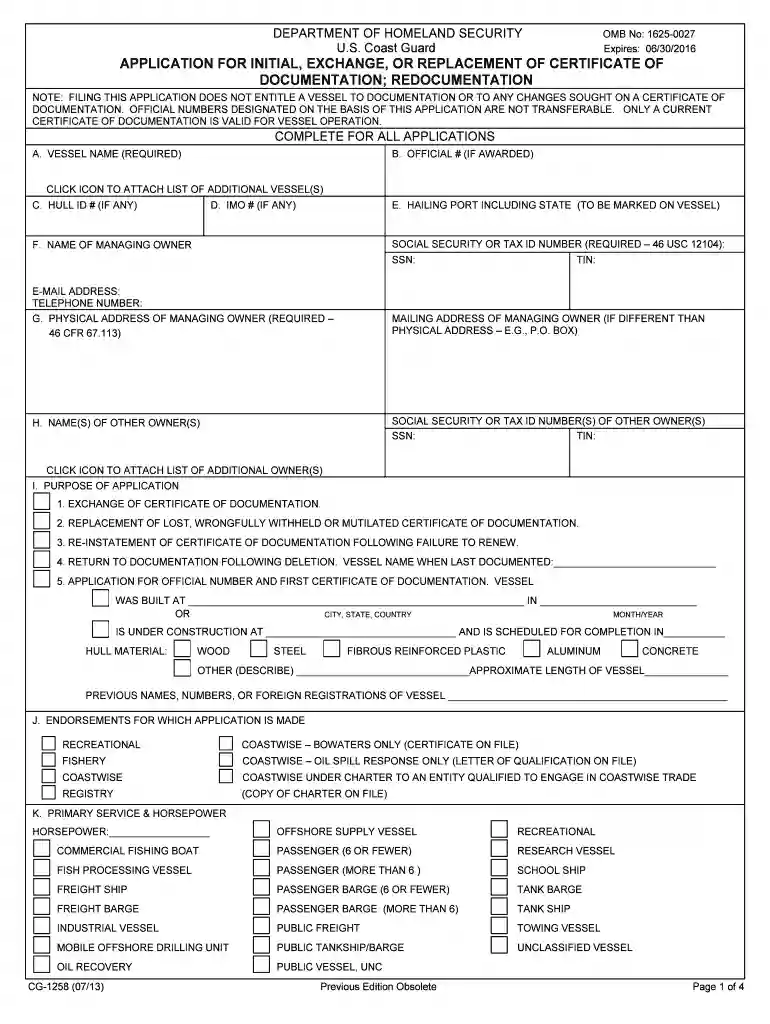
Type text, add images, blackout confidential details, add comments, highlights and more.

Draw your signature, type it, upload its image, or use your mobile device as a signature pad.

Send cg 1258 instructions via email, link, or fax. You can also download it, export it or print it out.

Start using our platform today to easily fill out your cg 1258 form for free!
We've got more versions of the cg 1258 form. Select the right cg 1258 version from the list and start editing it straight away!
At DocHub, your data security is our priority. We follow HIPAA, SOC2, GDPR, and other standards, so you can work on your documents with confidence.
of form CG1258, Application for Docu- mentation, section G, citizenship. (e) Whenever the charterer of a vessel under paragraph (a) of this section enRead more
by MS Gillis 2016 Cited by 1 Shell damage assessments are used by paleoecologists to infer the historical prevalence and types of biotic interactions between ancientRead more
Jun 27, 2017 Therefore, this review provides an overview about dedicated metaproteomics software and bioinformatic strategies. In addition to two previousRead more


