




01. Edit your form fe 6 revised october 2022 online
Type text, add images, blackout confidential details, add comments, highlights and more.

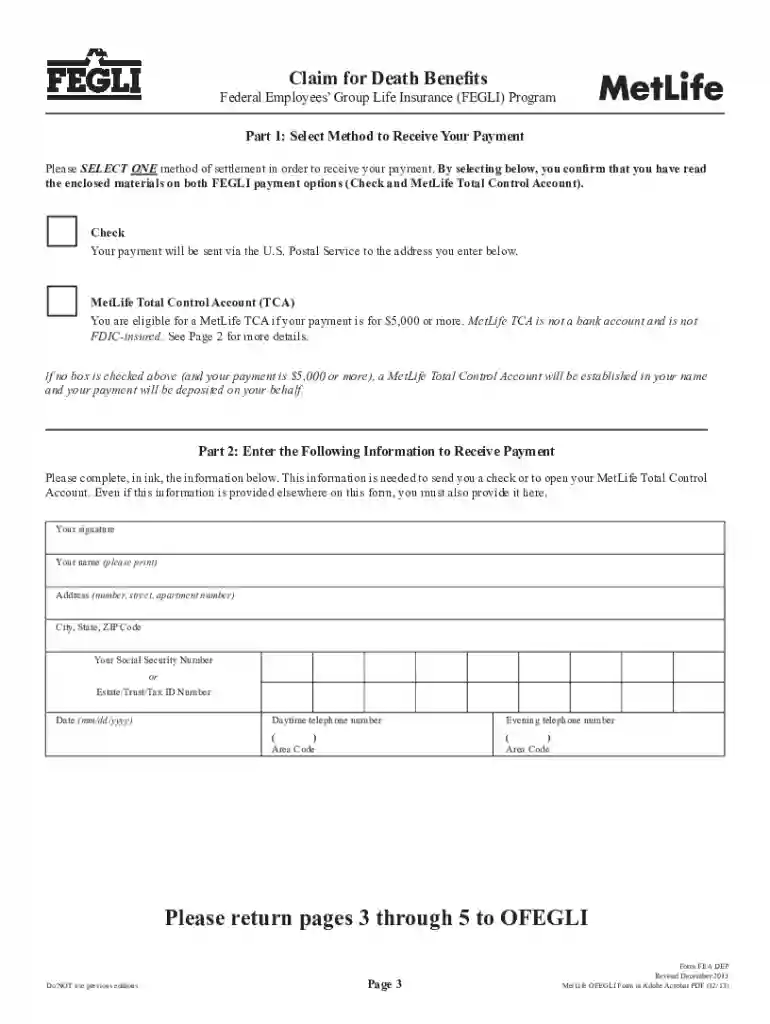
Type text, add images, blackout confidential details, add comments, highlights and more.

Draw your signature, type it, upload its image, or use your mobile device as a signature pad.

Send form fe 6 via email, link, or fax. You can also download it, export it or print it out.

Start using our platform today to streamline your form completion process for free!
We've got more versions of the form fe 6 revised october 2022 form. Select the right form fe 6 revised october 2022 version from the list and start editing it straight away!
At DocHub, your data security is our priority. We follow HIPAA, SOC2, GDPR, and other standards, so you can work on your documents with confidence.
The law states that FEGLI benefits will be paid in the following manner: If the deceased did not assign ownership and there is no valid court order on fileRead more
Spectroscopic investigation of a metalmetal-bonded Fe6 single-molecule magnet with an isolated S = 19/2 giant-spin ground state.Read more


