




01. Edit your form online
Type text, add images, blackout confidential details, add comments, highlights and more.

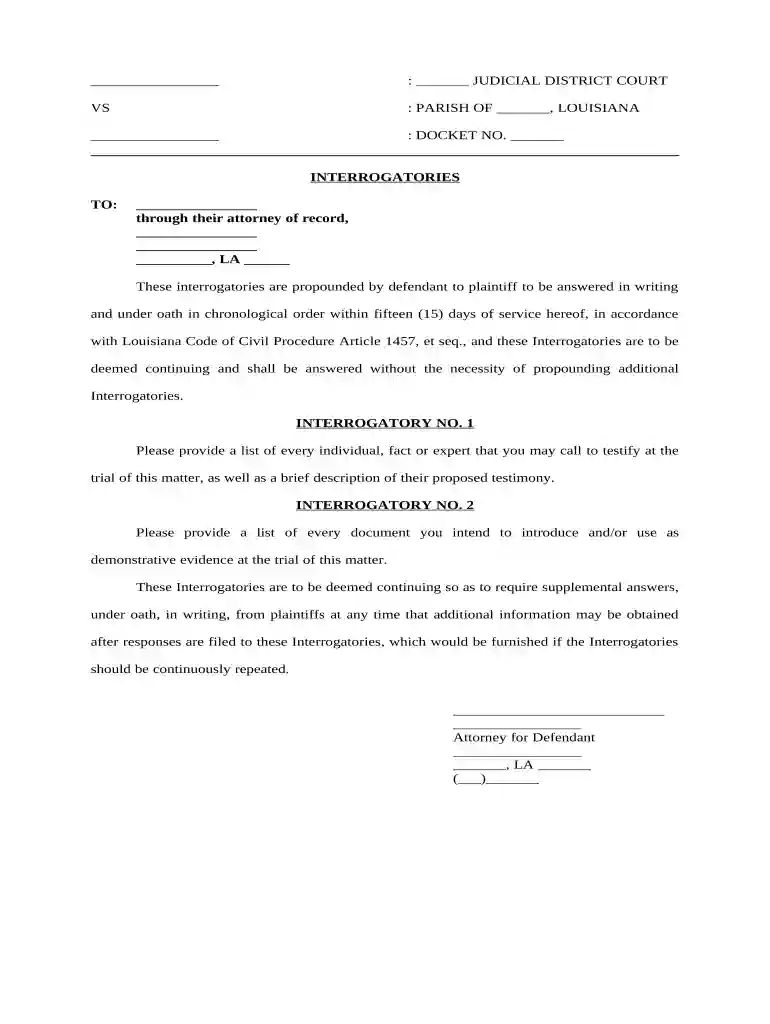
Type text, add images, blackout confidential details, add comments, highlights and more.

Draw your signature, type it, upload its image, or use your mobile device as a signature pad.

Send it via email, link, or fax. You can also download it, export it or print it out.

Start using our platform today to efficiently complete your interrogatories online for free!
At DocHub, your data security is our priority. We follow HIPAA, SOC2, GDPR, and other standards, so you can work on your documents with confidence.



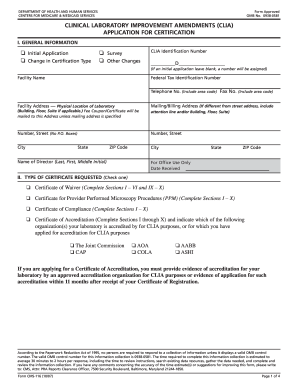

An interrogatory is a list of written questions one party sends to another as part of the discovery process.Read more
A form of discovery consisting of written questions to be answered in writing and under oath. The court required that all interrogatories by the defendant beRead more
Sec. 1. Instructions to All Parties. (a) Interrogatories are written questions prepared by a party to an action that are sent to any other party in theRead more


