




01. Edit your state of illinois certificate of child health examination 2024 online
Type text, add images, blackout confidential details, add comments, highlights and more.

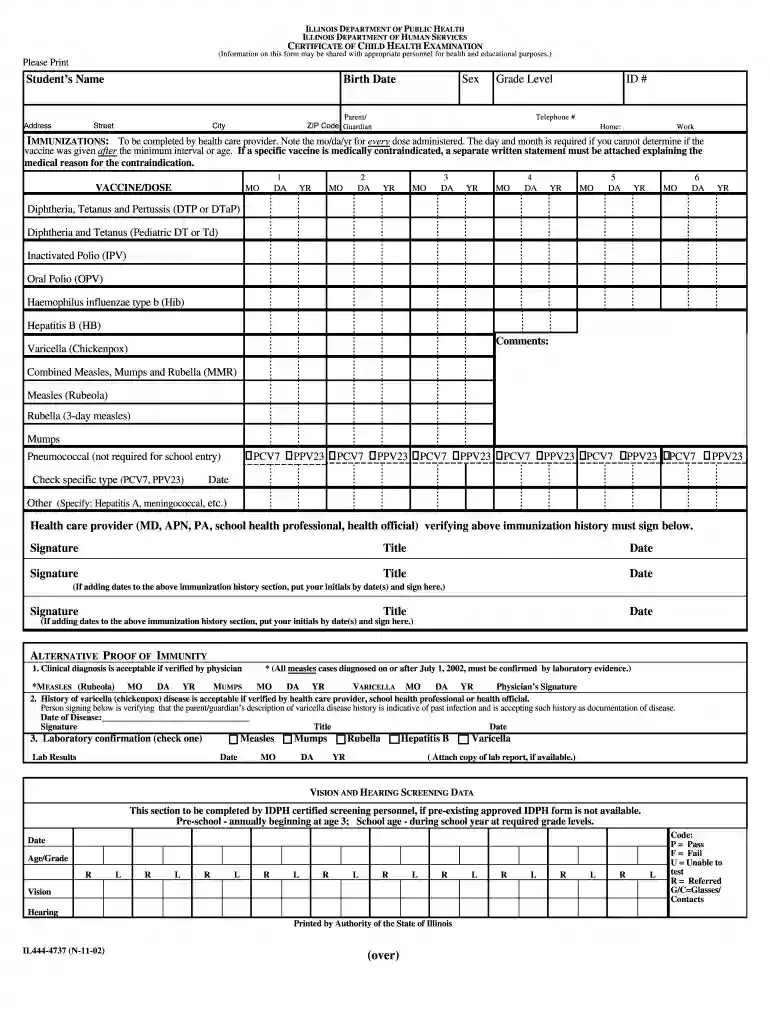
Type text, add images, blackout confidential details, add comments, highlights and more.

Draw your signature, type it, upload its image, or use your mobile device as a signature pad.

Send certificate of child health examination via email, link, or fax. You can also download it, export it or print it out.

Start using our platform today to easily fill out and manage your documents for free!
We've got more versions of the state of illinois certificate of child health examination 2024 form. Select the right state of illinois certificate of child health examination 2024 version from the list and start editing it straight away!
Most eSignature solutions require users to have a paid subscription. With DocHub, there are two ways for you to create an electronic signature to your health examination certificate where to get free of charge:
The second option, however, has limitations on the number of signatures, sign requests, emails, and documents for editing available per month. You can check for full information here.
It is a no-brainer on a computer or via a mobile device to fill out a illinois certificate of child health examination with DocHub. All you need to do is open any installed browser on your smartphone and proceed to the DocHub site. Once authenticated, add your file and open it in editing mode. Use our toolbar to make your edits and save changes. Optionally, keep your file in your files or send it to a recipient on the spot.
At DocHub, your data security is our priority. We follow HIPAA, SOC2, GDPR, and other standards, so you can work on your documents with confidence.
Certificate of Child Health Examination. Certificates *All measles cases diagnosed on or after July 1, 2002, must be confirmed by laboratory evidence.Read more
May 9, 2008 Hawaii (three), and Illinois, New York state, Pennsylvania, and Virginia (one each) (Figure). Patients ranged in age from 5 months to 71Read more
Jan 31, 2024 IMMUNIZATIONS: To be completed by health care provider. The mo/day/yr for every dose administered is required. If a specific vaccine isRead more


