




01. Edit your form online
Type text, add images, blackout confidential details, add comments, highlights and more.

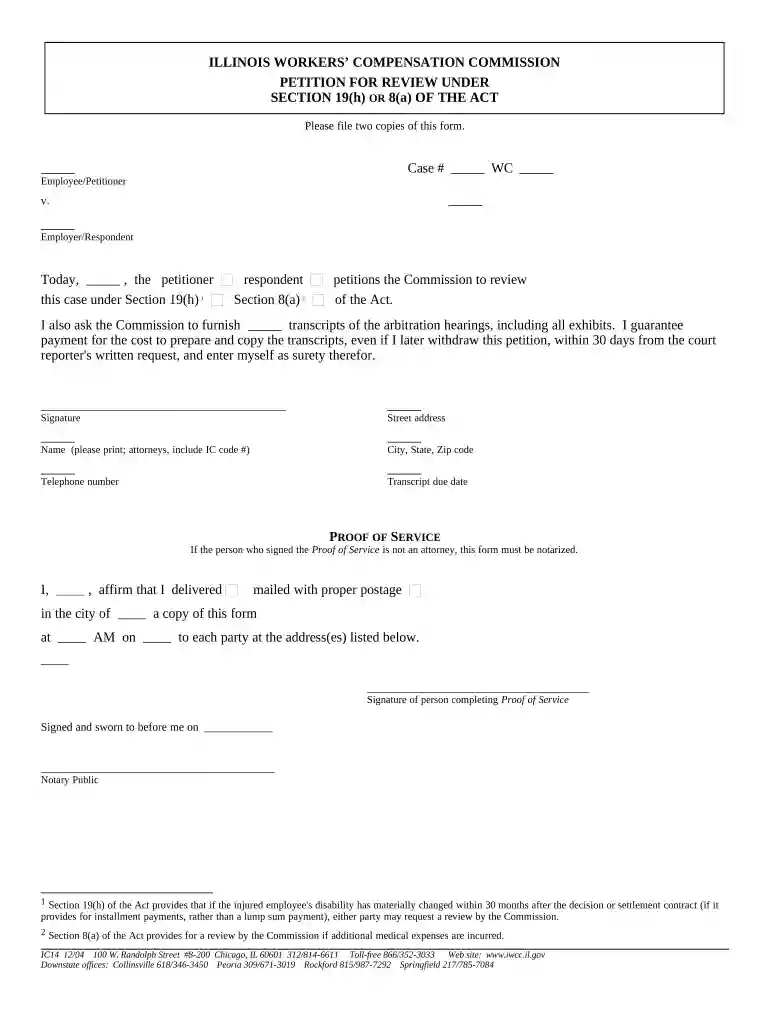
Type text, add images, blackout confidential details, add comments, highlights and more.

Draw your signature, type it, upload its image, or use your mobile device as a signature pad.

Send it via email, link, or fax. You can also download it, export it or print it out.

Start using our platform today to streamline your Illinois Petition Review process for free!
At DocHub, your data security is our priority. We follow HIPAA, SOC2, GDPR, and other standards, so you can work on your documents with confidence.





The Board reviews, processes and submits confidential recommendations to the Governor on all executive clemency petitions that comply with the followings steps.Read more
Jun 24, 2025 The last step before a permit is officially issued is an administrative review of the mining permit. Stand Up To Coal filed as a petitioner inRead more


