




01. Edit your form online
Type text, add images, blackout confidential details, add comments, highlights and more.

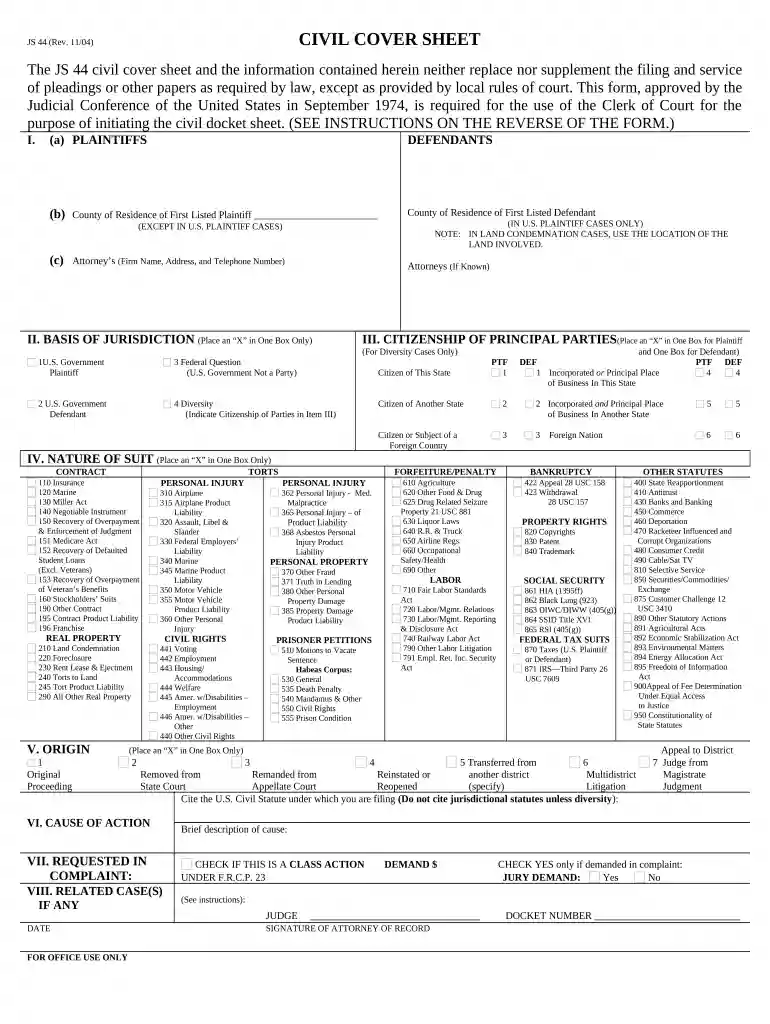
Type text, add images, blackout confidential details, add comments, highlights and more.

Draw your signature, type it, upload its image, or use your mobile device as a signature pad.

Send it via email, link, or fax. You can also download it, export it or print it out.

Start using our platform today for free to streamline your district court form completion!
At DocHub, your data security is our priority. We follow HIPAA, SOC2, GDPR, and other standards, so you can work on your documents with confidence.




The U.S. Courts have a Federal Court Finder that allows individuals to find where the nearest district court is. In addition to the Complaint, you willRead more
Mar 5, 2026 List of District Courts (by State) California Central District Court California Eastern District Court California Northern District CourtRead more
The Clerks Office is open to the general public from 8:30 a.m. to 4:30 p.m. on regular business days. Customer service is also provided over the telephoneRead more


