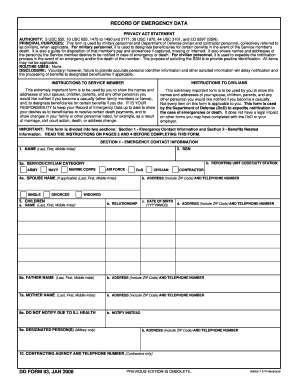
Case disposition document 2026

Get Form
disposition in court Preview on Page 1

Here's how it works

01. Edit your disposition in court online
Type text, add images, blackout confidential details, add comments, highlights and more.

02. Sign it in a few clicks
Draw your signature, type it, upload its image, or use your mobile device as a signature pad.

03. Share your form with others
Send disposition court via email, link, or fax. You can also download it, export it or print it out.

How to use or fill out case disposition document with our platform

Form edit decoration
9.5
Ease of Setup
DocHub User Ratings on G2
9.0
Ease of Use
DocHub User Ratings on G2
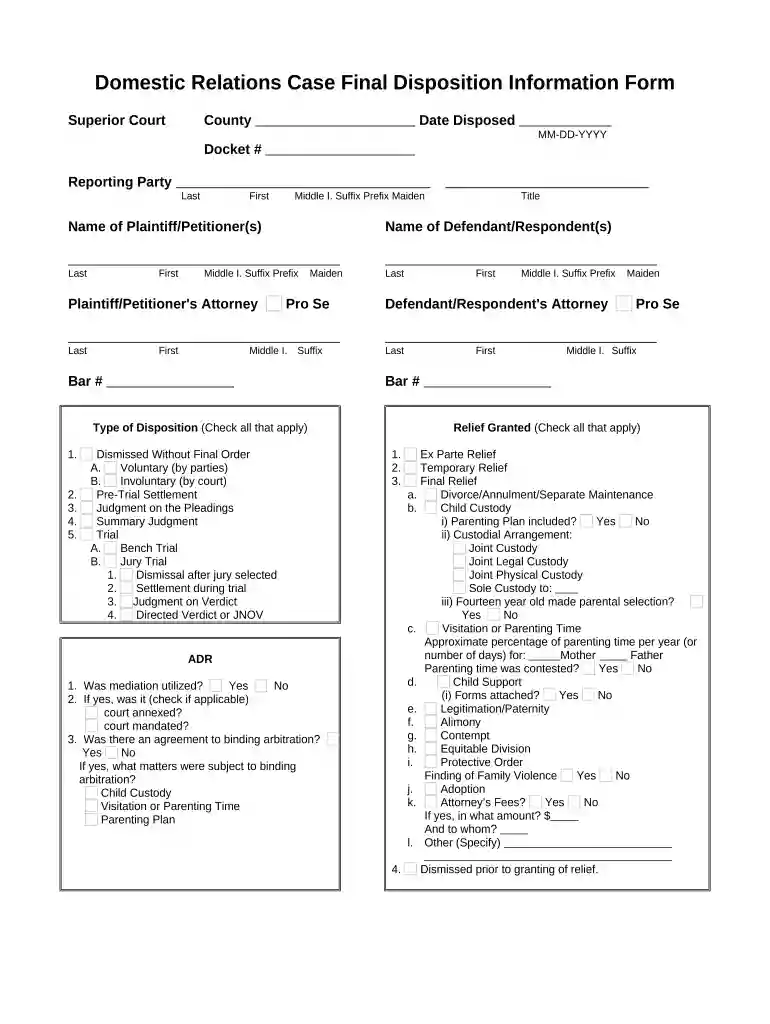
  1. Click ‘Get Form’ to open the Domestic Relations Case Final Disposition Information Form in the editor.
  2. Begin by entering the 'Date Disposed' in MM-DD-YYYY format and the 'Docket #' for easy reference.
  3. Fill in the 'Reporting Party' section with your last name, first name, middle initial, suffix, prefix, and maiden name if applicable.
  4. Complete the names of both Plaintiff/Petitioner(s) and Defendant/Respondent(s) using the same format as above.
  5. If you have an attorney, provide their details including bar number; otherwise, indicate 'Pro Se'.
  6. In the 'Type of Disposition' section, check all applicable options such as 'Dismissed Without Final Order' or 'Trial'.
  7. For 'Relief Granted', check all relevant items and provide additional details where necessary.
  8. Finally, review all entries for accuracy before saving or exporting your completed form.

Start using our platform today to streamline your case disposition document process for free!

be ready to get more

Complete this form in 5 minutes or less

Get form

Got questions?

We have answers to the most popular questions from our customers. If you can't find an answer to your question, please contact us.
Contact us
What is the Purpose of a Disposition? A case disposition serves as the official record of a cases resolution. This final determination is important for all involved parties, including the defendant, attorneys, and law enforcement. The outcome may lead to sentencing, an appeal, or complete case closure.
The disposition on a criminal record is the current status or final outcome of an arrest or prosecution. Common dispositions are: Convicted: means you have plead or been found guilty by a court of law. Acquitted: means you have been found not guilty by a court of law in a criminal trial.
The disposition of a criminal case is its final outcome: convicted or acquitted, deferred or suspended. For employers considering a candidates criminal history, disposition is important since it can indicate whether the candidate was ultimately convicted of a crime. Dispositions always relate to a specific offense.
No. A disposition shows the final outcome of a case, while a conviction is just one possible disposition type. Other dispositions include acquittal, dismissal, or deferral.
Is Disposition the Same as Verdict? Not exactly. A verdict is the decision made by a jury or judge at the end of a criminal trial, while a disposition is a broader term that refers to the final outcome of the charges. A disposition may also involve the transfer of property or assets as part of the final outcome.

Security and compliance

At DocHub, your data security is our priority. We follow HIPAA, SOC2, GDPR, and other standards, so you can work on your documents with confidence.
Learn more
ccpa2
pci-dss
gdpr-compliance
hipaa
soc-compliance