




01. Edit your form online
Type text, add images, blackout confidential details, add comments, highlights and more.

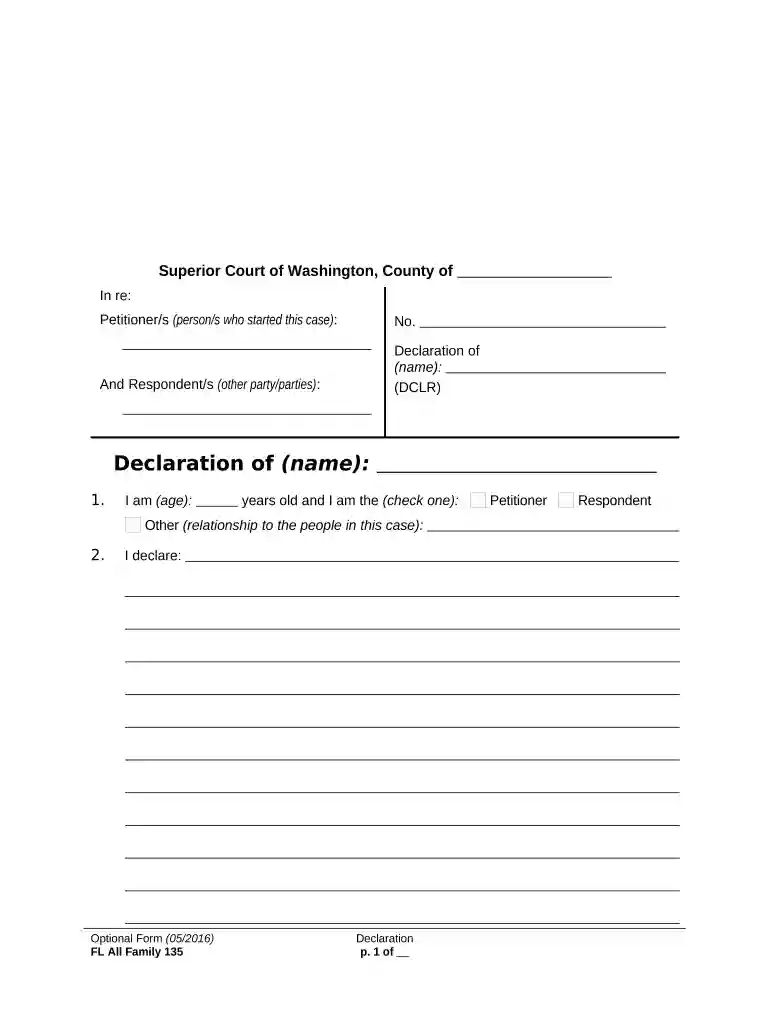
Type text, add images, blackout confidential details, add comments, highlights and more.

Draw your signature, type it, upload its image, or use your mobile device as a signature pad.

Send it via email, link, or fax. You can also download it, export it or print it out.

Start using our platform today to complete your wa declaration easily and for free!
At DocHub, your data security is our priority. We follow HIPAA, SOC2, GDPR, and other standards, so you can work on your documents with confidence.




We deem it useful to declare again certain truths and aims upon which we are united and which we are persuaded are supported by all free nations.Read more
I declare under penalty of perjury under the laws of the state of Washington that the facts I have provided on this form (and any attachments) are true. I haveRead more


