Type text, add images, blackout confidential details, add comments, highlights and more.
02. Sign it in a few clicks
Draw your signature, type it, upload its image, or use your mobile device as a signature pad.
03. Share your form with others
Send it via email, link, or fax. You can also download it, export it or print it out.
How to use or fill out memorandum costs with our platform
Ease of Setup
DocHub User Ratings on G2
Ease of Use
DocHub User Ratings on G2
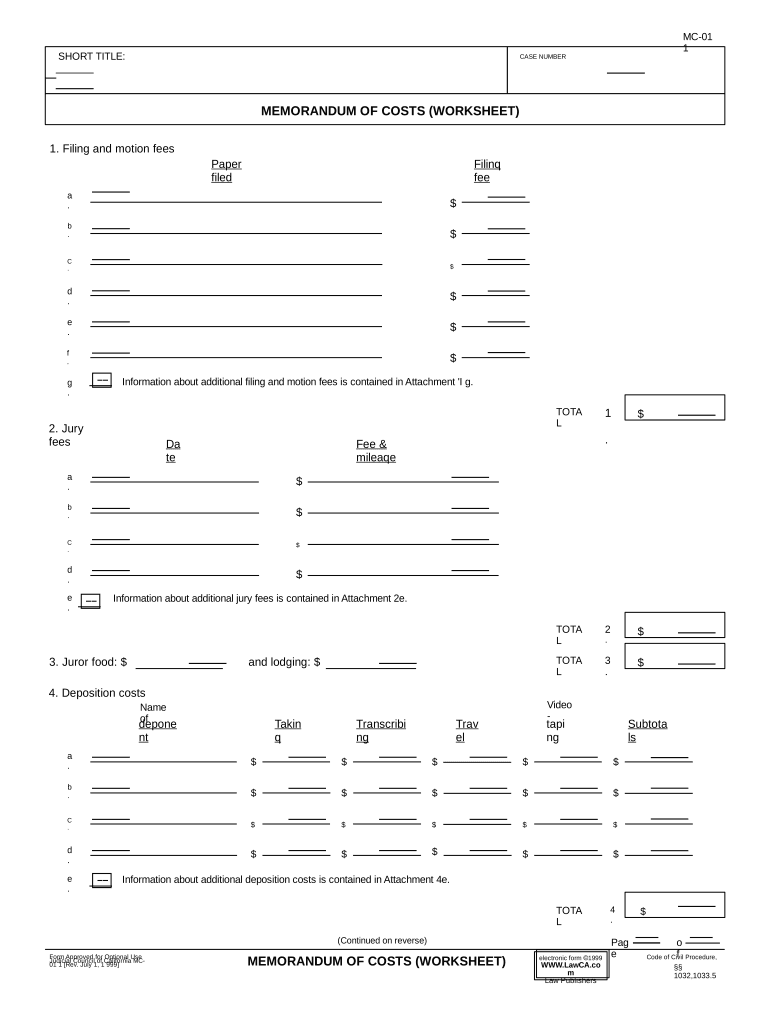
Click ‘Get Form’ to open the Memorandum of Costs in the editor.
Begin by entering the case number and short title at the top of the form. This information is crucial for identifying your document.
In Section 1, list all filing and motion fees. Use the provided fields to detail each fee, ensuring you include any additional information in Attachment 'I g' if necessary.
Proceed to Section 2 for jury fees. Fill in the required fields, including dates and amounts, and refer to Attachment 2e for further details on additional jury fees.
Continue through Sections 3 to 8, documenting juror food costs, deposition costs, service of process expenses, and witness fees as applicable. Be sure to specify any attachments where more information is needed.
Finally, review all entries for accuracy before saving or exporting your completed form. Utilize our platform's features for easy sharing or signing.
Start using our platform today to streamline your memorandum costs documentation!
MEMORANDUM OF COSTS (WORKSHEET)Memorandum of costs after judgmentMemorandum of costs (SUMMARY)Memorandum of costs CCPMemorandum of costs MC 012California memorandum of costsMemorandum of costs small claimsMemorandum of costs MC-010
Security and compliance
At DocHub, your data security is our priority. We follow HIPAA, SOC2, GDPR, and other standards, so you can work on your documents with confidence.
Jul 26, 2025 costs of the community members upcoming legal entity, estimated at less than 1000), but it is highly unlikely that this funding would riseRead more
MC-010 Memorandum of Costs (Summary) - California Courts
To the best of my knowledge, the items of costs are correct and were necessarily incurred in this case. I declare under penalty of perjury under the laws of theRead more
Complete renegotiations or terminations for all contracts by 180 days from the date of this memorandum. Every dollar we redirect from overhead to outcomesRead more
Cookie consent notice
This site uses cookies to enhance site navigation and personalize your experience.
By using this site you agree to our use of cookies as described in our Privacy Notice.
You can modify your selections by visiting our Cookie and Advertising Notice.