




01. Edit your 2010 free return to work form template online
Type text, add images, blackout confidential details, add comments, highlights and more.

Type text, add images, blackout confidential details, add comments, highlights and more.

Draw your signature, type it, upload its image, or use your mobile device as a signature pad.

Send 2010 free return to work template form via email, link, or fax. You can also download it, export it or print it out.

Start using our platform today for free to streamline your document editing and ensure a smooth return to work process!
We've got more versions of the 2010 free return to work form template form. Select the right 2010 free return to work form template version from the list and start editing it straight away!
At DocHub, your data security is our priority. We follow HIPAA, SOC2, GDPR, and other standards, so you can work on your documents with confidence.
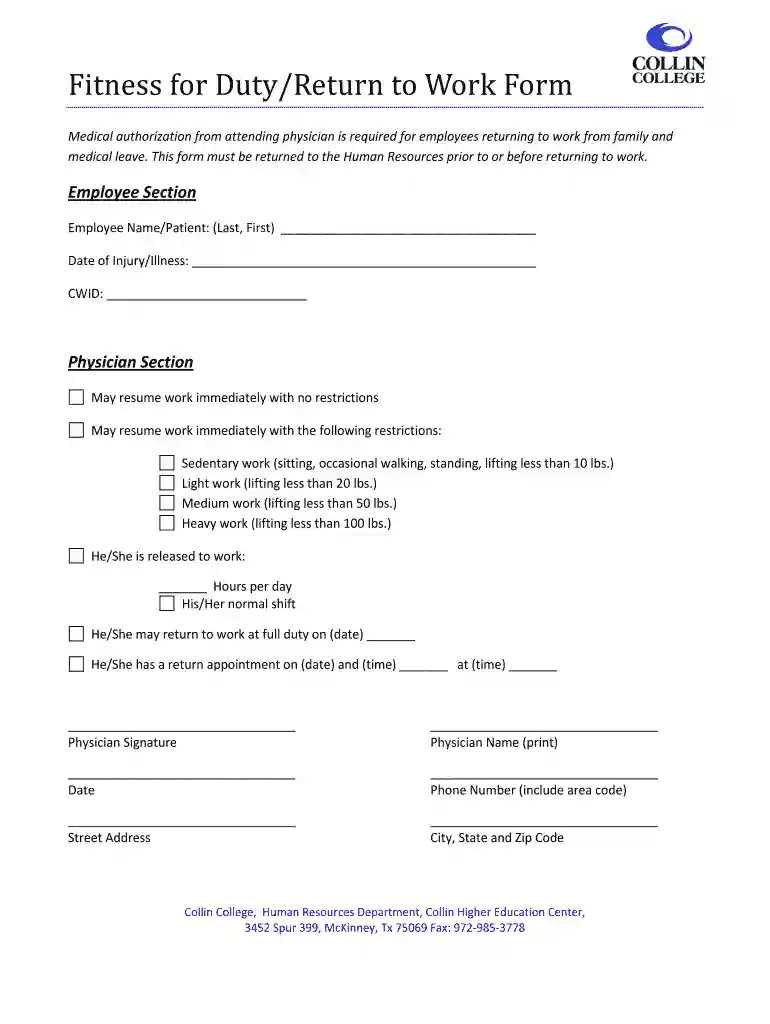
This form is for return to work purposes of a medical leave of absence due to an illness or injury, whether work or non-work related. Instructions to theRead more
Prior to returning to work, you must provide a Fitness for Duty Certification verifying whether you are able to return to work, if you have any job-relatedRead more
If an employee is absent because of an illness, the supervisor may require that the employee submit written documentation from a health care providerRead more


