

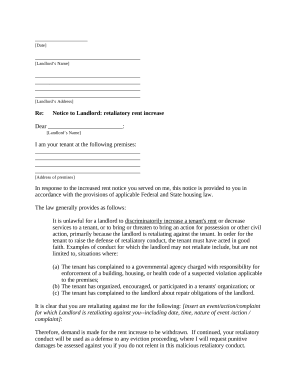
Get and manage Michigan Legal Documents online

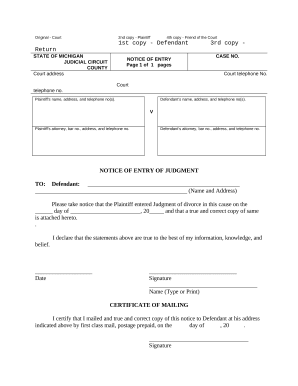
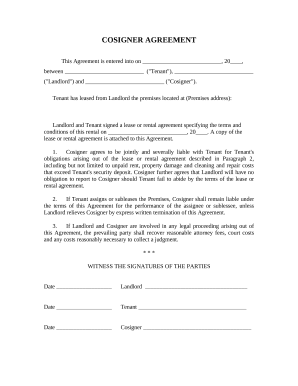
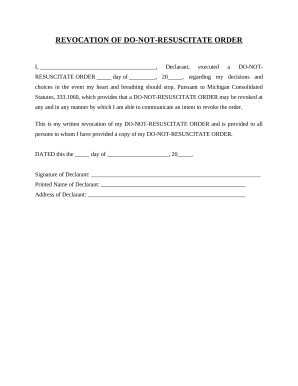
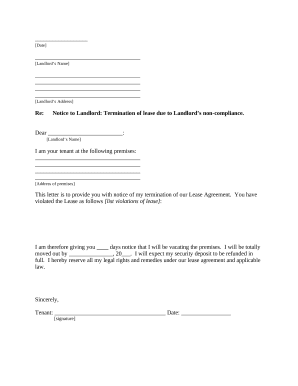
Accelerate your document administration with the Michigan Legal Documents collection with ready-made form templates that meet your needs. Get your form template, modify it, complete it, and share it with your contributors without breaking a sweat. Begin working more efficiently with the forms.

How to use our Michigan Legal Documents:

  1. Open our Michigan Legal Documents and find the form you want.
  2. Preview your form to ensure it’s what you want, and click on Get Form to begin working on it.
  3. Change, add new text, or point out important information with DocHub features.
  4. Prepare your form and save the modifications.
  5. Download or share your document template with other people.

Examine all the opportunities for your online file management with our Michigan Legal Documents. Get your totally free DocHub profile today!


Video Guide on Michigan Legal Documents management

video background

Commonly Asked Questions about Michigan Legal Documents

Official transcripts of courtroom proceedings must be ordered from the Court Reporter. Copies of official transcripts already on file with the court are available through the Court Reporter or through the PACER Service Center. A transcript to be delivered within thirty (30) calendar days after receipt of an order.
You must file a completed PC 50, Publication of Notice of Hearing Regarding Petition for Name Change, with the court. Contact the court clerk for information about when PC 50 must be submitted. C. Every person 22 years of age or older who is requesting a name change must have a criminal background check.
Serving Documents to Start a New Case You can hire a professional process server or have a friend or family member do it. The server must be over 18 and cant be a party to the case. You cannot have the other party served until after you file a summons and complaint with the court.
Michigan uses a software system called MiFILE for the e-Filing process. You can log into MiFILE on any computer with Internet access. For more information, read this e-Filing overview​.
Transcripts and recordings can be ordered through the Online Registry Website launch, provided users have an account. Anyone who is a party to a case can order a transcript or recording online. You will be able to order, track, process, pay and receive transcripts in one location.
Federal case files are maintained electronically and are available through the internet-based Public Access to Court Electronic Records (PACER) service. PACER allows anyone with an account to search and locate appellate, district, and bankruptcy court case and docket information. Register for a PACER account.
Public Access. Generally, unless access to a file is restricted by statute, court rule or an order pursuant to MCR 8.119(I), any person may inspect pleadings and other papers in a court clerks office and may obtain copies as provided in MCR 8.119(J).
Public court records can be viewed online at . Requests for copies of a public record must be submitted on a File / Copy Request Form (PDF). A specific case number or the party name is required to provide requested information.
