Handle Camps Donation Forms quickly online

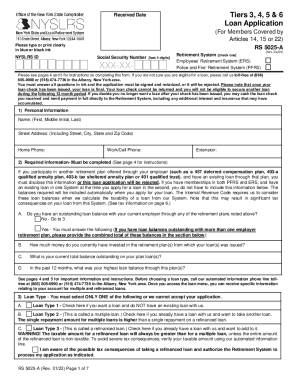
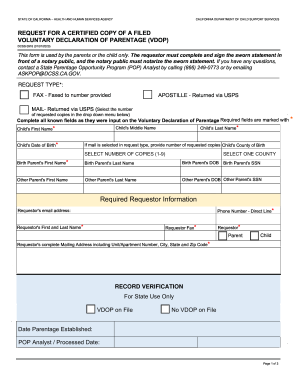
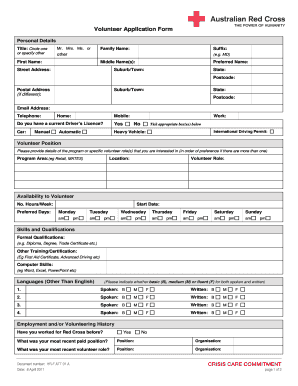
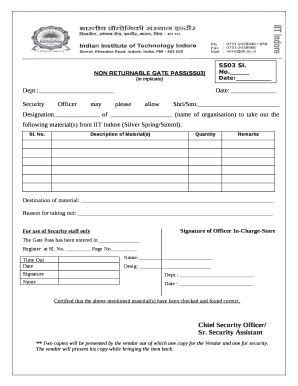
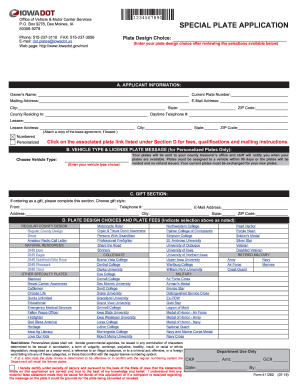
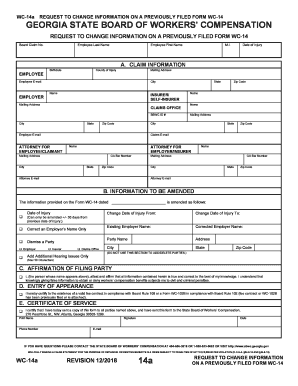
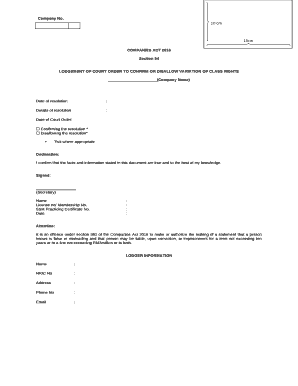
Document managing can overpower you when you can’t locate all the forms you require. Luckily, with DocHub's extensive form library, you can get everything you need and easily handle it without switching between apps. Get our Camps Donation Forms and start working with them.

How to use our Camps Donation Forms using these simple steps:

  1. Browse Camps Donation Forms and select the form you require.
  2. Review the template and click on Get Form.
  3. Wait for it to upload in the online editor.
  4. Edit your template: include new information and images, and fillable fields or blackout certain parts if required.
  5. Fill out your template, save changes, and prepare it for sending.
  6. When all set, download your form or share it with your contributors.

Try out DocHub and browse our Camps Donation Forms category easily. Get your free profile today!

Video Guide on Camps Donation Forms management

video background

Commonly Asked Questions about Camps Donation Forms

An online donation form is a website element that you embed in your website to allow your donors to give to your nonprofit. A good donation form is neat and easy to use, asking only the most vital information from donors and providing multiple payment options.
How to Write a Donation Request Letter Understand Your Audience. From past donors to potential ones, you likely have a wide audience that you can docHub out to. Tell a Powerful Story. Make the Ask. Personalize the Letter. Format Design. Express Gratitude. Proofread Edit. Measure Success Improve.
During the donation page design process, be sure to keep the following tips in mind: Brand your donation page design to match your website. Optimize your donation page design for mobile. Design your donation page with multiple giving options. Map out a minimalist donation page design.
7 Pro Tips to Build a Charitable Donation Form that Works Include suitable donation amounts. Share how gifts are used. Dont ask too many questions. Add recurring donation intervals. Use branding. Add multiple payment options. Test your donation form before sharing it with donors.
You should always have the following information on your donation receipts: Name of the organization. Donors name. Recorded date of the donation. Amount of cash contribution or fair market value of in-kind goods and services. Organizations 501(c)(3) status.
Im writing to ask you to support me and my [cause/project/etc.]. Just a small donation of [amount] can help me [accomplish task/docHub a goal/etc.]. Your donation will go toward [describe exactly what the contribution will be used for]. [When possible, add a personal connection to tie the donor to the cause.
Proof can be provided in the form of an official receipt or invoice from the receiving qualified charitable organization, but it can also be provided via credit card statements or other financial records detailing the donation.
How to Set Up a Donation Page for Fundraising Success in 8 Steps Create an interesting fundraiser title. Write a meaningful fundraiser story. Choose the best types of photos and videos for your fundraiser. Pick the right fundraising goal. Share your fundraiser to get more donations. Thank your supporters.