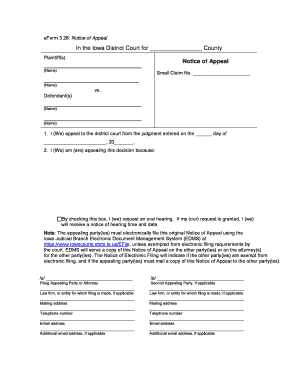
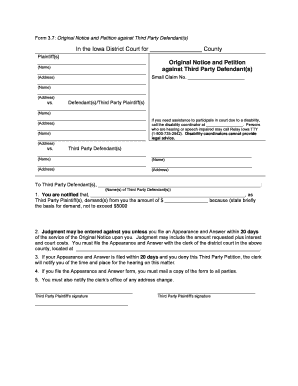
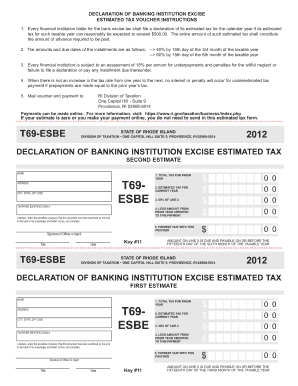
Improve your work productivity with First year Balance Sheet Templates

Document administration occupies to half of your business hours. With DocHub, it is possible to reclaim your time and increase your team's efficiency. Access First year Balance Sheet Templates online library and discover all templates relevant to your daily workflows.

Effortlessly use First year Balance Sheet Templates:

  1. Open First year Balance Sheet Templates and use Preview to get the appropriate form.
  2. Click Get Form to begin working on it.
  3. Wait for your form to upload in our online editor and begin editing it.
  4. Add new fillable fields, symbols, and images, adjust pages order, etc.
  5. Fill out your form or set it for other contributors.
  6. Download or share the form by link, email attachment, or invite.

Speed up your daily file administration using our First year Balance Sheet Templates. Get your free DocHub account today to discover all templates.

Video Guide on First year Balance Sheet Templates management

video background

Commonly Asked Questions about First year Balance Sheet Templates

The Balance Sheet Template for Excel is a pre-designed spreadsheet that allows users to enter their companys financial information, including assets, liabilities, and equity. This template is useful for businesses of all sizes, as it can be customized to fit each companys specific needs.
Heres one common example of how to structure your balance sheet: Assets section in the top left corner. Liabilities section in the top right corner. Owners equity section below liabilities. Total assets category at the bottom of the balance sheet. Combined total liabilities and owners equity category under total assets.
Balance sheets are usually prepared by company owners or company bookkeepers. Internal or external accountants can also prepare and review balance sheets. If a company is public, public accountants must look over balance sheets and perform external audits.
How to make a balance sheet in 8 steps Step 1: Pick the balance sheet date. Step 2: List all of your assets. Step 3: Add up all of your assets. Step 4: Determine current liabilities. Step 5: Calculate long-term liabilities. Step 6: Add up liabilities. Step 7: Calculate owners equity.
Steps to Preparing a Personal Balance Sheet: Make a list of all assets and the value of each asset. Create categories and categorize your assets. Total all assets by adding all the individual values together.
Net income is the final calculation included on the income statement, showing how much profit or loss the business generated during the reporting period. Once youve prepared your income statement, you can use the net income figure to start creating your balance sheet.
How to make a balance sheet Invest in accounting software. Create a heading. Use the basic accounting equation to separate each section. Include all of your assets. Create a section for liabilities. Create a section for owners equity. Add total liabilities to total owners equity.